
FLUX
Visit websiteGenerate images, video, and audio through a browser playground or API.
Verified Nov 2, 2026
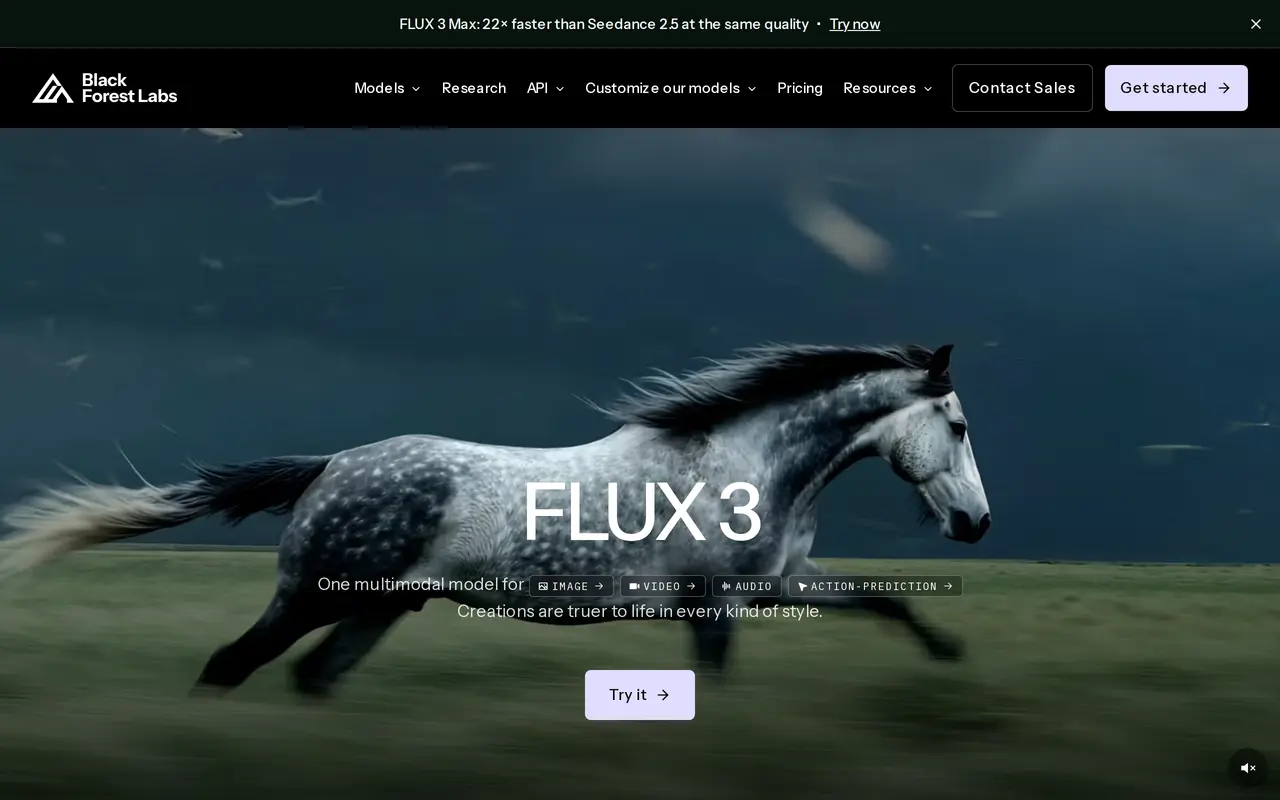
What is FLUX?
FLUX is a family of generative AI models from Black Forest Labs for creating images, video, and audio. Users can experiment in a browser playground, integrate models through an API, or deploy available open-weight models on their own infrastructure. Its image models support text-to-image and image-to-image generation, including varied visual styles, complex prompts, and text within images.
Video generation can start from text, an image, or keyframes and produce clips up to 20 seconds long, including multiple shots in one generation. Optional generated audio includes multilingual speech, sound effects, and ambience. The family also includes an action-prediction model that takes visual observations and text instructions to predict physical outcomes and robot control actions.
The hosted API uses pay-as-you-go pricing rather than subscriptions or seat fees, with image costs varying by model and resolution. Separate open-weight licensing options support self-hosting, fine-tuning, and LoRA customization, with different allowances for image volume, domains, and licensed users. Enterprise arrangements offer custom pricing, volume discounts, service-level guarantees, and dedicated support.
What can FLUX do?
Image generation and transformation
Create images from text or existing images, with support for complex prompts and text rendering.
Video with optional audio
Generate clips up to 20 seconds from text, images, or keyframes, with optional speech, sound effects, and ambience.
Browser playground
Test prompts and transform media in a browser without writing code.
Production API
Integrate FLUX models into applications with usage-based billing.
Self-hosting and customization
Deploy available open-weight models on your infrastructure and customize them under the applicable license.
Robot action prediction
Use visual observations and text instructions to predict physical outcomes and robot control actions.
Who is FLUX for?
- Developers and product teams
- Integrate image and video generation into applications through the API or self-hosted models.
- Creative teams and agencies
- Generate and transform visual media using the playground or licensed deployments.
- Robotics teams
- Explore models that connect visual observations and instructions with predicted robot actions.
How much is FLUX?
Official pricingBuilder
See website
Platform
See website
Professional
See website
Enterprise
See website
Synthetic Data
See website
Frequently asked questions
How is API usage billed?
The API uses pay-as-you-go billing without subscriptions or seat fees. Image pricing depends on the model and resolution, starting at $0.008 per image for FLUX 3 Image Klein at 768 × 768.
Can I run FLUX on my own infrastructure?
Available open-weight models can be deployed on your own infrastructure. Licensing options include fine-tuning and LoRA rights, with allowances that vary by plan.
Can I use FLUX without coding?
Yes. The browser playground lets you test prompts and transform media without writing code.
What inputs does video generation support?
Video generation accepts text, an image, or keyframes. It supports clips up to 20 seconds and optional generated audio.
FLUX alternatives
Compare alternatives- 1
 AnyAIHubGenerate and edit images and create videos using multiple AI models.
- 2
 Inkfox AIGenerate and edit images and videos for ads, product listings, and social content.
- 3
 SupaImagineGenerate and edit images and create videos with multiple AI models in one workspace.
- 4
 VioEvo AIGenerate and edit AI images and videos from prompts, photos, and clips.
- 5
 Zeva AIGenerate and edit images or create short videos from text prompts and photos.
More AI Image Generators
See more
CapCut
AI Video Editors
Edit videos, generate visuals, and add AI captions, voiceovers, and audio cleanup.

OpenArt
AI Image Generators
Generate and edit AI images, videos, characters, music, and voiceovers in one workspace.

DeepAI
AI Image Generators
Generate images, videos and music, edit photos, and chat with AI in one platform.

Adobe Firefly
AI Image Generators
Generate and edit images, videos, and audio with AI.
Artlist
AI Video Generators
Generate and edit videos, images, voiceovers, music, and 3D assets in one workspace.

Fotor
AI Photo Editors
Edit and enhance photos, generate images, and create designs with AI tools.