M Studio
Visit websiteTurn scripts and ideas into storyboards, video clips, and films with AI.
Verified Nov 2, 2026
What is M Studio?
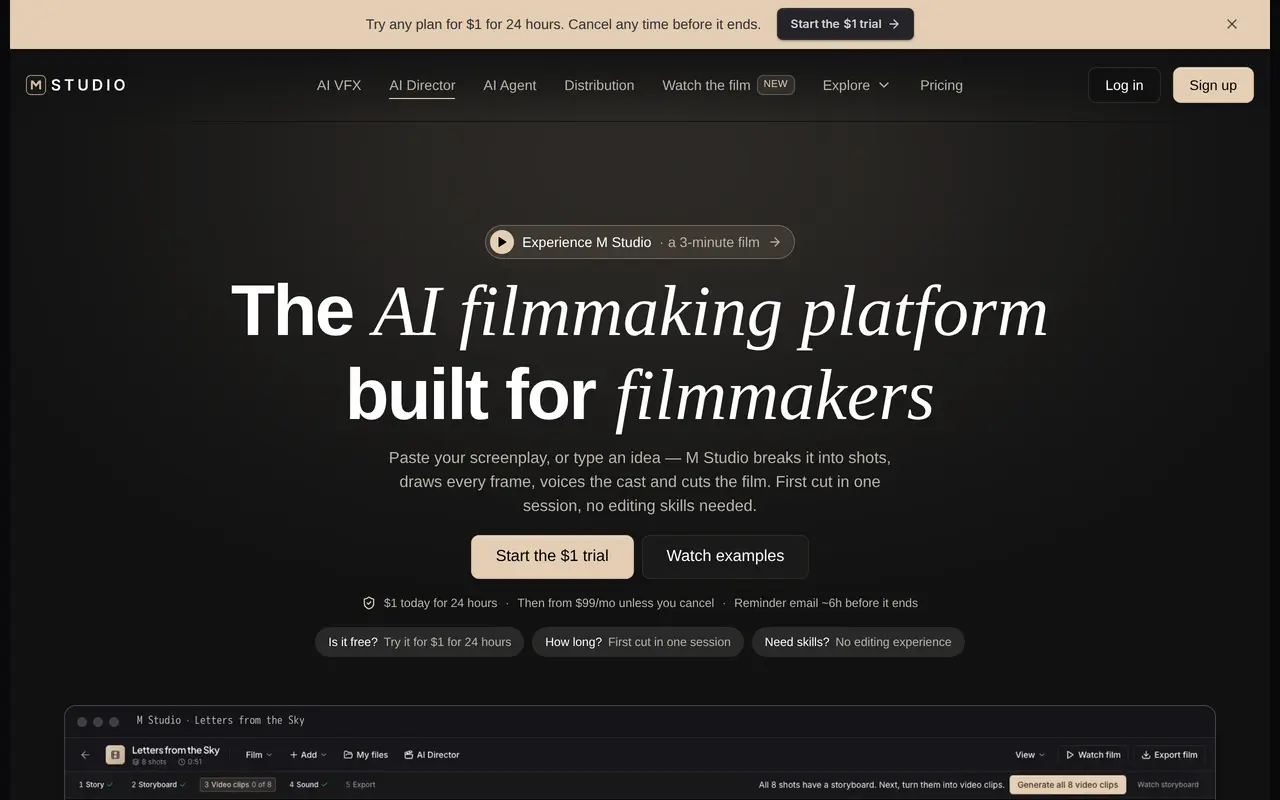
M Studio is an AI filmmaking workspace for turning a screenplay or an idea into a film. It combines script writing, shot planning, storyboard generation, video generation, voiceover, music, sound effects, and visual effects. Filmmakers can develop scenes and direct individual shots, while agencies can use a product brief to create advertising scripts, product imagery, and short campaign videos.
The production workspace includes a storyboard canvas, timeline editor, and version history for arranging shots and managing revisions. Teams can collaborate and review work before exporting it. Starter supports 1080p export, while Professional and Studio include 4K export and larger team allowances.
Subscriptions provide a shared monthly generation budget for storyboard images and video shots, with optional top-ups. Voiceover, music, and sound effects do not draw from that budget. The introductory trial costs $1 for 24 hours and covers one film’s script, its first 10 storyboard shots, scene audio, and score. Video clips, animation, and exports require the subscription to begin.
What can M Studio do?
Script and shot planning
Turn an idea or screenplay into a script and shot list for production.
AI storyboards and video
Generate storyboard frames and video shots using a shared monthly generation budget.
Voice and sound production
Create cast voiceovers, music, and sound effects alongside the film’s visuals.
Production workspace
Arrange scenes and shots with a storyboard canvas, timeline editor, and version history.
Team review and export
Collaborate on films and export in 1080p, with 4K export available on Professional and Studio.
Who is M Studio for?
- Filmmakers
- Develop scripts, visualize scenes, and produce films within one workspace.
- Advertising agencies
- Turn client briefs into ad scripts, product imagery, and short campaign videos.
- Production teams
- Collaborate on storyboards, review shots, and manage revisions before delivery.
How much is M Studio?
Official pricing24-hour trial
$1 one-time
Professional
$99/mo
Studio
$199/mo
M Studio Assistant
See website
Frequently asked questions
Is M Studio free to try?
The trial costs $1 for 24 hours. It includes one film’s script, the first 10 storyboard shots, scene audio, and score; video clips, animations, and export start with the subscription.
What happens when the trial ends?
The selected subscription starts automatically after 24 hours unless you cancel. A reminder email is sent approximately six hours before the trial ends.
How much do subscriptions cost?
Starter costs $27 per month, Professional costs $99 per month, and Studio costs $199 per month.
How do generation allowances work?
Storyboard images and video shots share a monthly generation budget. Voiceover, music, and sound effects do not consume that budget, and optional top-ups are available.
Which plans support teams and 4K export?
Professional includes 4K export and teams of up to five people. Studio includes those capabilities and supports teams of up to 20.
M Studio alternatives
Compare alternatives- 1
 PictoryCreate and edit videos from prompts, scripts, URLs, slides, images and audio.
- 2
 AI Brainrot Video GeneratorTurn ideas, scripts and PDFs into short videos with AI voices and timed captions.
- 3
 ByThenCreate narrated videos with AI scripts, consistent visuals, voiceovers, and editing.
- 4
 TapVidCreate and edit AI explainer videos from scripts, PDFs, prompts, and brand assets.
- 5
 Drama.LandCreate AI music videos, short films, and social clips from ideas and references.
More AI Video Generators
See more
CapCut
AI Video Editors
Edit videos, generate visuals, and add AI captions, voiceovers, and audio cleanup.

OpenArt
AI Image Generators
Generate and edit AI images, videos, characters, music, and voiceovers in one workspace.

DeepAI
AI Image Generators
Generate images, videos and music, edit photos, and chat with AI in one platform.

Pixelcut
AI Product Photography
Generate and edit product photos, brand images, and videos with AI.

VEED
AI Video Editors
Generate, edit, subtitle, and dub videos with AI in one platform.

Adobe Firefly
AI Image Generators
Generate and edit images, videos, and audio with AI.