
HeyGen
Visit websiteCreate avatar-led videos and translate existing footage with voice cloning and lip sync.
Verified Nov 2, 2026
What is HeyGen?
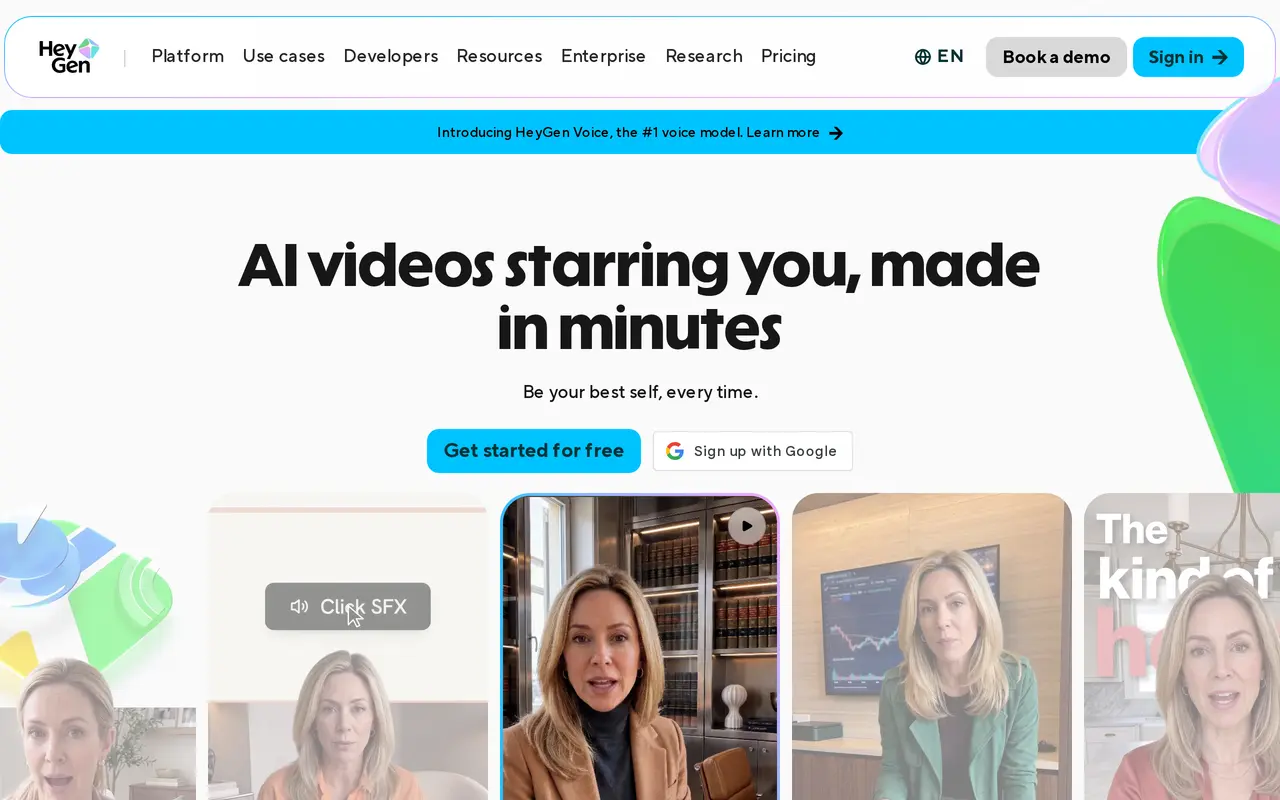
HeyGen is an AI video creation and translation platform for creators, educators, and business teams. It generates presenter-led videos from scripts, images, audio, or PowerPoint and PDF files. Users can choose a stock presenter or create a personal avatar using their own likeness and voice. Custom avatars require on-camera identity verification from the person depicted.
To make a video, users select an avatar, add a script, choose a voice and language, and adjust the visuals before generating and exporting. AI Studio provides text-based controls for delivery, pacing, gestures, and emotion, alongside captions, branding, and collaboration tools. Video Agent can build a video from a prompt, combining presenter footage, motion graphics, and supporting visuals that remain editable.
HeyGen also translates uploaded videos or footage linked from YouTube, using voice cloning and lip sync to adapt the speaker’s delivery. Paid plans support more than 175 languages and dialects. A free plan allows three watermarked videos per month, each up to one minute; paid plans use credits, with consumption depending on the model, duration, and generation complexity. Developers can access video generation, translation, and lip-sync capabilities through APIs.
What can HeyGen do?
Personal and stock avatars
Choose a ready-made presenter or create a verified custom avatar with your own likeness and voice.
Prompt-to-video generation
Generate videos with presenter footage, motion graphics, and supporting visuals from an idea or script.
Script-based video editing
Adjust speech, pacing, gestures, emotion, text, colors, and layouts in AI Studio.
Video translation and lip sync
Translate uploaded footage or YouTube videos while adapting the voice and lip movements to the translated speech.
Document and audio inputs
Turn PowerPoint slides, PDFs, images, or audio into videos with avatars and voiceovers.
Team production tools
Use comments, tagging, shared editing, brand kits, and automatic captions to coordinate video production.
Who is HeyGen for?
- Content creators
- Produce avatar-led social clips, explainers, and other videos without recording every presentation.
- Educators and training teams
- Turn lessons, slides, and onboarding materials into narrated videos and multilingual courses.
- Marketing and sales teams
- Create product demonstrations, promotional videos, and personalized outreach content.
- Localization teams
- Translate existing video libraries with cloned voices, translated scripts, and synchronized lip movements.
How much is HeyGen?
Official pricingFree
Free
Creator
$29/mo
Pro
$49/mo
Business
$149/mo
Pro — 100,000 credits
$4,300/mo
Free plan: HeyGen offers three watermarked videos per month, up to one minute each, with limited access to premium features.
Frequently asked questions
Can I use HeyGen for free?
Yes. The Free plan requires no credit card and includes three watermarked videos per month, each up to one minute, plus limited access to premium features.
How much do paid plans cost?
Creator costs $29 per month, or $24 per month billed yearly. Pro starts at $49 per month, while Business costs $149 per month plus $20 per seat per month.
How do credits work?
Paid plans include credits shared across creation features. Usage varies by AI model, video duration, and generation complexity; unused monthly credits roll over for one additional month, while annual-plan credits accumulate until renewal.
Does creating a personal avatar require verification?
Yes. Every custom avatar requires on-camera identity verification from the person depicted.
Can I translate an existing video?
Yes. Upload a video file or paste a YouTube link to translate it with voice cloning and lip sync. Paid plans support more than 175 languages and dialects.
Can developers integrate HeyGen into applications?
Yes. HeyGen offers APIs for Video Agent, video generation, translation, and lip sync.
HeyGen alternatives
Compare alternatives- 1
 Lipsync StudioCreate talking and singing videos from images, audio, text, or existing footage.
- 2
 Lipsync.videoCreate AI video clips and synchronize speech or singing with photos, videos, and avatars.
- 3
 Vidnoz AICreate avatar-led videos from text with AI voices, templates, and translation.
- 4
 WizstarCreate AI videos, product ads, talking avatars, and localized content.
- 5
 VEEDGenerate, edit, subtitle, and dub videos with AI in one platform.