GenCrafters
Visit websiteGenerate and edit AI images and videos using multiple models in one workspace.
Verified Nov 2, 2026
What is GenCrafters?
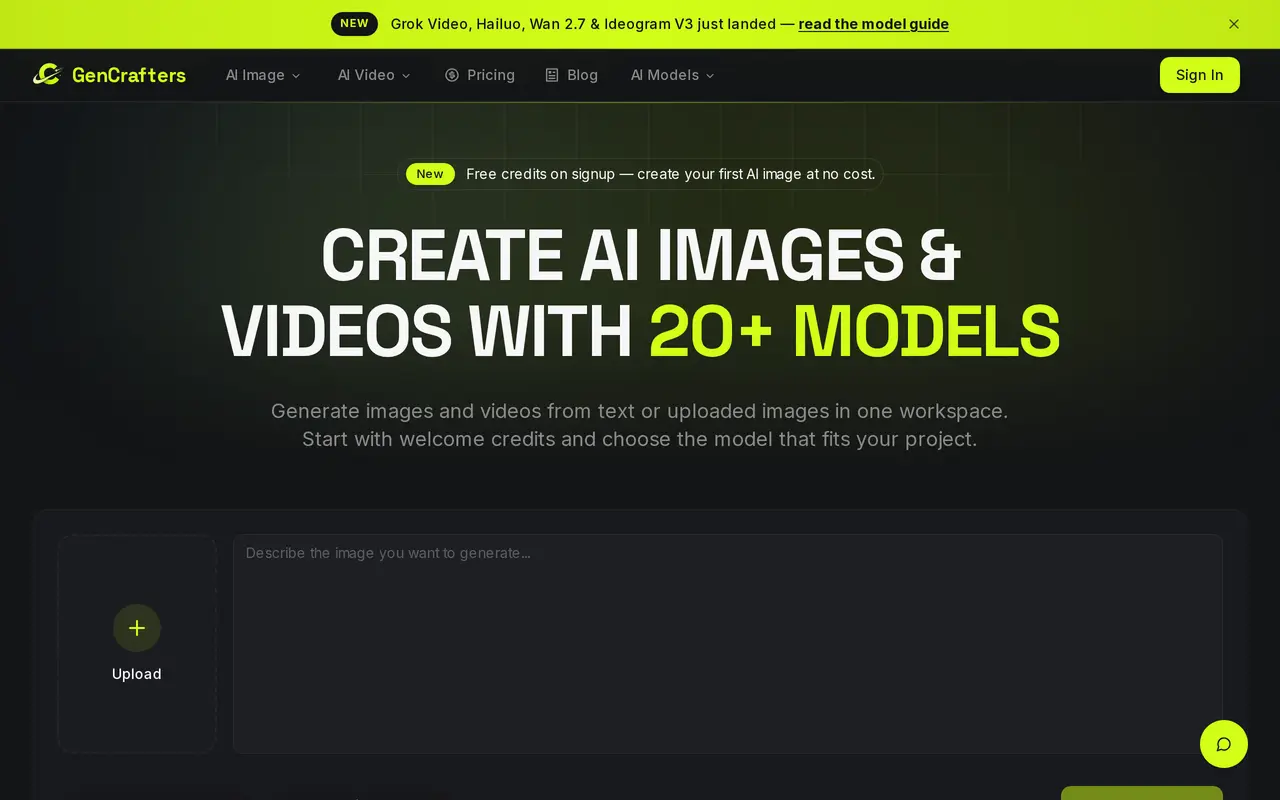
GenCrafters is a web-based workspace for creating AI images and videos from text prompts or uploaded images. It brings together more than 20 models, including Flux, GPT Image, Kling, Sora, and Veo options, so users can choose a model for each project without switching services. Its tools cover general image generation, photo-to-video creation, ecommerce product visuals, and product image-to-video ads.
Users enter a prompt or upload a reference image, select a model and available settings, then generate and download the result. Image options include different artistic styles, aspect ratios, and resolutions, with outputs up to 4K depending on the model. GenCrafters also offers image enhancement, upscaling, and editing tools. Generated images include commercial usage rights without an attribution requirement.
Generation uses credits, with the cost displayed before creation. Costs depend on the model, generation mode, output size, and video duration. New accounts receive welcome credits, while additional usage is available through non-expiring credit packs or subscriptions.
What can GenCrafters do?
Multiple generation models
Choose among more than 20 image and video models within one workspace.
Prompt and reference-image input
Create images or videos from a text description or an uploaded image.
Product visuals and video ads
Generate ecommerce product image variations and turn product images into video ads.
Image editing and enhancement
Upscale, enhance, and transform existing images using AI editing tools.
Styles and output settings
Select artistic styles, aspect ratios, and model-dependent output resolutions up to 4K.
Upfront credit costs
See the credit cost for your selected model and settings before starting a generation.
Who is GenCrafters for?
- Artists and designers
- Explore visual concepts, artistic styles, and image variations from prompts or references.
- Ecommerce sellers
- Create product visuals and short product video ads for campaigns.
- Content creators
- Generate images and videos for social media and other creative projects.
How much is GenCrafters?
Official pricingStarter
$4.99 one-time
Growth
$9.99 one-time
Popular
$19.99 one-time
Pro
$49.99 one-time
Business
$99.99 one-time
Enterprise
$199.99 one-time
Free plan: New accounts receive welcome credits to generate their first images for free.
Frequently asked questions
Can I try GenCrafters for free?
New accounts receive welcome credits to generate their first images at no charge.
Can I use generated images commercially?
Generated images include commercial usage rights without attribution, including use in marketing, products, social media, and print.
How much does each generation cost?
Credit costs vary by model, variant, generation mode, output size, and video duration. The generator displays the cost before you create.
Do purchased credits expire?
Credit-pack credits never expire. Unused subscription credits remain in your balance.
Are credit purchases refundable?
Credit purchases are final and non-refundable unless required by law. Billing issues can be raised with support.
What image resolutions are available?
Images can be generated at resolutions up to 4K, depending on the model. Supported output sizes, aspect ratios, and modes are shown in the generator.
GenCrafters alternatives
Compare alternatives- 1
 Inkfox AIGenerate and edit images and videos for ads, product listings, and social content.
- 2
 SupaImagineGenerate and edit images and create videos with multiple AI models in one workspace.
- 3
 AnyAIHubGenerate and edit images and create videos using multiple AI models.
- 4
 BerriooGenerate and edit images, create short videos, and turn scripts into speech.
- 5
 Nanobanana2.1Generate and edit images with reference photos, inpainting, and up to 4K output.
More AI Image Generators
See more
CapCut
AI Video Editors
Edit videos, generate visuals, and add AI captions, voiceovers, and audio cleanup.

OpenArt
AI Image Generators
Generate and edit AI images, videos, characters, music, and voiceovers in one workspace.

DeepAI
AI Image Generators
Generate images, videos and music, edit photos, and chat with AI in one platform.

Adobe Firefly
AI Image Generators
Generate and edit images, videos, and audio with AI.
Artlist
AI Video Generators
Generate and edit videos, images, voiceovers, music, and 3D assets in one workspace.

Fotor
AI Photo Editors
Edit and enhance photos, generate images, and create designs with AI tools.