Best PDF.ai alternatives
Short on time? Start with what matters most to you.
Top PDF.ai alternatives, reviewed
What each one does well, who it suits and what it costs.

1. PDFgear
Free
PDFgear is a free PDF editor that combines document editing and conversion tools with an AI assistant for working with PDF content. Users can chat with documents, ask questions to find relevant information, and generate summaries. Its PDF Copilot adds an assistant-based way to interact with PDFs alongside…
- AI document chat
- PDF editing
- OCR in 30+ languages
Best for Business users, Students and educators
Full review: PDFgear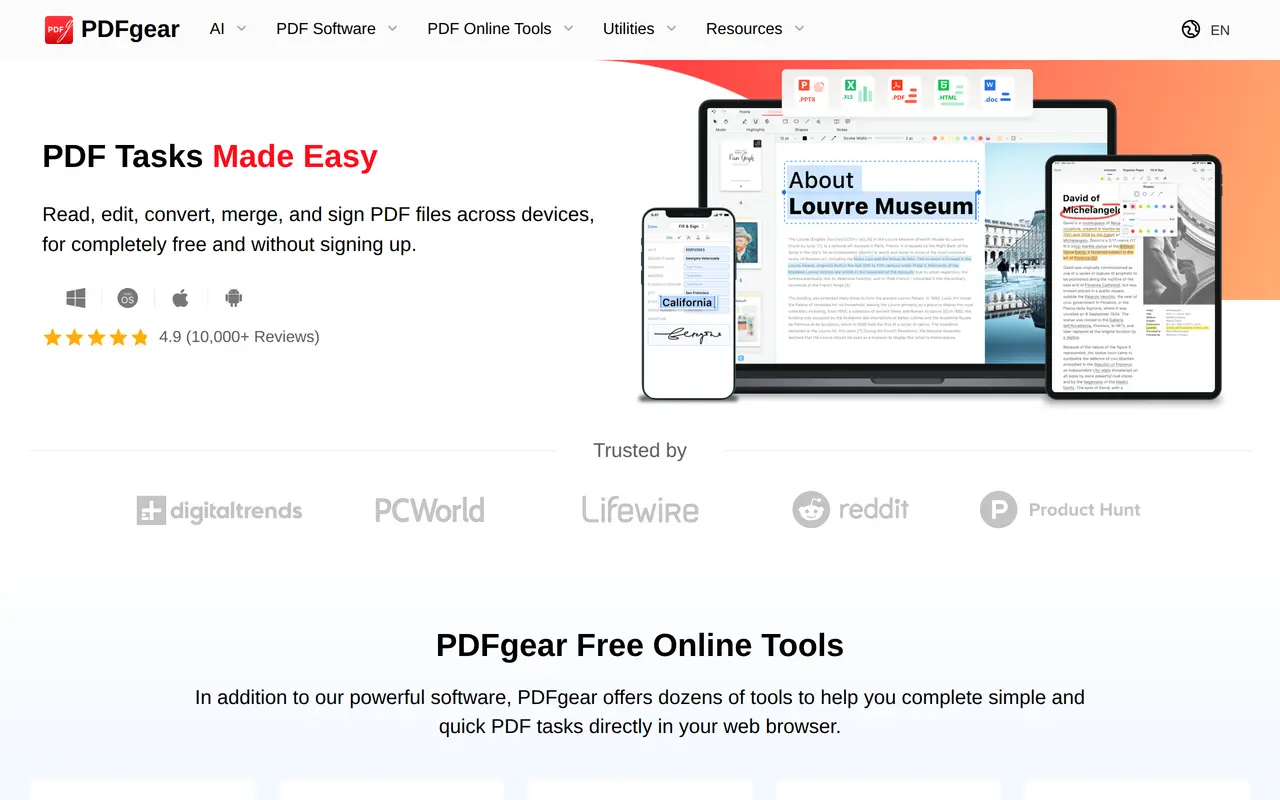

2. PDF Guru
Freemium
PDF Guru is a browser-based document toolkit that combines AI PDF summarization with editing, conversion, and electronic signing. Users can upload a document, change its text or formatting, add comments and images, and download the result in a chosen format. PDF uploads can be up to 100 MB, and no software…
- AI PDF summarization
- Text editing and annotations
- OCR for scanned documents
Best for Document-heavy office teams, HR and finance staff, Real estate professionals
Full review: PDF Guru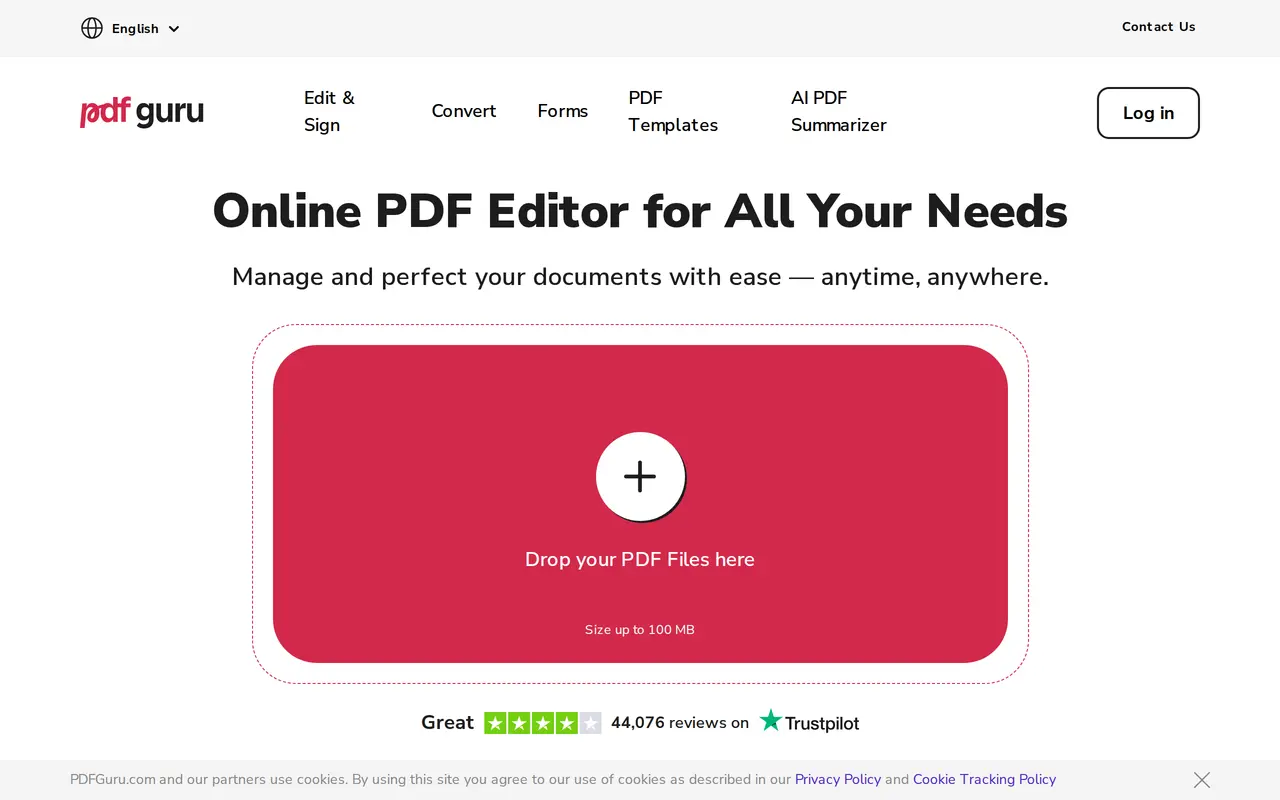

3. RemoveHandwriting
FreemiumFrom $3.90/mo
RemoveHandwriting uses AI to erase handwritten notes, answers, and annotations from document images and PDFs while aiming to retain printed text, tables, diagrams, and page layout. It is designed for tasks such as creating reusable worksheets, cleaning marked-up office paperwork, and preparing scanned records for…
- Handwriting removal
- Selected-area cleanup
- PDF and bulk processing
Best for Teachers and tutors, Students and parents, Office and records teams
Full review: RemoveHandwriting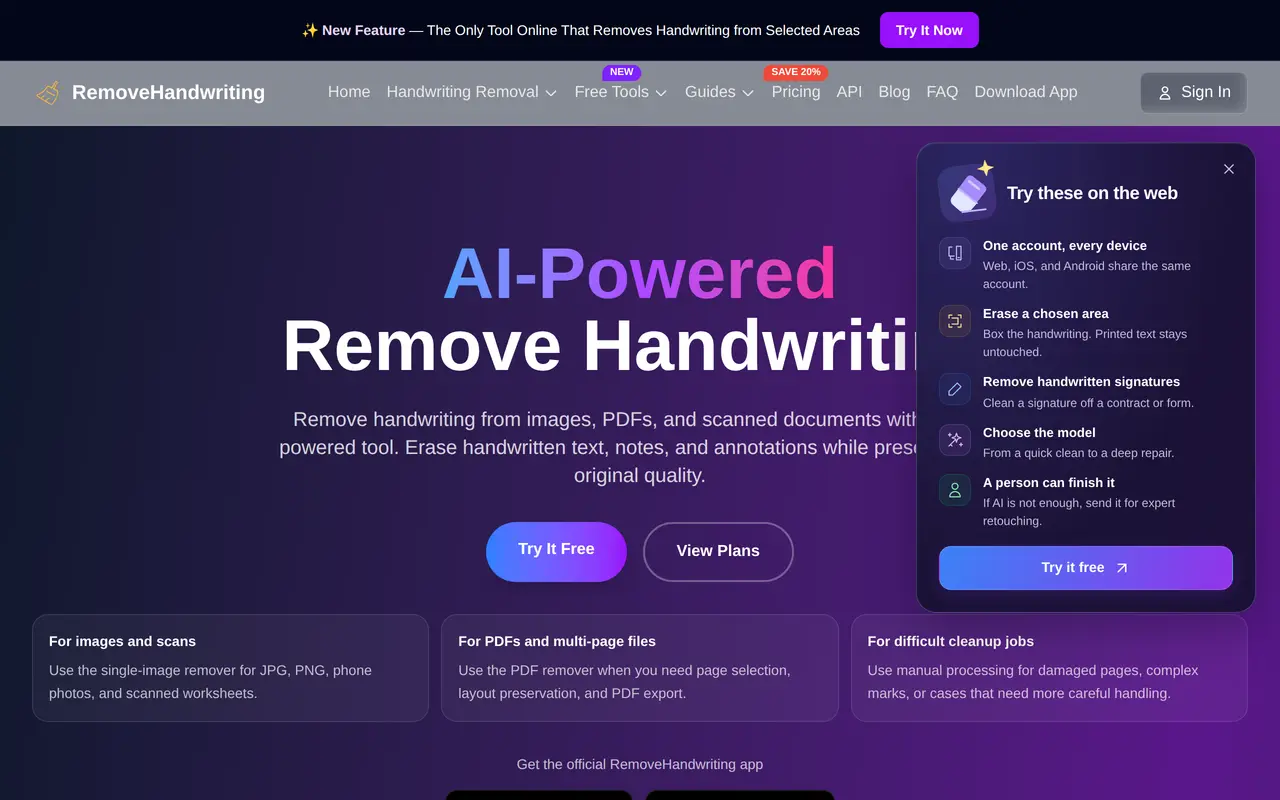

4. Chatbot App
FreemiumFrom $29.99/mo
Chatbot App is a web-based AI assistant that brings multiple third-party language models into one chat interface. Users can ask questions, draft text, summarize material, and analyze images. It connects to model providers through APIs rather than developing or owning the models itself. The app supports conversations…
- Multi-model chat
- File-based conversations
- Web search and research
Best for Everyday AI users, Document-heavy workers, Multi-model users
Full review: Chatbot App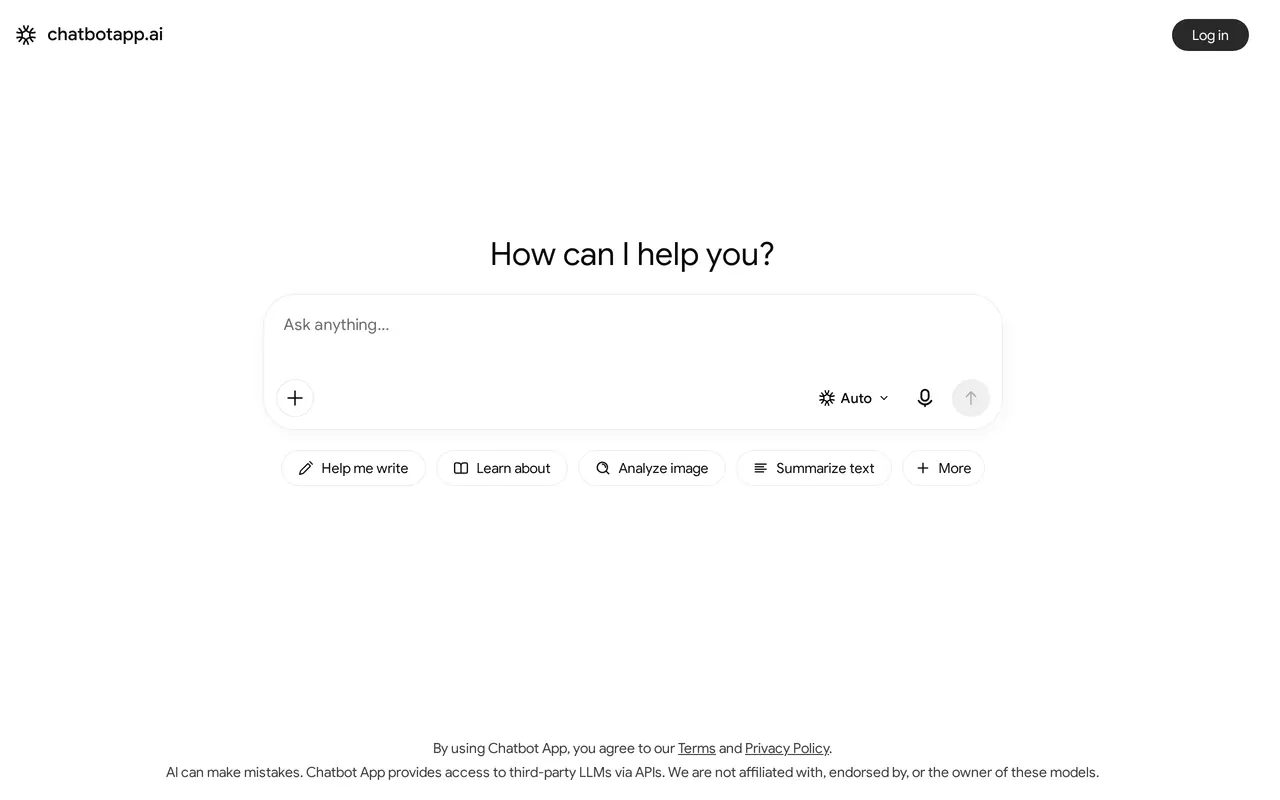

5. NoteGPT
FreemiumFrom $9.99/mo
NoteGPT combines an AI task agent with tools for summarizing, researching, writing, and creating media. Users describe a goal, and the agent breaks it into steps, selects tools, searches the web, and produces editable files. It routes tasks across models from GPT, Claude, Gemini, and DeepSeek, and supports follow-up…
- Multi-step task agent
- Summaries and transcription
- Research with sources
Best for Educators and students, Researchers, Professionals, Content creators
Full review: NoteGPT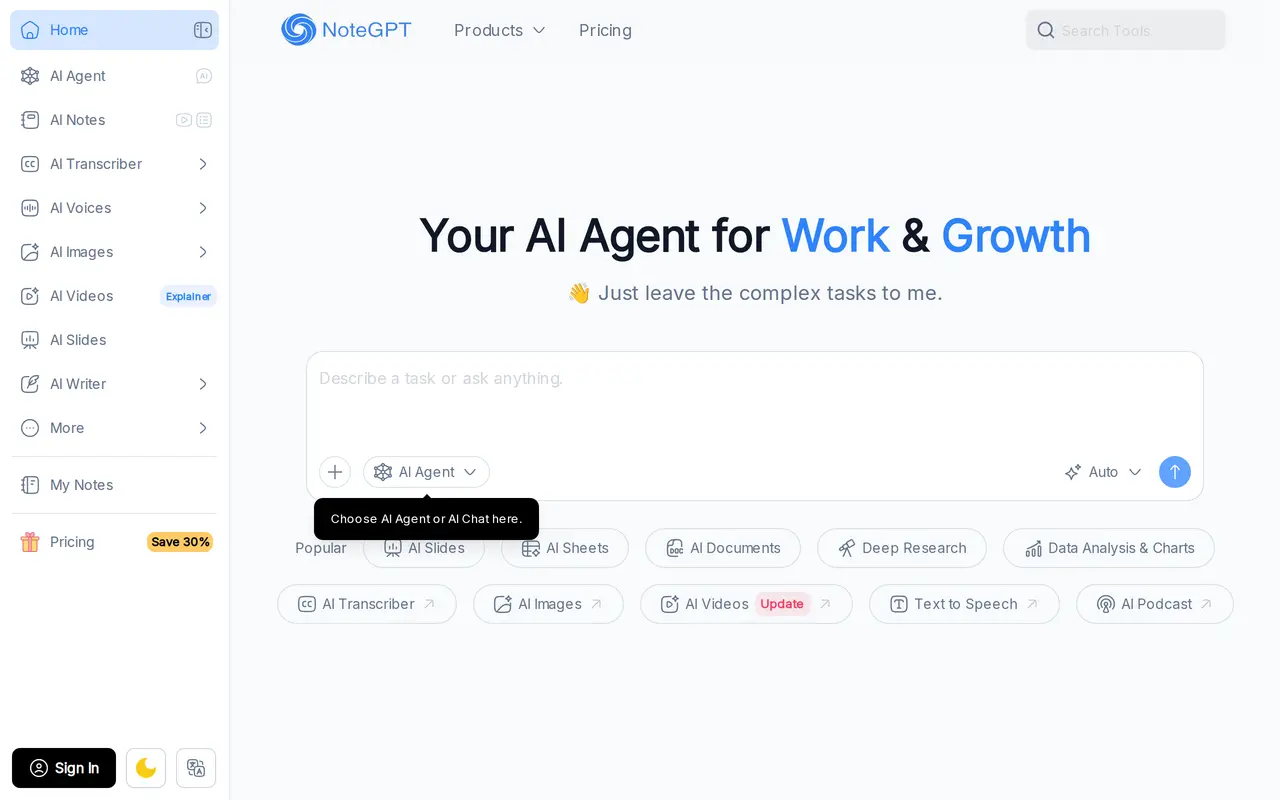

6. Sightengine
FreemiumFrom $29/mo
Sightengine provides AI APIs for moderating images, videos, text, and audio. Developers can use it to screen user uploads, enforce platform rules, and detect unwanted content across more than 150 visual moderation classes, including violence, hate, weapons, and self-harm. Text checks also cover personal information…
- Multimodal content moderation
- AI-generated media detection
- Embedded text and QR checks
Best for Platform developers, Trust and safety teams, Marketplaces, Identity and onboarding teams
Full review: Sightengine

7. Cursor
FreemiumFrom $8/mo
Cursor is an AI coding editor and agent that helps developers turn instructions into working software. Users can request targeted code edits, ask an agent to plan a feature, or delegate implementation tasks across a codebase. It combines context-aware completions, code navigation, and model selection with agent…
- Code editing and planning
- Parallel cloud agents
- Terminal workflow
Best for Software developers, Engineering teams, Enterprise engineering organizations
Full review: Cursor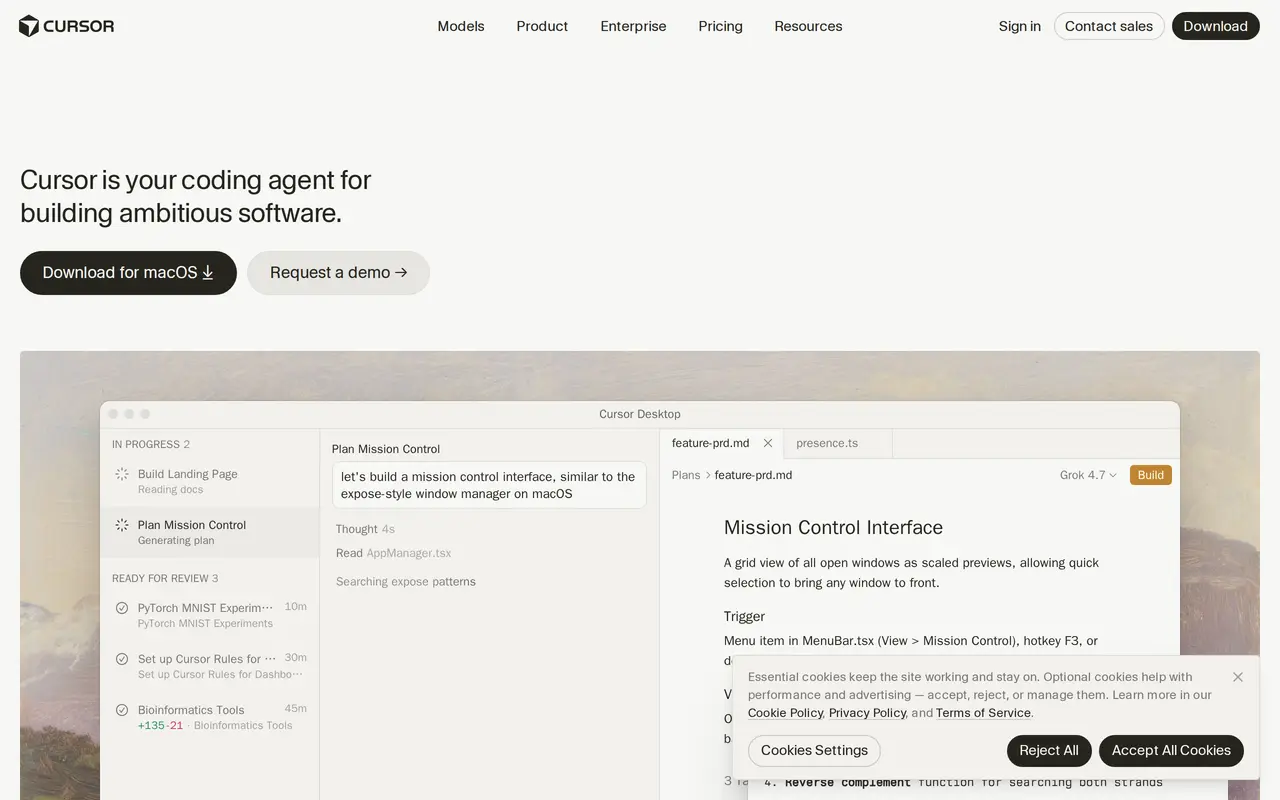

8. JetBrains
Freemium
JetBrains offers development tools that combine language-specific IDEs, AI coding capabilities, and tools for software teams. Its IDE lineup includes IntelliJ IDEA, PyCharm, WebStorm, Rider, and CLion, covering Java, Kotlin, Python, JavaScript, .NET, C++, and other languages. Developers can navigate code, receive…
- AI coding and agent workflows
- Language-specific IDEs
- Built-in development tools
Best for Software developers, Development teams, Engineering organizations
Full review: JetBrains

9. Cline
Open source
Cline is an open-source AI coding agent that can explore codebases, make coordinated changes across files, and run terminal commands. It works through editor extensions, a standalone desktop app, and a command-line interface. Developers can also embed its agent runtime in their own applications using the SDK. Its…
- Plan and Act modes
- Multi-file code changes
- Live terminal execution
Best for Software developers, Engineering teams, Application builders
Full review: Cline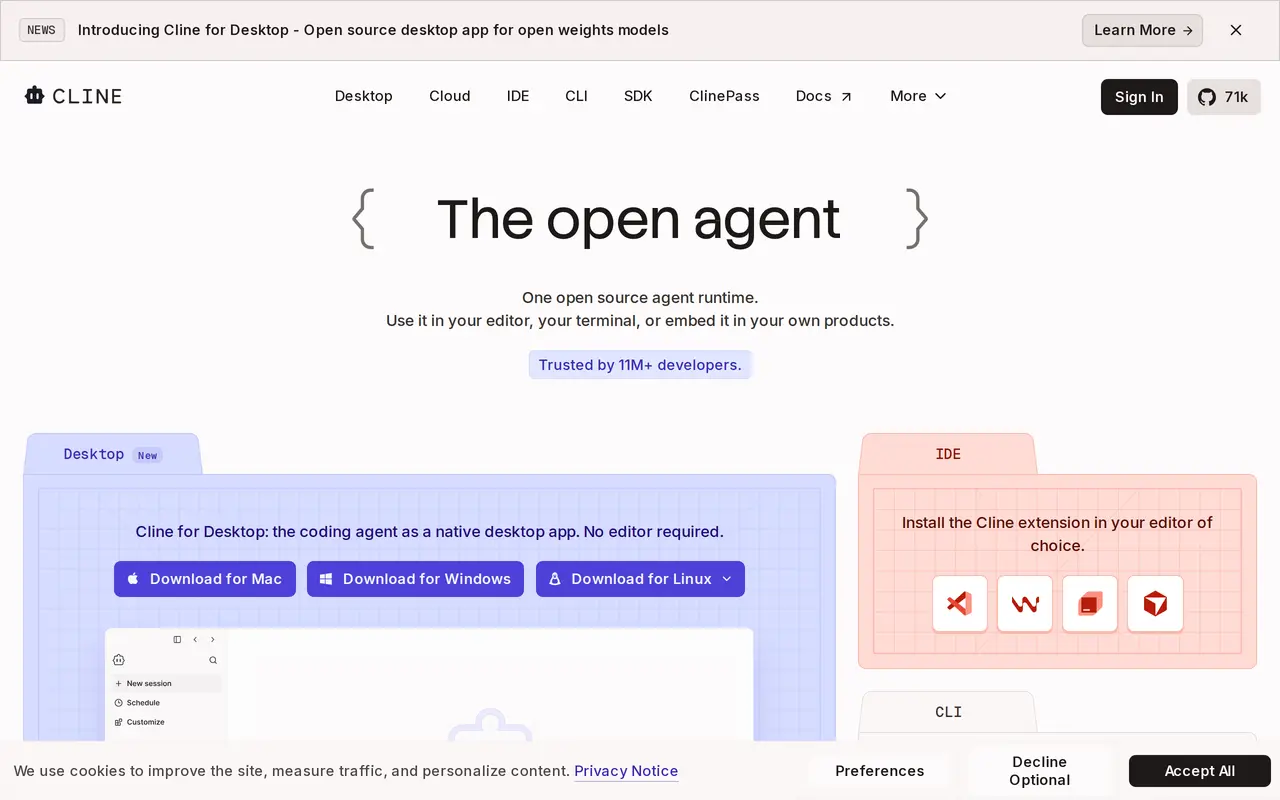

10. CodeRabbit
Free trialFrom $24/mo
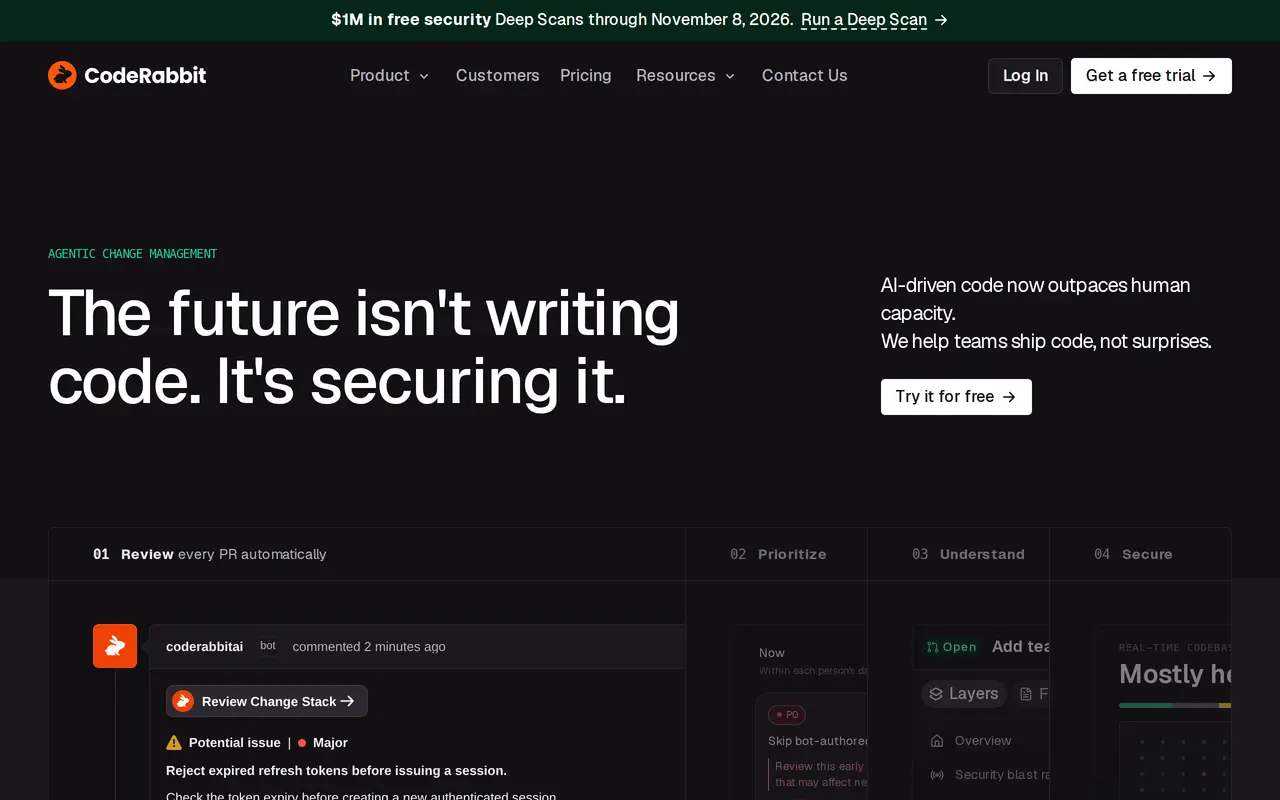
CodeRabbit helps software teams review and manage code changes with AI. It reviews pull requests automatically, explains proposed changes, flags potential issues, and offers code fixes. Developers can also run reviews through a CLI, in an IDE, or within coding-agent workflows before opening a pull request. Reviews…
- Context-aware code review
- Pull request triage
- Change explanations
Best for Software developers, Engineering teams, Security teams
Full review: CodeRabbit