
PDF.ai
Visit websiteChat with PDFs and use AI APIs to parse, extract, and split documents.
Verified Nov 2, 2026
What is PDF.ai?
PDF.ai lets users upload PDFs, ask questions about their contents, request summaries, and find information through a chat interface. It combines document conversations with AI-powered OCR for reading scanned content. Paid plans increase upload and question allowances, while higher tiers add advanced AI models and team features.
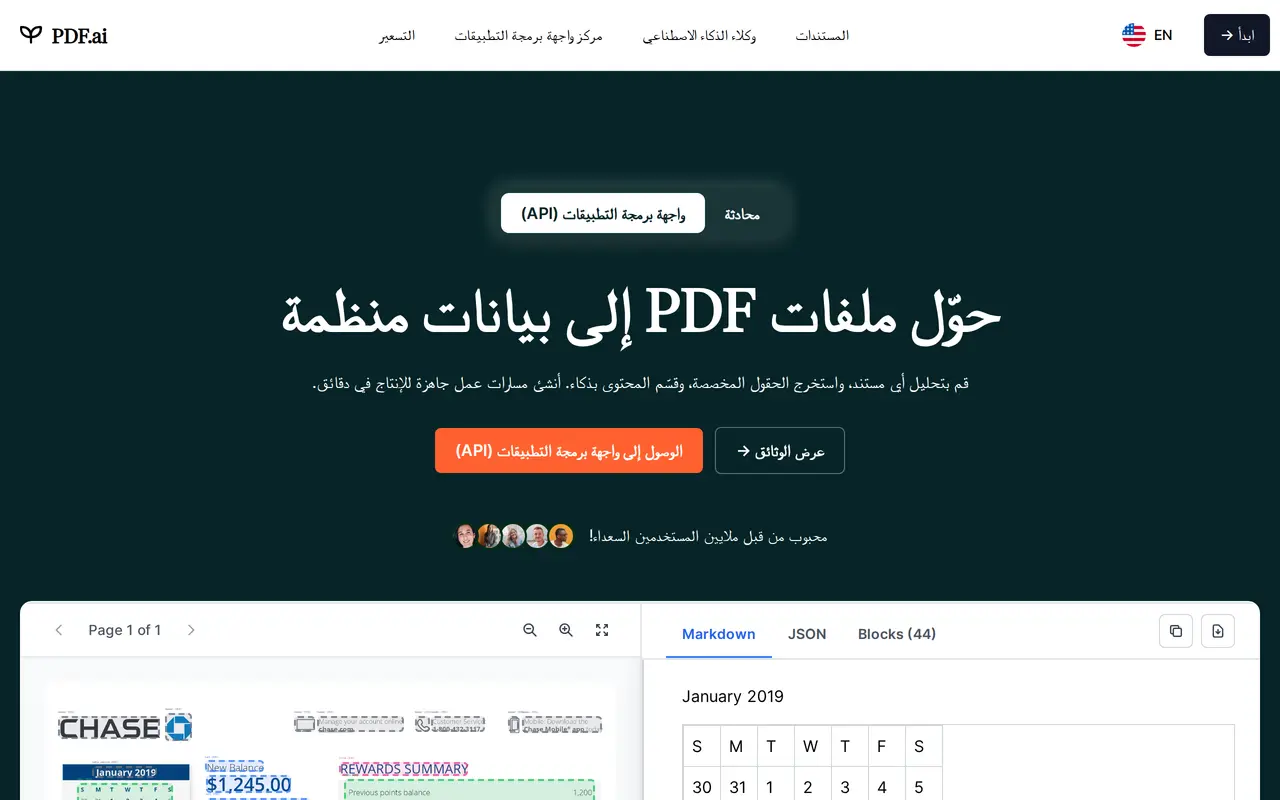
For developers, PDF.ai provides APIs for document parsing, field extraction, splitting, and chat. Its parsing tools use OCR and layout detection to turn PDFs into structured data containing headings, paragraphs, tables, and figures. Custom prompts can extract specific fields, such as names, dates, and amounts, or identify sections to separate into individual documents. Developers can integrate these capabilities through REST endpoints using an API key.
The product is available through the web and a Chrome extension. A free Hobby plan supports one PDF upload and 100 monthly questions, with file-size and OCR limits that increase on paid plans.
What can PDF.ai do?
PDF chat and summaries
Ask questions, request summaries, and find information in uploaded PDF documents.
OCR and layout parsing
Convert PDFs into structured data with headings, paragraphs, tables, and figures using OCR and layout detection.
Custom field extraction
Use prompts to extract specific document fields, including names, dates, and amounts.
Intelligent document splitting
Define sections and let AI identify and separate them within a PDF.
Document processing APIs
Integrate parsing, extraction, splitting, and document chat into applications through REST endpoints.
Chrome extension
Access PDF.ai through a Chrome browser extension.
Who is PDF.ai for?
- Students
- Ask questions about reading materials and summarize PDF documents.
- Developers
- Build document parsing, extraction, and conversational features into applications.
- Document-heavy teams
- Find information in PDFs and extract structured data for recurring workflows.
How much is PDF.ai?
Official pricingHobby
Free
Pro
$120/yr
Ultimate
$240/yr
Enterprise
$360/yr
Free plan: Hobby is free forever with one PDF upload and 100 questions per month.
Frequently asked questions
Can I use PDF.ai for free?
The Hobby plan is free forever and includes one PDF upload, 100 monthly questions, a 10 MB maximum file size, and OCR for two pages per file.
How much do the paid plans cost?
With yearly billing, Pro costs $120 per year, Ultimate costs $240 per user per year, and Enterprise costs $360 per user per year.
Can PDF.ai read scanned PDFs?
Yes. AI-powered OCR supports two pages per file on Hobby, 10 on Pro, 50 on Ultimate, and 100 on Enterprise.
Does PDF.ai offer an API?
Yes. Its APIs support document parsing, data extraction, document splitting, and conversational questions about documents.
What are the upload limits?
Hobby allows one PDF upload, Pro allows 100, and Ultimate and Enterprise allow unlimited uploads. Maximum file sizes are 10 MB, 50 MB, 50 MB, and 100 MB respectively.
PDF.ai alternatives
Compare alternatives- 1
 PDFgearEdit, convert, and organize PDFs with AI chat and document summaries.
- 2
 PDF GuruEdit, convert, sign, and summarize PDFs with AI in your browser.
- 3
 RemoveHandwritingRemove handwritten notes from images and PDFs and restore scanned documents.
- 4
 Chatbot AppChat with multiple AI models, analyze files, search the web, and generate images.
- 5
 NoteGPTAn AI agent for research, summaries, documents, slides, and multimedia creation.