
PDF Guru
Visit websiteEdit, convert, sign, and summarize PDFs with AI in your browser.
Verified Nov 2, 2026
What is PDF Guru?
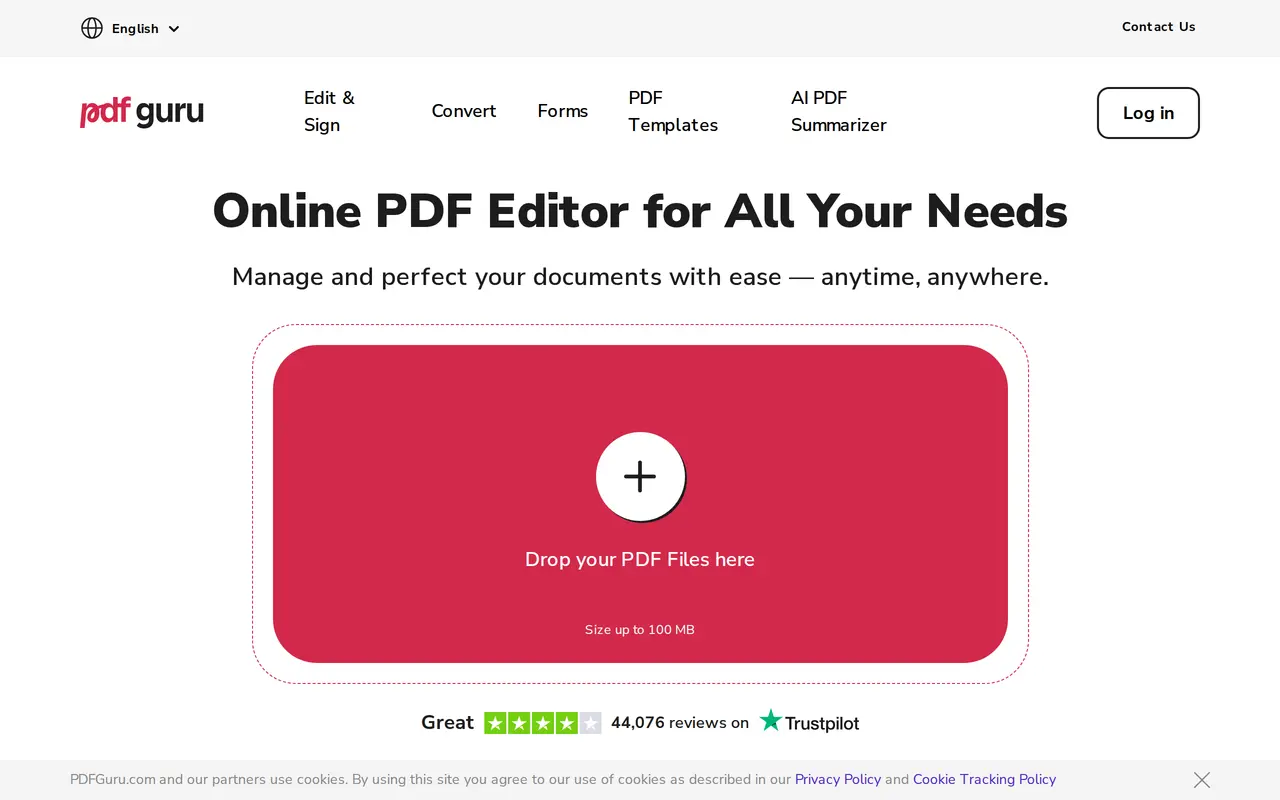
PDF Guru is a browser-based document toolkit that combines AI PDF summarization with editing, conversion, and electronic signing. Users can upload a document, change its text or formatting, add comments and images, and download the result in a chosen format. PDF uploads can be up to 100 MB, and no software installation is required.
Its AI summarizer condenses long PDFs, while optical character recognition makes scanned documents searchable and editable. The editing tools support highlighting, shapes, annotations, and fillable forms. Users can also merge or split files, rearrange pages, compress documents, and convert between PDF and formats such as Word, Excel, PowerPoint, and common image types.
PDF Guru includes ready-made forms for tax, HR, financial, and real estate tasks. The first file download is free; continued use requires a monthly or yearly subscription. Subscriptions can be canceled through account settings or customer support, with access continuing until the paid billing period ends.
What can PDF Guru do?
AI PDF summarization
Condense long PDF documents into summaries using AI.
Text editing and annotations
Update PDF text and fonts, highlight sections, and add comments, images, or shapes.
OCR for scanned documents
Make scanned files searchable and editable, and extract text from images.
File conversion
Convert between PDF, Office documents, images, ebooks, and other supported formats.
Forms and electronic signatures
Fill ready-made forms and add electronic signatures to documents.
PDF organization
Merge, split, compress, rotate, reorder, or delete PDF pages.
Who is PDF Guru for?
- Document-heavy office teams
- Edit, summarize, convert, and organize everyday business documents.
- HR and finance staff
- Complete ready-made forms and sign tax, HR, and financial paperwork.
- Real estate professionals
- Fill real estate forms, annotate documents, and add electronic signatures.
How much is PDF Guru?
Monthly
See website
Yearly
See website
Free plan: The first file download is free; continued use requires a subscription.
Frequently asked questions
Can I use PDF Guru for free?
Your first file download is free. Continued use requires a subscription.
Do I need to install software?
No. PDF Guru runs in your browser.
What is the PDF upload limit?
PDF files can be up to 100 MB.
Can it work with scanned PDFs?
Yes. Its OCR tools make scanned documents searchable and editable, and can extract text from images.
How are uploaded files protected?
PDF Guru uses SSL encryption during upload and AES encryption for files stored on its servers.
How do I cancel a subscription?
Cancel through your account settings or contact customer support. Access remains available until the end of your paid billing period.
PDF Guru alternatives
Compare alternatives- 1
 PDFgearEdit, convert, and organize PDFs with AI chat and document summaries.
- 2
 PDF.aiChat with PDFs and use AI APIs to parse, extract, and split documents.
- 3
 RemoveHandwritingRemove handwritten notes from images and PDFs and restore scanned documents.
- 4
 Chatbot AppChat with multiple AI models, analyze files, search the web, and generate images.
- 5
 NoteGPTAn AI agent for research, summaries, documents, slides, and multimedia creation.