
PDFgear
Visit websiteEdit, convert, and organize PDFs with AI chat and document summaries.
Verified Nov 2, 2026
What is PDFgear?
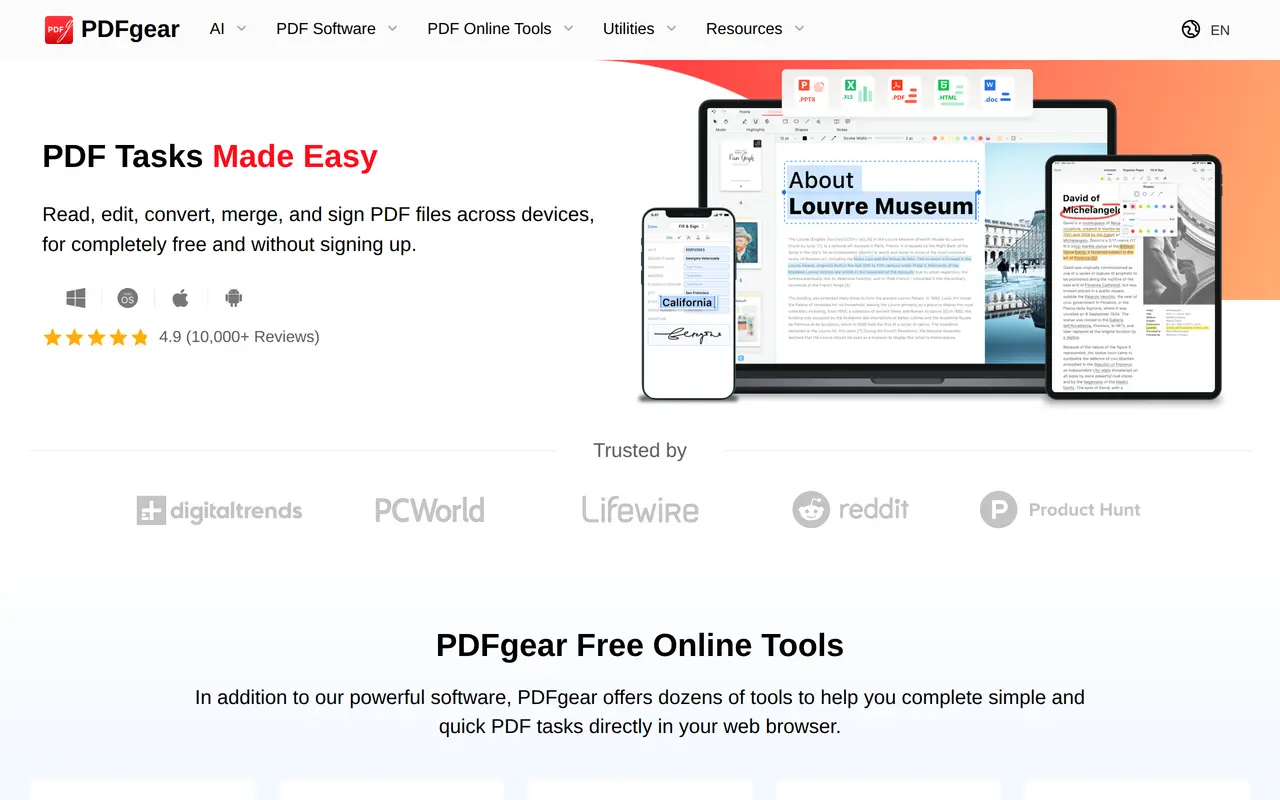
PDFgear is a free PDF editor that combines document editing and conversion tools with an AI assistant for working with PDF content. Users can chat with documents, ask questions to find relevant information, and generate summaries. Its PDF Copilot adds an assistant-based way to interact with PDFs alongside conventional editing controls.
The editor supports changes to text, images, shapes, links, signatures, and fillable form fields. Annotation tools include highlights, underlines, comments, stamps, and text boxes. Users can also merge, split, compress, and organize documents, or convert between PDF and formats such as Word, Excel, PowerPoint, TXT, and images. Batch conversion is available, while OCR extracts text from scanned documents and supports more than 30 languages.
PDFgear offers applications for Windows, macOS, iOS, and Android, plus browser-based tools for quick PDF tasks. The software and online tools are available without charge, and users can perform PDF tasks without signing up. It serves both educational and business document workflows, from reading and marking up files to preparing forms and editing scanned material.
What can PDFgear do?
AI document chat
Ask questions about PDF content, find relevant information, and generate document summaries.
PDF editing
Edit text, images, shapes, links, signatures, and fillable form fields within PDF documents.
OCR in 30+ languages
Extract text from image-based documents or turn scanned PDFs into editable Word or TXT files.
File conversion
Convert between PDF, Word, Excel, PowerPoint, TXT, and image formats, with batch conversion available.
Annotations and forms
Highlight passages, add comments and stamps, fill out forms, and add signatures.
Document organization
Merge, split, compress, rotate, add, or delete PDF pages using desktop, mobile, or online tools.
Who is PDFgear for?
- Business users
- Edit business documents, fill out forms, add signatures, and convert PDFs into other working formats.
- Students and educators
- Read and annotate educational PDFs, summarize documents, and ask questions about their contents.
Frequently asked questions
Is PDFgear free to use?
PDFgear's software and online PDF tools are free to use, with no signup required for PDF tasks.
Which platforms does PDFgear support?
PDFgear has applications for Windows, macOS, iOS, and Android. It also offers browser-based PDF tools.
Can PDFgear work with scanned documents?
Its OCR tools extract text from image-based documents and convert scanned PDFs into editable Word or TXT files. OCR supports more than 30 languages.
What can the AI assistant do with a PDF?
The AI assistant lets users chat with PDFs, summarize documents, and find information by asking questions.
PDFgear alternatives
Compare alternatives- 1
 PDF GuruEdit, convert, sign, and summarize PDFs with AI in your browser.
- 2
 PDF.aiChat with PDFs and use AI APIs to parse, extract, and split documents.
- 3
 RemoveHandwritingRemove handwritten notes from images and PDFs and restore scanned documents.
- 4
 Chatbot AppChat with multiple AI models, analyze files, search the web, and generate images.
- 5
 NoteGPTAn AI agent for research, summaries, documents, slides, and multimedia creation.