Best Image to Prompt alternatives
Short on time? Start with what matters most to you.
Top Image to Prompt alternatives, reviewed
What each one does well, who it suits and what it costs.

1. Eraser
FreemiumFrom $60/mo
Eraser is an AI diagramming and documentation platform for architecture and process teams. It turns text prompts, code, and uploaded files into technical diagrams, including architecture maps, network diagrams, flowcharts, and entity relationship diagrams. Users can supply Terraform, reference Git repositories, or…
- AI technical diagrams
- Canvas and chat editing
- Team diagram standards
Best for Software architects, Engineering teams, Process teams
Full review: Eraser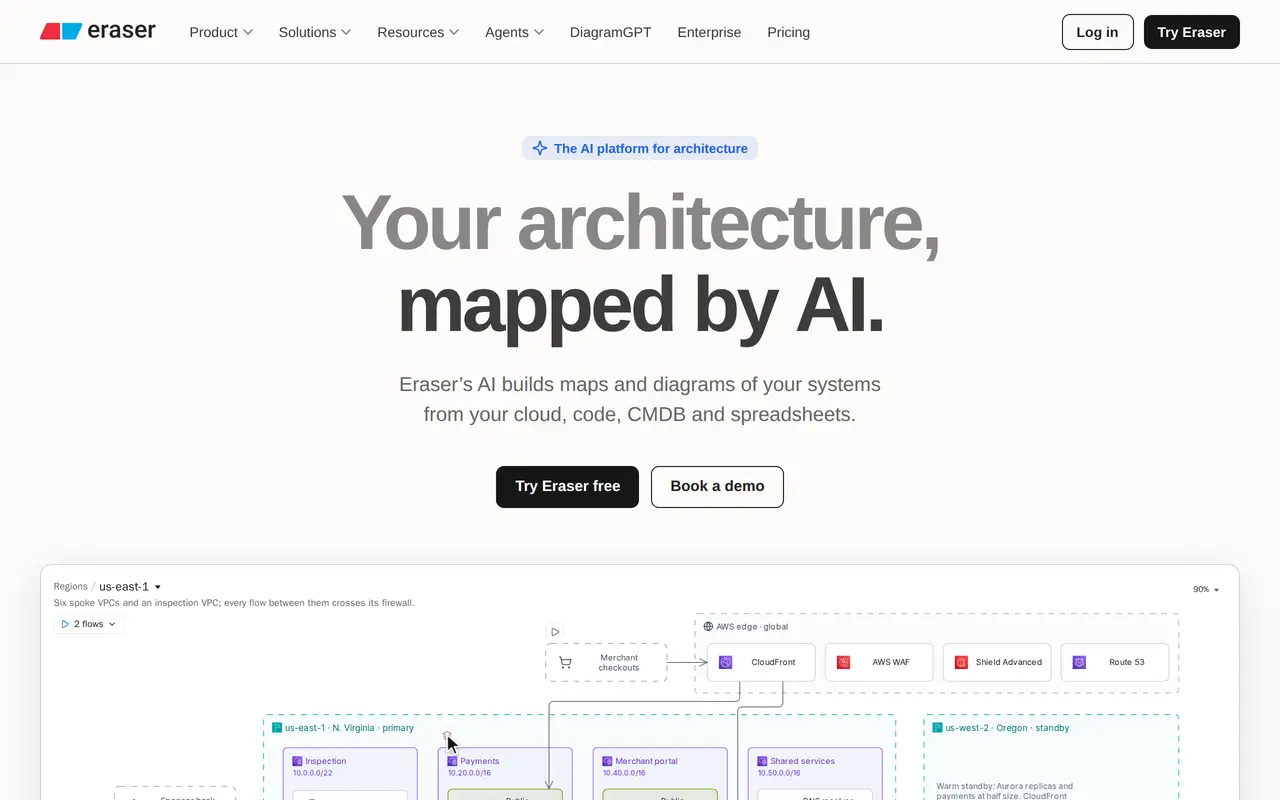

2. ChatHub
Freemium
ChatHub brings multiple AI chatbots into one interface so you can submit a question to several models and compare their answers side by side. It supports models from ChatGPT, Claude, Gemini, Llama, and other providers, with a subscription that provides access to multiple models rather than separate subscriptions for…
- Side-by-side AI responses
- Multiple model access
- Image generation
Best for AI users comparing models, People working with documents, Visual content creators
Full review: ChatHub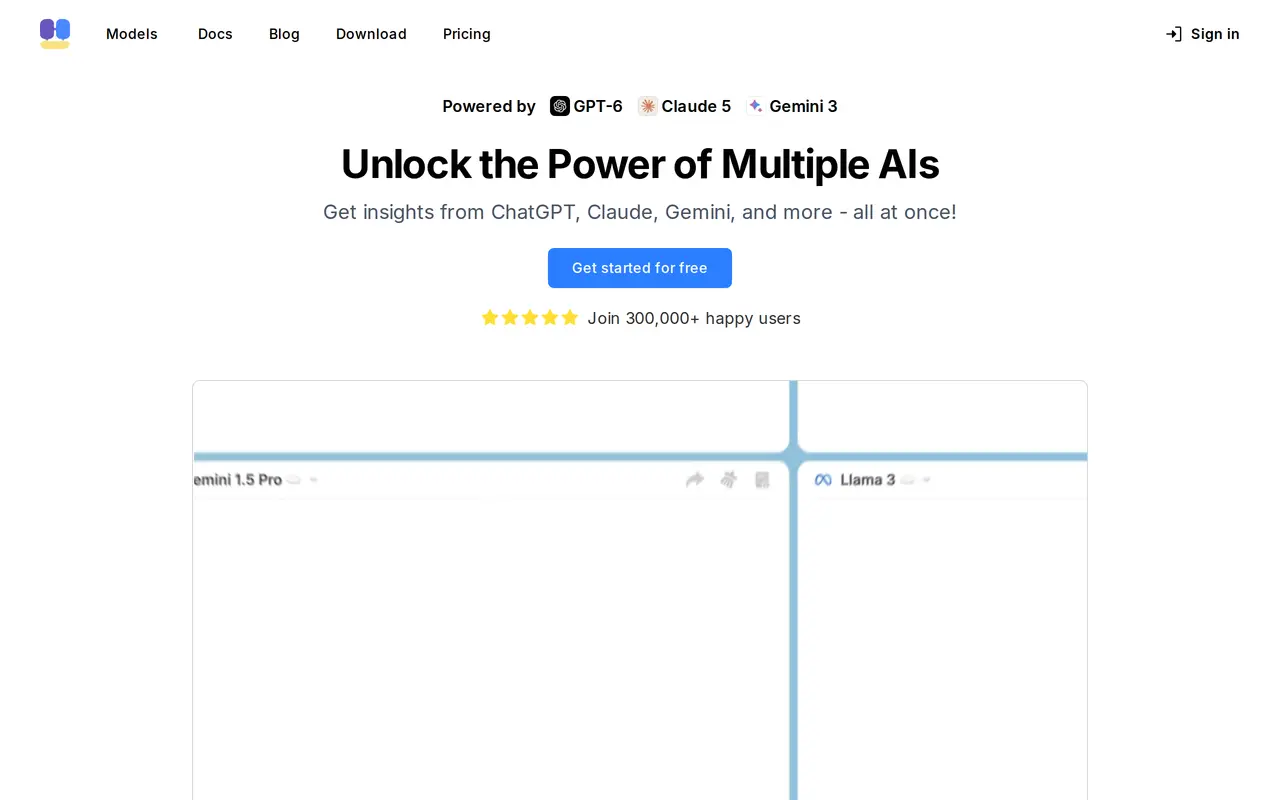

3. Manus
Contact for pricing
Manus is an AI agent designed to carry out tasks and automate workflows rather than only answer questions. Its web app brings together tools for creating slide decks, building websites, making games, and generating visual and audio content. It is intended for users who want AI assistance with producing work across…
- Task execution and workflows
- Slides, websites, and games
- Creative media tools
Best for Knowledge workers, Content creators, Business teams
Full review: Manus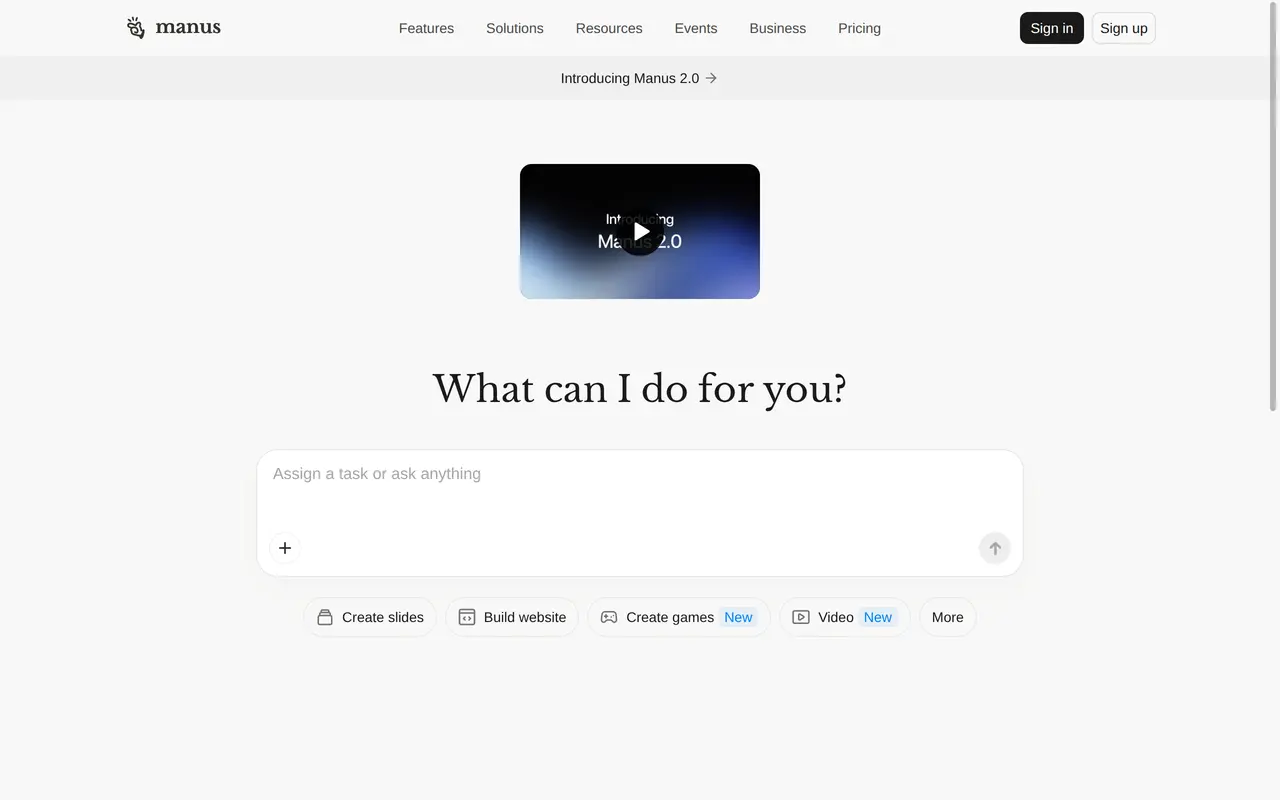

4. Use AI
Freemium
Use AI is a workspace for chatting with third-party AI models, researching topics, and creating content. It runs on the web, iOS, and Android. Users can start with Use AI Instant for everyday conversations, while paid plans add premium models and the ability to switch models within a chat. The workspace includes web…
- Multiple AI models
- Web research
- Content creation
Best for Multi-model AI users, Researchers, Knowledge workers
Full review: Use AI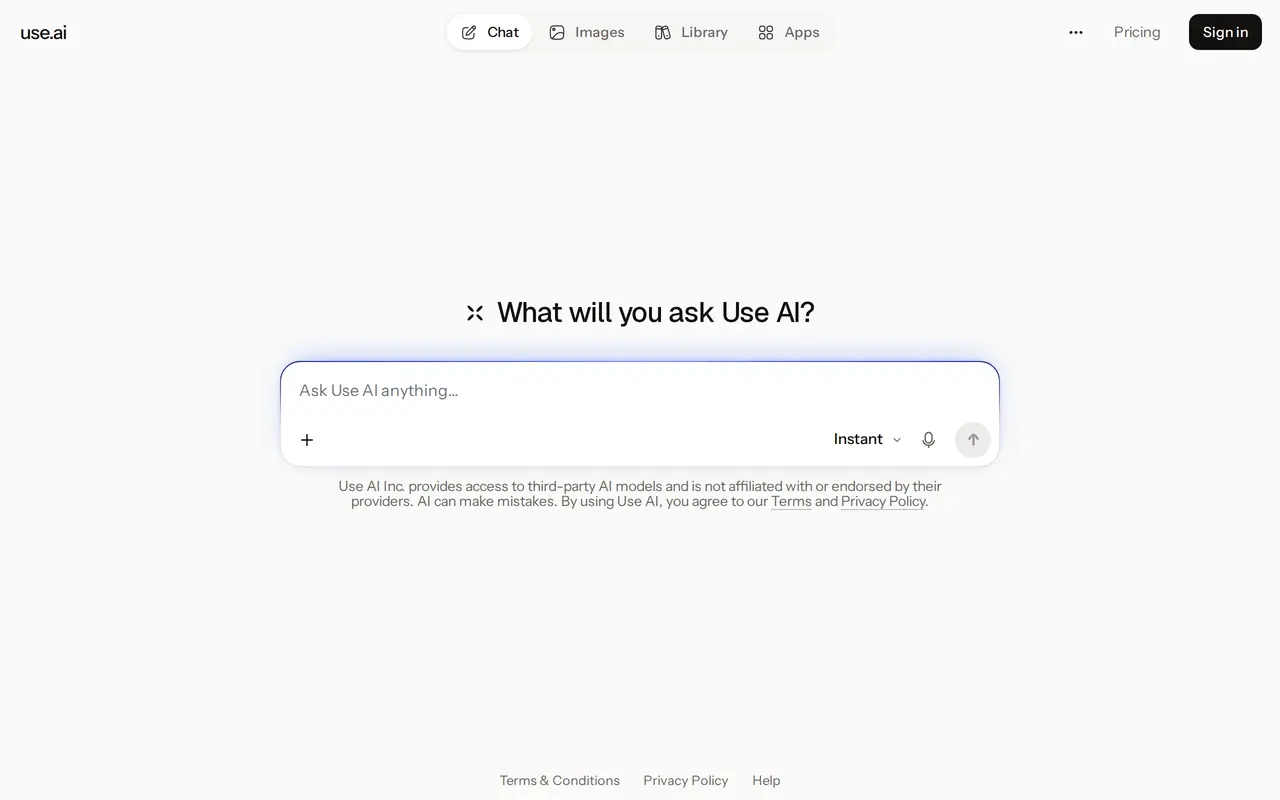

5. Floatboat
FreemiumFrom $59.98/mo
Floatboat is a desktop AI workspace that uses calendar events to trigger work. It connects to Google Calendar, Notion Calendar, Lark, Outlook, iCloud, and ICS feeds, then uses meetings, deadlines, and routines to schedule preparation, execution, and follow-up. It is aimed at solo operators, creators, small…
- Calendar-triggered agents
- Persistent event workspaces
- Installable skills and workflows
Best for Solopreneurs, Creators, Small businesses and studios
Full review: Floatboat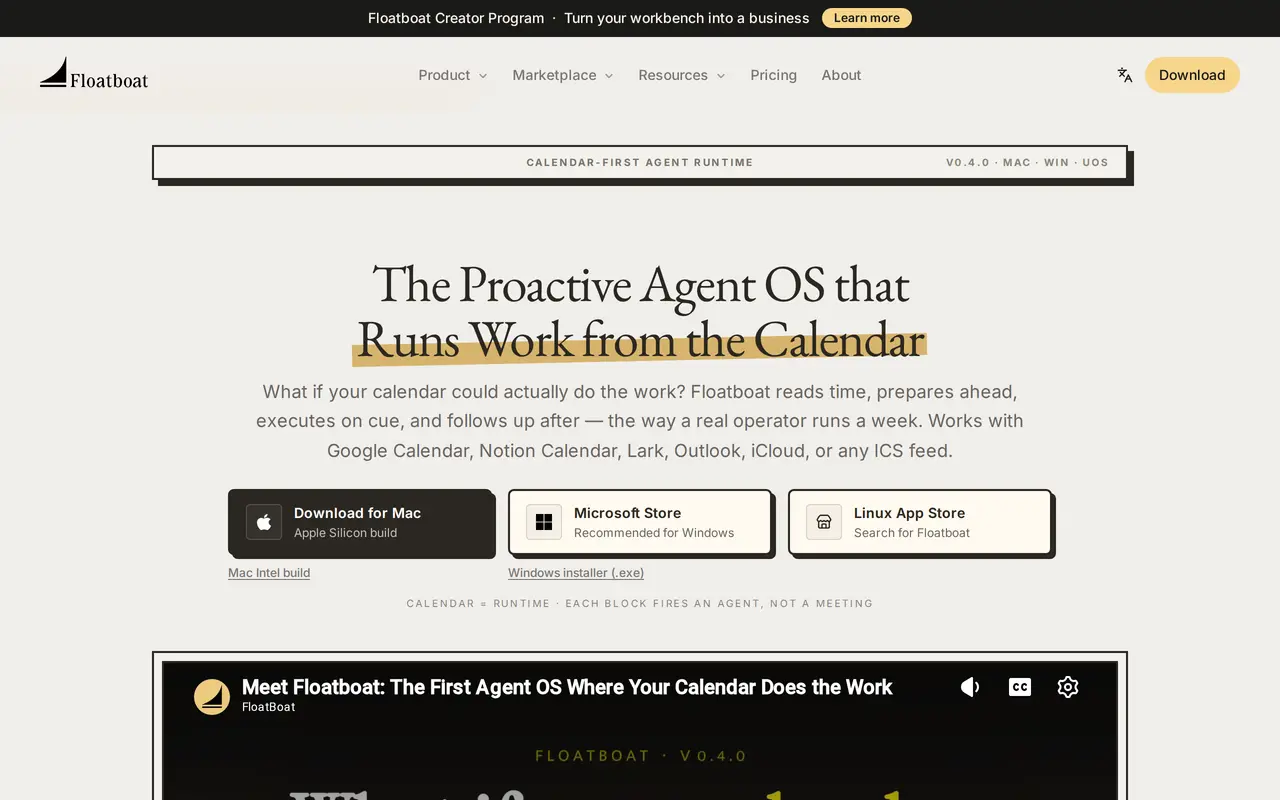

6. Novastart
FreemiumFrom $10/mo
Novastart is an infinite-canvas computing environment that brings desktop apps, AI agents, and teammates into a shared workspace. Instead of switching between separate windows, users arrange apps spatially, zoom into individual tasks, and zoom out to see related projects. Saved canvases preserve app positions and…
- Infinite app canvas
- Persistent workspaces
- Multi-agent task execution
Best for Individual knowledge workers, Collaborative teams, Personal planners
Full review: Novastart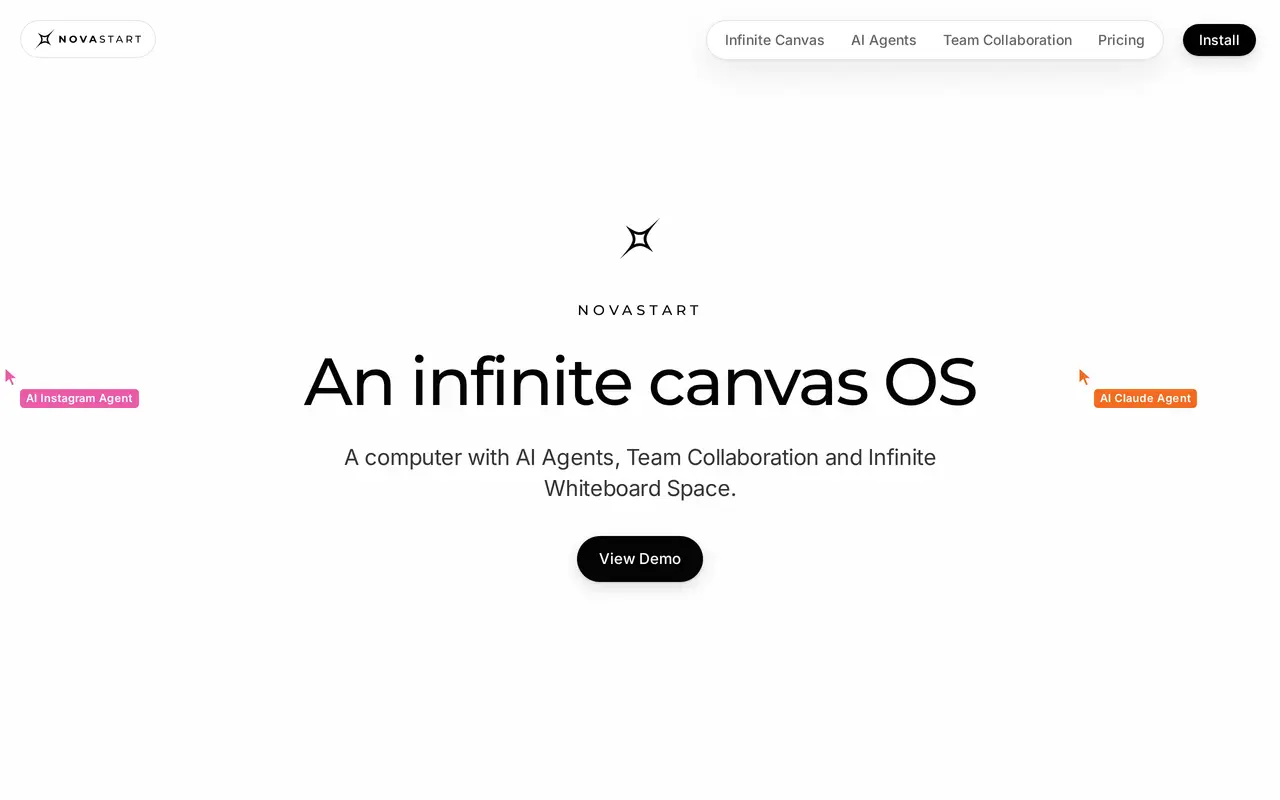

7. Okou
FreemiumFrom $20/mo
Okou is a cloud-based AI teammate for teams. You describe a job in chat — building a storefront page, drafting outreach to a shortlist of creators, assembling a weekly digest — and Okou works out the steps, opens the tools it needs, and produces finished output such as reports, presentations or a published website…
- Cloud task runs
- 4,000+ connectors
- Reusable workflows
Best for Small business teams, Freelancers, Agencies
Full review: Okou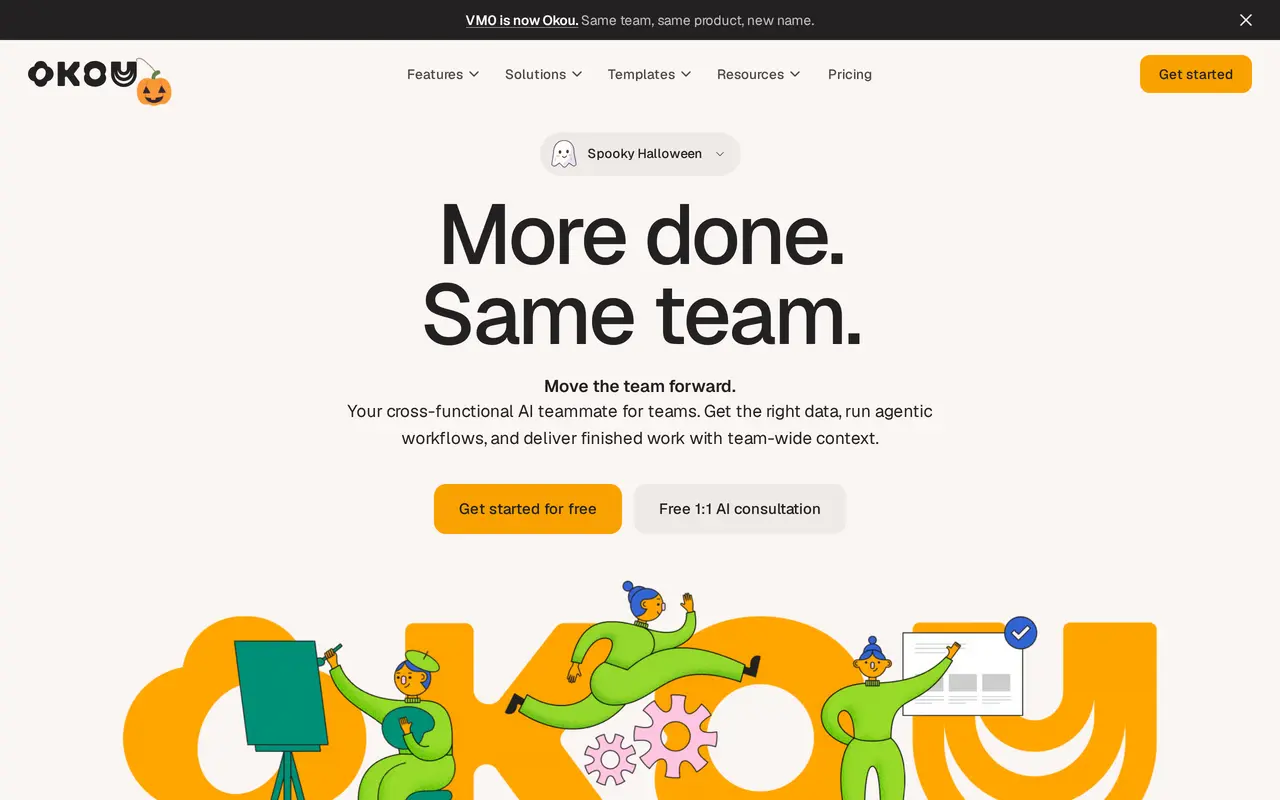

8. OpenWork
Open sourceFrom $10/mo
OpenWork is an open-source desktop AI agent app for macOS, Windows, and Linux, with an optional cloud workspace. Built on OpenCode, it lets users chat about their files, work with connected tools, automate browser tasks, and reuse skills. It supports models from providers including OpenAI, Anthropic, and Google, as…
- Work with files and tools
- Multiple model providers
- Shared skills and MCP tools
Best for Knowledge workers, Teams, Enterprise IT teams
Full review: OpenWork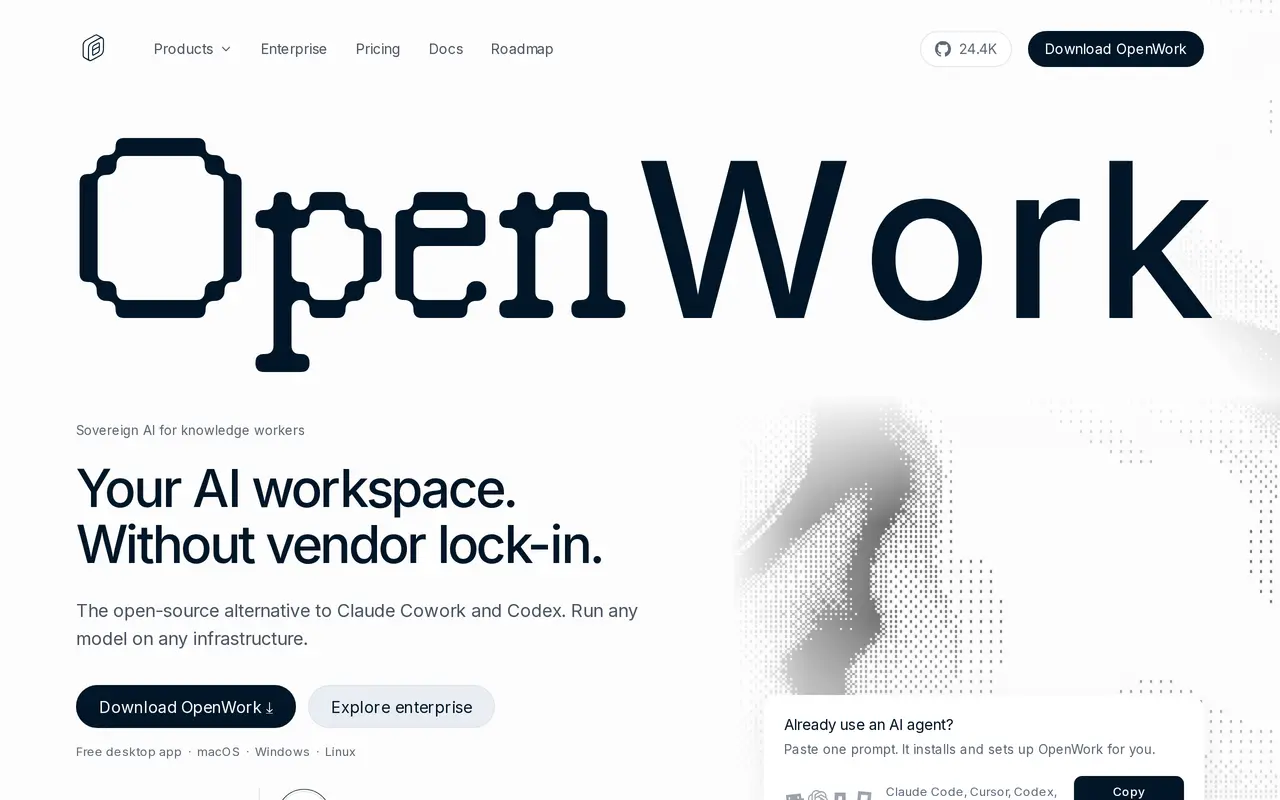

9. Typeahead
Free trialFrom $10/mo
Typeahead is a native Mac app that suggests words and sentence continuations while you type in email, messaging apps, documents, and browsers. It works in standard text fields across apps such as Mail, Slack, Notion, Messages, and Word. Rather than asking for a separate draft, you keep writing and accept a full…
- Inline sentence completion
- Local, offline AI
- Context-aware suggestions
Best for Sales and support teams, Consultants and operators, Writers, Non-native language writers
Full review: Typeahead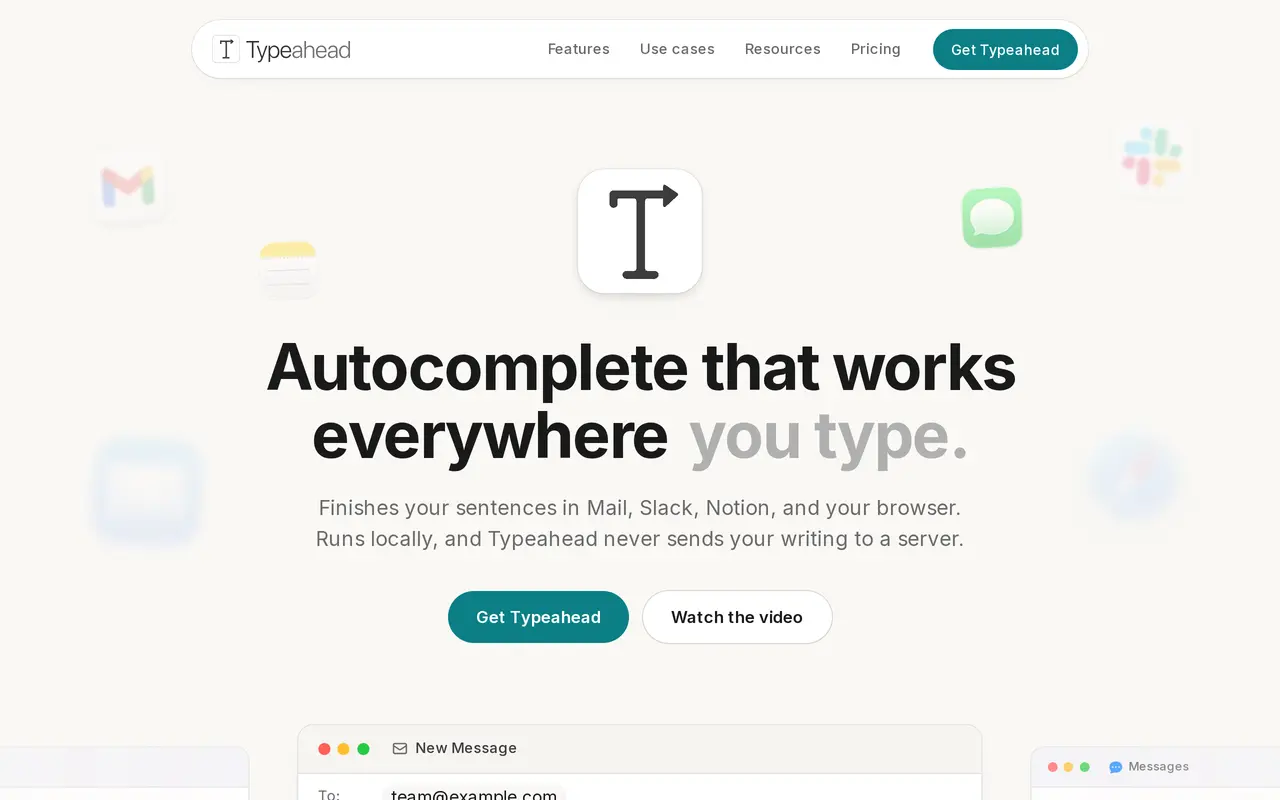

10. Viskey & Vida
FreemiumFrom $9.90/mo
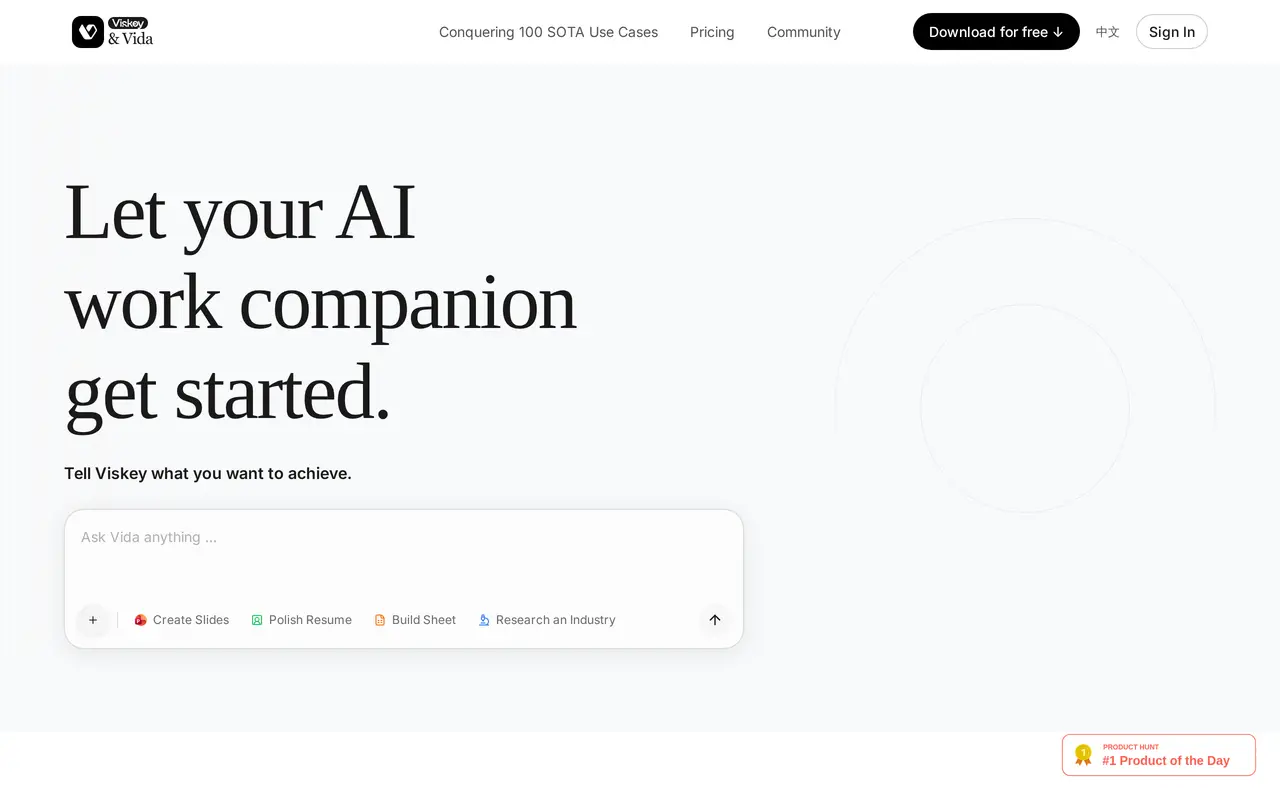
Viskey & Vida is an AI work companion that combines chat, content generation, and project assistance with memory of your preferences and work context. It runs in a browser and offers desktop apps for macOS and Windows. You can ask it to research an industry, create slides, build a spreadsheet, or polish a résumé. The…
- Persistent work memory
- Research and browser tasks
- Document and visual generation
Best for Knowledge workers, Job seekers
Full review: Viskey & Vida