
Use AI
Visit websiteChat with multiple AI models, research the web, and create content in one workspace.
Verified Nov 2, 2026
What is Use AI?
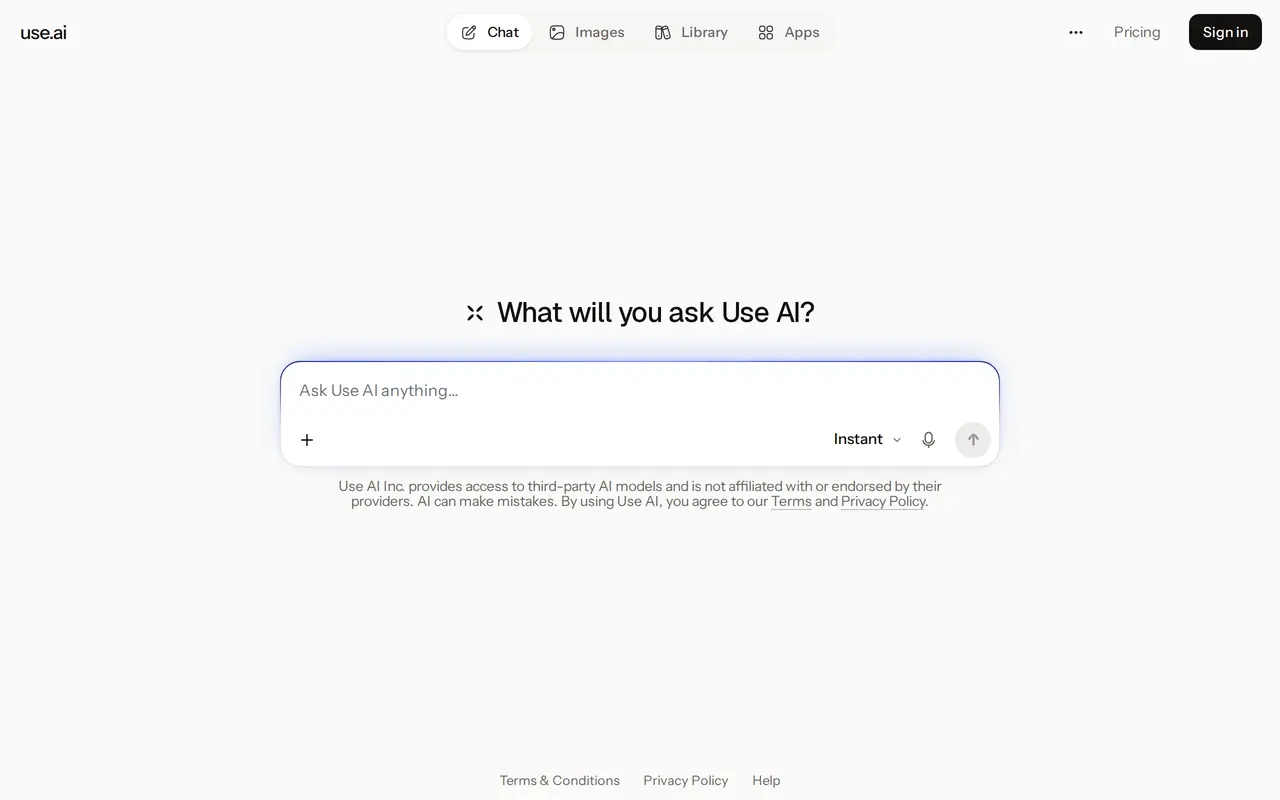
Use AI is a workspace for chatting with third-party AI models, researching topics, and creating content. It runs on the web, iOS, and Android. Users can start with Use AI Instant for everyday conversations, while paid plans add premium models and the ability to switch models within a chat.
The workspace includes web search, Deep Research, image generation, and tools for creating documents, PDFs, slides, and spreadsheets. Projects, knowledge bases, and a file library help organize work and reference material. Paid plans also include connections to more than 100 apps.
The free plan provides everyday chat and limited web search. Pro and Max offer unlimited Use AI Instant messaging subject to fair use, but premium models have usage allowances applied through daily limits. Max includes five times Pro’s premium usage allowance and higher research and context limits. Actual premium message counts depend on conversation length, attachments, reasoning effort, and web searches.
What can Use AI do?
Multiple AI models
Access third-party AI models and switch between them within a conversation on paid plans.
Web research
Use web search for current information or Deep Research for investigations drawing on multiple sources.
Content creation
Generate images and create documents, PDFs, slide decks, and spreadsheets.
Projects and knowledge bases
Organize work into projects and keep reference material in knowledge bases and a file library.
App connections
Connect more than 100 apps through the paid workspace.
Who is Use AI for?
- Multi-model AI users
- Access different AI models and switch between them without leaving the workspace.
- Researchers
- Use web search and Deep Research to investigate topics across multiple sources.
- Knowledge workers
- Create work documents, presentations, and spreadsheets while organizing supporting files.
How much is Use AI?
Official pricingFree
Free
Pro
$59.97
Max
$350.97
Free plan: Free everyday chat with Use AI Instant and limited web search, subject to fair use.
Frequently asked questions
Can I use Use AI for free?
The free plan includes everyday chat with Use AI Instant and limited web search, subject to fair use. No credit card is required.
Are paid conversations unlimited?
Use AI Instant messaging is unlimited on Pro and Max, subject to fair use. Premium models have monthly allowances enforced through proportional daily limits.
How do Pro and Max differ?
Max provides five times Pro’s premium usage allowance, higher reasoning and research limits, and larger memory and context allowances. Model-specific capabilities and limits still apply.
Where can I use it?
Use AI is available on the web, iOS, and Android.
How are the displayed paid plans billed?
The quarterly Pro option costs $59.97 every three months, equivalent to $19.99 per month. The quarterly Max option costs $350.97 every three months, equivalent to $116.99 per month.
Use AI alternatives
Compare alternatives- 1
 ChatHubChat with multiple AI models side by side and compare their responses.
- 2
 ClaudeAn AI assistant for research, writing, coding, and tasks across your files and apps.
- 3
 MonicaChat with multiple AI models, write, research, and create across your apps and devices.
- 4
 Chatbot AppChat with multiple AI models, analyze files, search the web, and generate images.
- 5
 Lorka AIUse multiple AI chat models, research tools, and image generators in one workspace.
More AI Chatbots
See more
Gemini
AI Assistants
Google’s AI assistant for writing, planning, brainstorming, learning, and coding.

Grok
AI Chatbots
An AI assistant for chat, image creation, code and real-time answers.

Microsoft Copilot
AI Assistants
Chat with AI to find answers, summarize information, draft content, and generate images.

OpenAI
AI Models
AI models, ChatGPT, and an API platform for personal, business, and developer use.

DeepAI
AI Image Generators
Generate images, videos and music, edit photos, and chat with AI in one platform.
Open WebUI
AI Chatbots
A self-hosted AI interface for local and cloud models, conversations, and tools.