
Typeahead
Visit websiteOn-device AI autocomplete that finishes sentences across Mac apps.
Verified Nov 2, 2026
What is Typeahead?
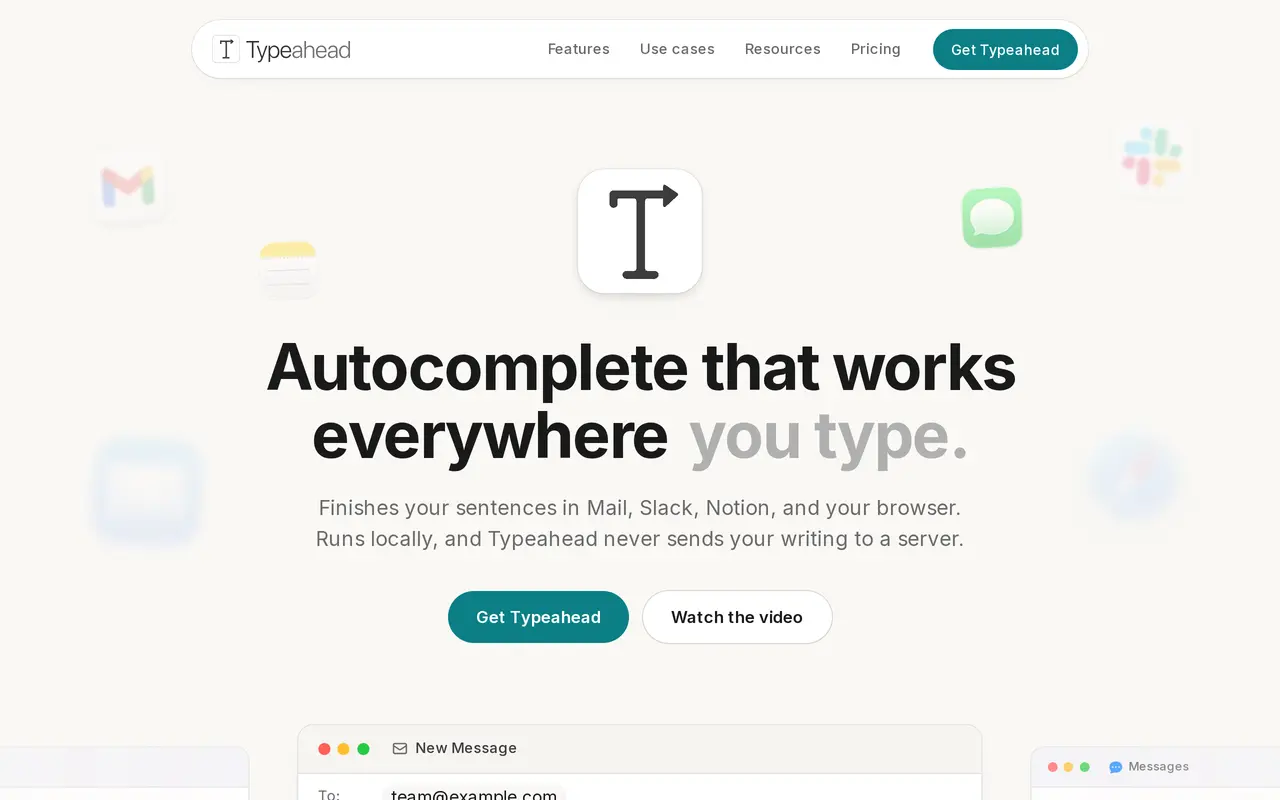
Typeahead is a native Mac app that suggests words and sentence continuations while you type in email, messaging apps, documents, and browsers. It works in standard text fields across apps such as Mail, Slack, Notion, Messages, and Word. Rather than asking for a separate draft, you keep writing and accept a full suggestion with Tab or one word with the right arrow.
Suggestions use nearby text and the active window for context. Typeahead learns frequently used phrases locally, lets you assign different writing styles to individual apps, and follows the language you are typing in across 16 supported languages. You can adjust suggestion length, color, and opacity, review or delete learned phrases, or disable learning altogether.
The AI runs on your Mac and works offline after setup. Your writing is not sent to a server; internet connections are used for license checks, updates, and model downloads. Typeahead uses macOS Accessibility access to read context without requiring Screen Recording permission, and it stays inactive in password fields, password managers, and finance apps. It requires macOS 14 or later, at least 8 GB of RAM, and about 4 GB of free space for the model. Monthly and yearly subscriptions offer a 14-day trial, while a lifetime purchase is also available.
What can Typeahead do?
Inline sentence completion
Accept an entire suggestion with Tab, take one word with the right arrow, or keep typing to change its direction.
Local, offline AI
Generate suggestions on your Mac without sending your writing to a server, including offline after setup.
Context-aware suggestions
Use text near the cursor and the active window to suggest relevant sentence continuations.
Learned phrases
Reuse frequently typed lines automatically, with controls to review, delete, or stop learning them.
Writing styles per app
Set different styles for individual apps, such as professional email and concise chat replies.
Multilingual customization
Get suggestions in 16 languages and adjust their length, color, and opacity.
Who is Typeahead for?
- Sales and support teams
- Write follow-ups and recurring customer replies using context-aware completions and learned phrases.
- Consultants and operators
- Complete client emails, team messages, and status updates with different styles for each app.
- Writers
- Continue sentences within writing apps while retaining control over which suggestions enter the draft.
- Non-native language writers
- Get sentence continuations in supported languages while composing emails and other everyday text.
How much is Typeahead?
Official pricingSubscription Monthly
$10/mo
Subscription Yearly
$96/yr
Lifetime
$149 one-time
Free plan: A 14-day trial is available on monthly and yearly subscriptions, with a payment card required.
Frequently asked questions
How much does Typeahead cost?
Typeahead costs $10 per month, $96 per year, or $149 for a lifetime license. All plans include unlimited usage, every model, and updates; subscriptions cover up to three Macs, while Lifetime covers all your Macs.
Can I try it for free?
Monthly and yearly subscriptions offer a 14-day trial that requires a payment card. Cancel before the trial ends to avoid a charge; every plan also has a 30-day money-back guarantee.
What Mac specifications are required?
Typeahead requires macOS 14 or later, 8 GB of RAM, and about 4 GB of free storage for the AI model.
Does Typeahead send my writing to a server?
No. Suggestions and phrase learning run locally, and network requests for licensing, updates, and model downloads do not include your writing.
Which apps does it work in?
It works in Mac apps with standard text fields, including Mail, Gmail, Slack, Notion, Messages, Word, and major browsers. It stays off in password managers and finance apps.
Can I use it offline?
Yes, suggestions work offline after setup. Subscription licenses are checked when you reconnect.
Typeahead alternatives
Compare alternatives- 1
 DeepLTranslate text, documents, and speech, and refine writing with AI.
- 2
 AI Text HumanizerRewrite AI-generated text into clearer, more natural language.
- 3
 GrammarlyAI writing assistance for grammar, rewrites, tone, and text generation.
- 4QuillbotRewrite, check, and create text, presentations, and images with AI tools.
- 5
 MonicaChat with multiple AI models, write, research, and create across your apps and devices.
More AI Writing Assistants
See more
ZeroGPT
AI Content Detectors
Check text for AI-generated content and plagiarism, with tools for editing and rewriting.

Scribbr
AI Writing Assistants
Academic writing tools for proofreading, AI detection, paraphrasing, and citations.

TinyWow
AI Writing Assistants
Free online AI writing, image generation, photo editing, and file tools.

Sudowrite
AI Writing Assistants
An AI writing partner for planning, drafting, and revising fiction.

Wordvice AI
AI Writing Assistants
Proofread, paraphrase, translate, and check academic and professional writing with AI.

aiWriter.ai
AI Writing Assistants
Generate stories, poems, lyrics, and chapter-by-chapter novel drafts from prompts.