
OpenWork
Visit websiteAn open-source AI workspace for working with local files, tools, and team workflows.
Verified Nov 2, 2026
What is OpenWork?
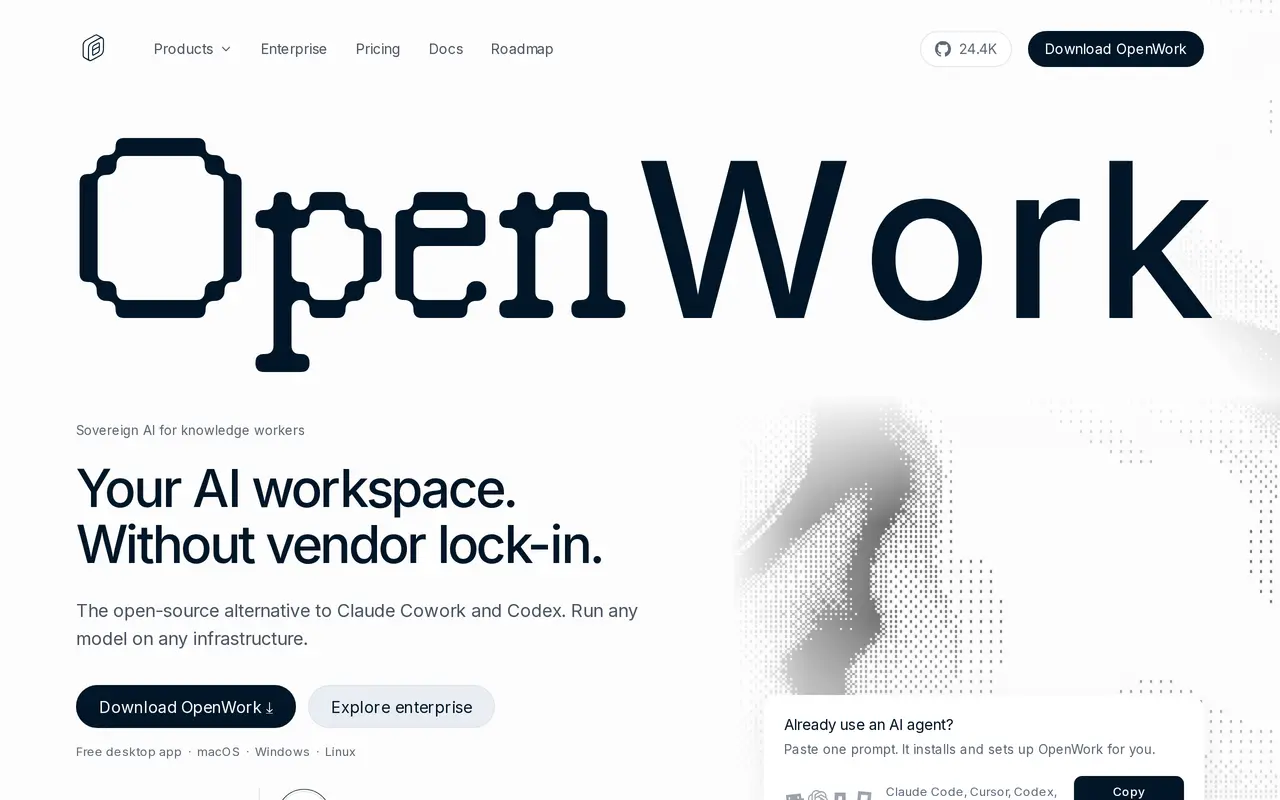
OpenWork is an open-source desktop AI agent app for macOS, Windows, and Linux, with an optional cloud workspace. Built on OpenCode, it lets users chat about their files, work with connected tools, automate browser tasks, and reuse skills. It supports models from providers including OpenAI, Anthropic, and Google, as well as local models, rather than requiring a single AI provider.
Users can start in the desktop app without an account and connect their own model-provider keys. In desktop mode, files remain on the machine while prompts go directly to the selected provider. Teams can bundle skills, MCP servers, plugins, and configurations into a link that colleagues import, and use the MCP Gateway to make shared tools available across agents. Scheduled tasks are available in alpha.
The desktop app is free under the MIT license. Cloud and team options add centralized administration, automations, and access controls. Self-hosting the full platform is free for organizations with up to five users; larger teams and enterprise controls require paid plans.
What can OpenWork do?
Work with files and tools
Use AI agents to chat about your files and complete tasks with connected tools.
Multiple model providers
Connect your own provider keys or use local models through OpenCode's supported providers.
Shared skills and MCP tools
Package skills, MCP servers, plugins, and configurations into a link teammates can import.
Browser and scheduled automation
Automate browser tasks and set up scheduled tasks, with scheduling currently in alpha.
Team administration
Paid plans add SSO, while Enterprise adds provisioning, desktop policies, audit logs, and branding controls.
Flexible deployment
Run the desktop app locally, self-host the platform, or use cloud infrastructure.
Who is OpenWork for?
- Knowledge workers
- Work with files, connected applications, and recurring tasks through a desktop AI workspace.
- Teams
- Share agent skills and tools while managing model access and workspace settings centrally.
- Enterprise IT teams
- Deploy agents with identity provisioning, desktop policies, audit controls, and private inference options.
How much is OpenWork?
Official pricingFree
Free
Team
$10/mo
Enterprise
See website
OpenWork Cloud Computer
$50/mo
OpenWork models
$10/mo
Free plan: The MIT-licensed desktop app is free; the Free platform plan supports up to five users with your own model keys.
Frequently asked questions
Is OpenWork free?
The desktop app is free and MIT-licensed, with users supplying their own model-provider keys. The Free plan supports up to five users, including self-hosting the full platform.
How much does the Team plan cost?
Team costs $10 per user per month, billed monthly, with unlimited users and cancellation at any time. The price is the same for cloud and self-hosted deployments, excluding taxes.
Which platforms does OpenWork support?
The desktop app runs on macOS, Windows, and Linux. OpenWork Cloud also provides browser access.
Can I use local models?
Yes. OpenWork supports local models and models available through OpenCode's supported providers.
Where are my files processed?
In desktop mode, files stay on your machine and prompts are sent directly to your chosen LLM provider. Optional hosted cloud workers run on sandboxed infrastructure.
Do I need technical skills to use it?
OpenWork has a point-and-click desktop interface. Skills, MCP servers, and plugins shared by teammates can be imported in one click.
OpenWork alternatives
Compare alternatives- 1
 FloatboatDesktop AI agents that prepare, execute, and follow up on work from your calendar.
- 2
 OkouCloud AI teammate that runs multi-step work across your connected tools.
- 3
 ManusAn AI agent for executing tasks, automating workflows, and creating digital content.
- 4
 EigentAn open-source desktop workspace for AI agents that automate browser and app tasks.
- 5
 GumloopBuild and share AI agents that automate work across your company’s apps.
More AI Agents
See more
Claude
AI Assistants
An AI assistant for research, writing, coding, and tasks across your files and apps.
Notion
AI Agents
Organize team knowledge, search connected apps, and automate work with AI agents.

Cursor
AI Code Assistants
An AI coding editor and agent for building, testing, and reviewing software.

JetBrains
AI Code Assistants
AI-powered development tools and coding agents for developers and software teams.

MiniMax
AI Models
AI models, developer APIs, and apps for language, video, speech, and music.

NoteGPT
AI Agents
An AI agent for research, summaries, documents, slides, and multimedia creation.