
WorkClaw
Visit websiteCreate cloud-based AI coworkers that share team knowledge and carry out workflows.
Verified Nov 2, 2026
What is WorkClaw?
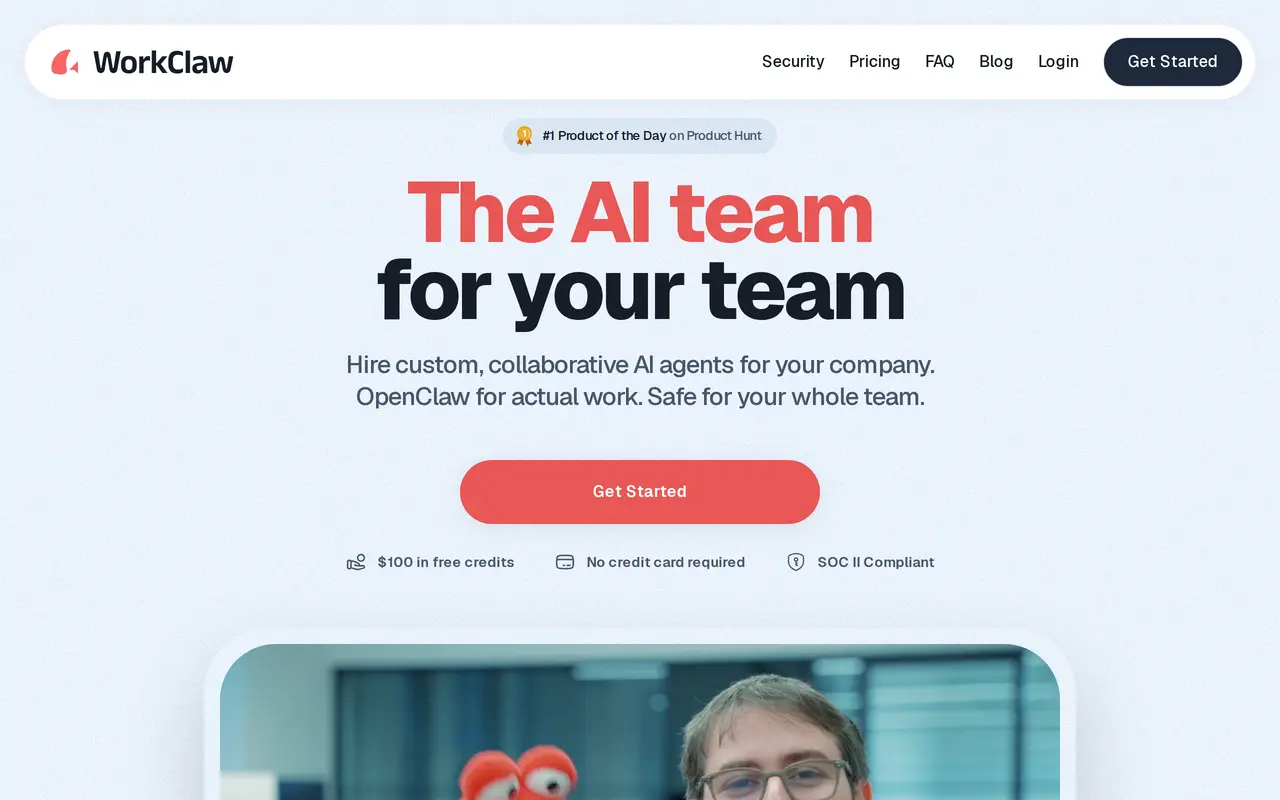
WorkClaw is a platform for creating AI coworkers, called Workmates, that handle tasks for a team. Built on OpenClaw, it runs each Workmate on its own cloud computer, with no local hardware or installation required. Teams can use a shared assistant for questions, document help, summaries, reminders, and routing work to other Workmates.
Users connect work apps and information sources, then configure skills through chat or install prebuilt skill packs. Workmates can support research, scheduling, email drafting, reporting, and other recurring workflows. They collaborate through Slack, Microsoft Teams, and email, and users can share individual Workmates and reusable skills with colleagues.
Workmates are private by default and run in separate environments with private file storage. Administrators can manage access, integrations, and skill installations, while a credential vault supports human approval. Usage consumes credits for both cloud computing and AI processing; Workmates can be paused and automatically stop when credits run out.
What can WorkClaw do?
Custom AI coworkers
Create Workmates with their own cloud computers to carry out tasks and recurring workflows.
Shared team assistant
Answer team questions, summarize meetings, draft follow-ups, and help with documents using connected knowledge.
Chat-built skills
Define new workflow skills through chat, install prebuilt packs, and share skills across your team.
Work app connections
Connect Workmates to tools including Slack, Google Workspace, calendars, email, and CRMs.
Access and credential controls
Manage app access and skill installations, with isolated storage and a credential vault that supports human approval.
Usage-based credits
Track computing and AI usage in credits, pause idle Workmates, and add credits when needed.
Who is WorkClaw for?
- Operations teams
- Use shared assistants for internal questions, scheduling, reminders, and recurring administrative work.
- Engineering teams
- Configure Workmates for codebase questions, ticket drafts, pull request summaries, and bug triage.
- Sales teams
- Build Workmates for prospect research, account summaries, outreach drafts, and follow-up reminders.
- Research and marketing teams
- Turn connected documents and research into briefs, content outlines, campaign plans, and social drafts.
How much is WorkClaw?
Official pricingTeam
$29/mo
Business
See website
20,000-credit top-up
$20 one-time
Free plan: A 14-day free trial includes $100 in credits per team, with no credit card required.
Frequently asked questions
Can I try WorkClaw for free?
A 14-day free trial includes $100 in credits per team and does not require a credit card.
Does pricing depend on the number of users?
No. The Team plan costs $29 per month for unlimited users and includes 30,000 monthly credits.
What do credits cover?
Credits cover each Workmate's cloud computer and AI usage. Cloud computers start at 750 credits per Workmate per day, while AI costs vary by usage and model.
Do credits roll over, and what happens when they run out?
Team plan credits reset after one month. Workmates pause automatically when credits run out and resume with their context intact after a top-up or upgrade.
Do I need a dedicated computer?
No. Each Workmate runs in the cloud, so there is no local computer to maintain or software to install.
Can I control who accesses a Workmate?
Workmates are private by default and can be shared with selected people or the whole team. Administrators can control access, app integrations, and skill installations.
WorkClaw alternatives
Compare alternatives- 1
 AutoGPTCoordinate AI specialists for research, content, sales, and recurring workflows.
- 2
 Raycast AIUse AI models and agents to work with files, apps, and recurring tasks from your desktop.
- 3
 AgentlyAn AI chief of staff that connects company tools and carries out work with approvals.
- 4
 VerseBuild a business or delegate recurring work to a team of AI employees.
- 5
 WaperPersonal AI agents that use your apps, run scheduled tasks, and monitor topics.
More AI Agents
See more
Claude
AI Assistants
An AI assistant for research, writing, coding, and tasks across your files and apps.

Notion
AI Agents
Organize team knowledge, search connected apps, and automate work with AI agents.

Cursor
AI Code Assistants
An AI coding editor and agent for building, testing, and reviewing software.

JetBrains
AI Code Assistants
AI-powered development tools and coding agents for developers and software teams.

MiniMax
AI Models
AI models, developer APIs, and apps for language, video, speech, and music.

NoteGPT
AI Agents
An AI agent for research, summaries, documents, slides, and multimedia creation.