
Claude
Visit websiteAn AI assistant for research, writing, coding, and tasks across your files and apps.
Verified Nov 3, 2026
What is Claude?
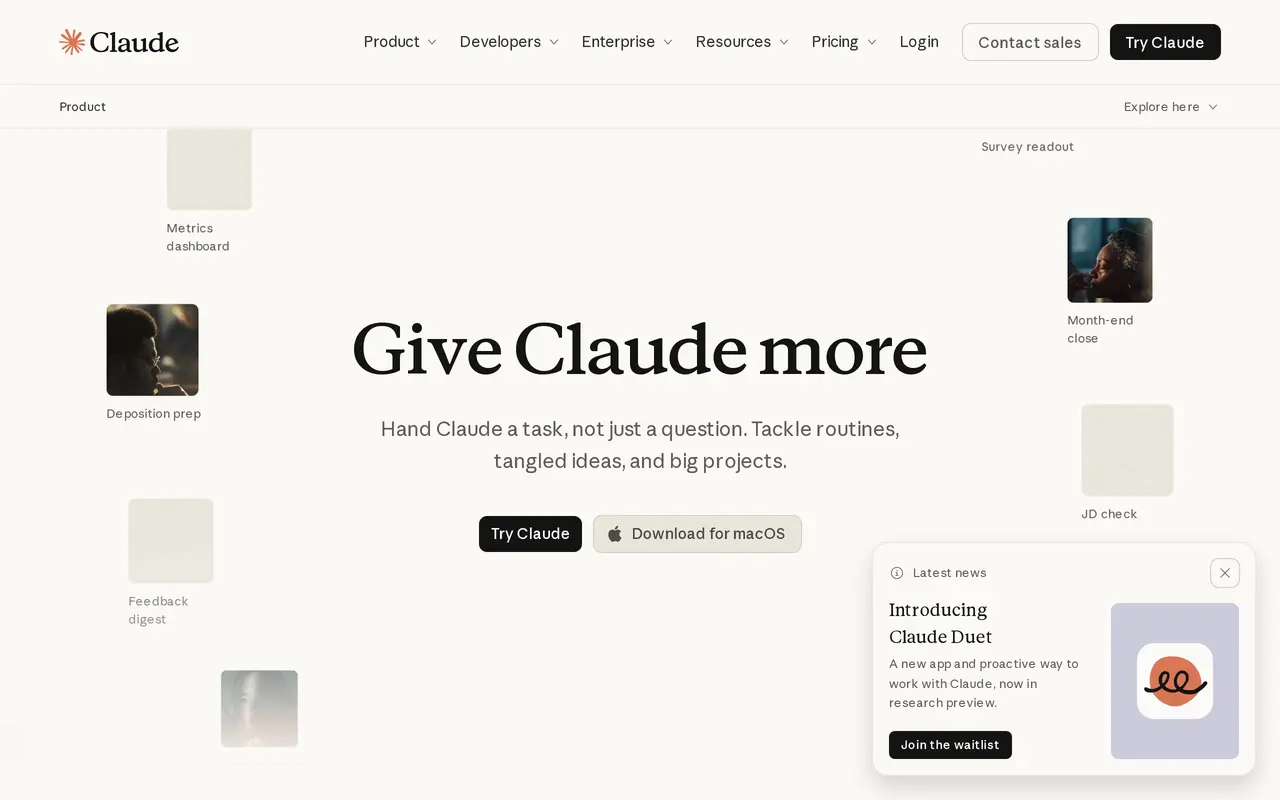
Claude is Anthropic’s AI assistant for answering questions and carrying out work with documents, spreadsheets, presentations, code, and connected apps. Users describe an outcome in plain language, give Claude access to relevant files or tools, and review the results. It can search the web, run code, create editable files, and build charts or interactive visuals within a conversation.
For ongoing work, Claude offers memory across conversations, project-specific files and instructions, and reusable skills. Paid plans support handing off longer tasks and scheduling recurring work. Connectors, desktop extensions, browser tools, and Microsoft 365 integrations let it work with information beyond the chat. Permission settings can require Claude to present a plan and wait for approval before proceeding.
Claude is available on the web, desktop, and mobile, with voice interaction as an alternative to typing. A free plan includes limited usage, while paid subscriptions add capacity and capabilities such as Claude Code. Usage depends on the models, conversation length, files, and features used; activity across Claude apps and Claude Code draws from a shared allowance.
What can Claude do?
Research and web search
Search the web for current information and work through questions using Claude’s reasoning and writing models.
Editable files and Artifacts
Create documents, spreadsheets, slides, designs, and interactive visuals for review and further editing.
Scheduled and parallel tasks
Hand off longer work, run multiple tasks at once, and schedule recurring tasks on supported paid plans.
Connected apps and browser tools
Work with connected apps, desktop files, Microsoft 365, and browser tools, subject to your permissions.
Memory, projects, and skills
Retain conversation context, organize project materials, and save reusable instructions and skills.
Permission and access controls
Require approval before actions and control which folders and tools Claude can access.
Who is Claude for?
- Business teams
- Prepare reports, presentations, campaign analyses, sales materials, and recurring operational work.
- Developers
- Use Claude for coding tasks, with Claude Code included in paid subscriptions.
- Finance and legal professionals
- Work on financial comparisons, budget reviews, legal research drafts, and contract redlines.
- Enterprise administrators
- Manage team access, tool permissions, spending, and organization-level security controls.
How much is Claude?
Official pricingFree
Free
Pro
$20/mo
Max
$100/mo
Ultra
$200/mo
Team
See website
Enterprise
$240/yr
Free plan: Free ongoing usage with five-hour and weekly limits includes chat, web search, file creation, code execution, memory, connectors, and Artifacts.
Frequently asked questions
Can I use Claude for free?
Yes. The Free plan includes limited chat usage, web search, file creation, code execution, memory, connectors, and Artifacts.
How much do the individual paid plans cost?
Pro costs $20 billed monthly or $200 billed annually. Max costs $100 per month, and Ultra costs $200 per month, excluding applicable taxes.
Does Claude have usage limits?
Yes. Limits depend on your plan, model, conversation length, files, and features, rather than a fixed message count. Ultra removes the five-hour limit for verified accounts but retains weekly limits.
Is Claude Code included?
Claude Code is included in all paid plans. Its usage shares the same allowance as your Claude conversations.
Where can I use Claude?
Claude is available on the web, desktop, iOS, and Android. Paid plans also include Claude in Chrome and Microsoft 365 integrations.
How is Enterprise priced?
Enterprise costs $20 per seat per month, billed annually, plus usage charged at API rates. It adds controls including SCIM, audit logs, custom data retention, and role-based access.
Claude alternatives
Compare alternatives- 1
 GeminiGoogle’s AI assistant for writing, planning, brainstorming, learning, and coding.
- 2
 GrokAn AI assistant for chat, image creation, code and real-time answers.
- 3
 AutoGPTCoordinate AI specialists for research, content, sales, and recurring workflows.
- 4
 ChatGPTAn AI chat assistant for questions, writing, coding, and image creation.
- 5
 WaperPersonal AI agents that use your apps, run scheduled tasks, and monitor topics.
More AI Assistants
See more
Microsoft Copilot
AI Assistants
Chat with AI to find answers, summarize information, draft content, and generate images.

Monica
AI Assistants
Chat with multiple AI models, write, research, and create across your apps and devices.

Speechify
Text to Speech
Read text aloud, dictate writing, and ask questions about documents with AI.

Mistral
AI Models
AI models, agents, and development tools for hosted or private deployment.

DeepSeek
AI Chatbots
A free AI chat assistant for everyday questions and problem-solving.

Osaurus
AI Agents
Run local AI agents that work with your files, remember context, and ask before editing.