
Microsoft Copilot
Visit websiteChat with AI to find answers, summarize information, draft content, and generate images.
Verified Nov 2, 2026
What is Microsoft Copilot?
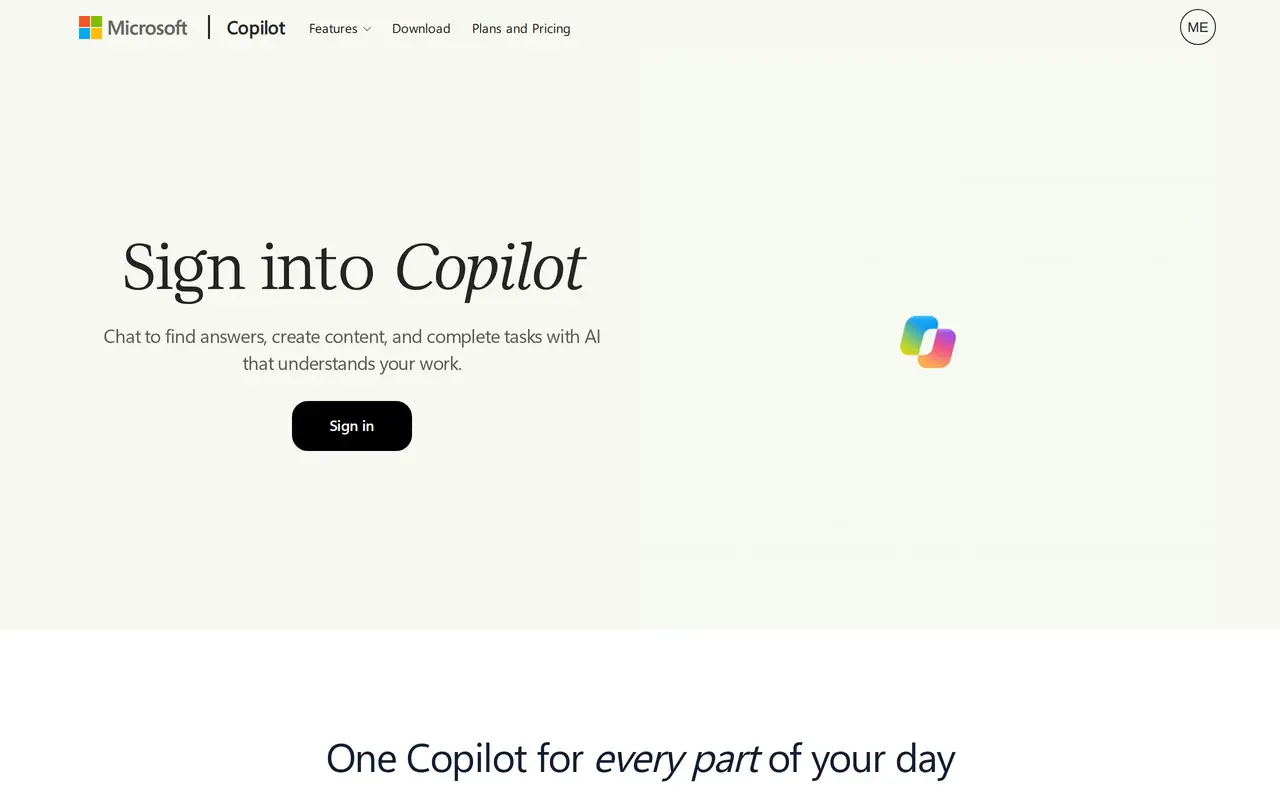
Microsoft Copilot is an AI assistant for work, personal tasks, and school. Its chat interface lets you ask questions, explore ideas, think through projects, and summarize information within a conversation. It also supports content drafting and image generation, bringing several kinds of AI assistance into one experience.
For work, Copilot includes search for finding information, files, and insights, alongside chat for discussing projects and completing tasks. You can use it on the web or through desktop and mobile experiences. Conversations follow you across devices while remaining separate by account, so work and personal conversations stay distinct.
Microsoft Copilot is free with a signed-in Microsoft account. Some features require eligible Microsoft 365 subscriptions, and availability varies. Windows and Mac desktop downloads are available for users who prefer a dedicated application.
What can Microsoft Copilot do?
AI chat
Ask questions, brainstorm ideas, discuss projects, and summarize information in a conversation.
Work search
Find information, files, and insights to help answer work-related questions.
Content and image creation
Draft written content and generate images with AI.
Cross-device conversations
Access conversations across devices while keeping them separate by account.
Who is Microsoft Copilot for?
- Working professionals
- Find work information, summarize material, draft content, and think through projects.
- Students
- Ask questions, explore ideas, and use AI assistance for school-related tasks.
- Personal users
- Brainstorm, create content, and get help with everyday questions and tasks.
Frequently asked questions
Is Microsoft Copilot free?
Microsoft Copilot is free with a signed-in Microsoft account. Some features require eligible Microsoft 365 subscriptions, and availability varies.
Where can I use Microsoft Copilot?
Copilot is available on the web, desktop, and mobile. Desktop downloads are available for Windows and Mac.
Do conversations carry across devices?
Conversations move with you across devices while remaining separate by account.
Microsoft Copilot alternatives
Compare alternatives- 1
 GeminiGoogle’s AI assistant for writing, planning, brainstorming, learning, and coding.
- 2
 ChatGPTAn AI chat assistant for questions, writing, coding, and image creation.
- 3
 GrokAn AI assistant for chat, image creation, code and real-time answers.
- 4
 MonicaChat with multiple AI models, write, research, and create across your apps and devices.
- 5
 DeepSeekA free AI chat assistant for everyday questions and problem-solving.
More AI Assistants
See more
Claude
AI Assistants
An AI assistant for research, writing, coding, and tasks across your files and apps.

Speechify
Text to Speech
Read text aloud, dictate writing, and ask questions about documents with AI.

Mistral
AI Models
AI models, agents, and development tools for hosted or private deployment.
AutoGPT
AI Agents
Coordinate AI specialists for research, content, sales, and recurring workflows.

Osaurus
AI Agents
Run local AI agents that work with your files, remember context, and ask before editing.

Raycast AI
AI Assistants
Use AI models and agents to work with files, apps, and recurring tasks from your desktop.