Osaurus
Visit websiteRun local AI agents that work with your files, remember context, and ask before editing.
Verified Nov 2, 2026
What is Osaurus?
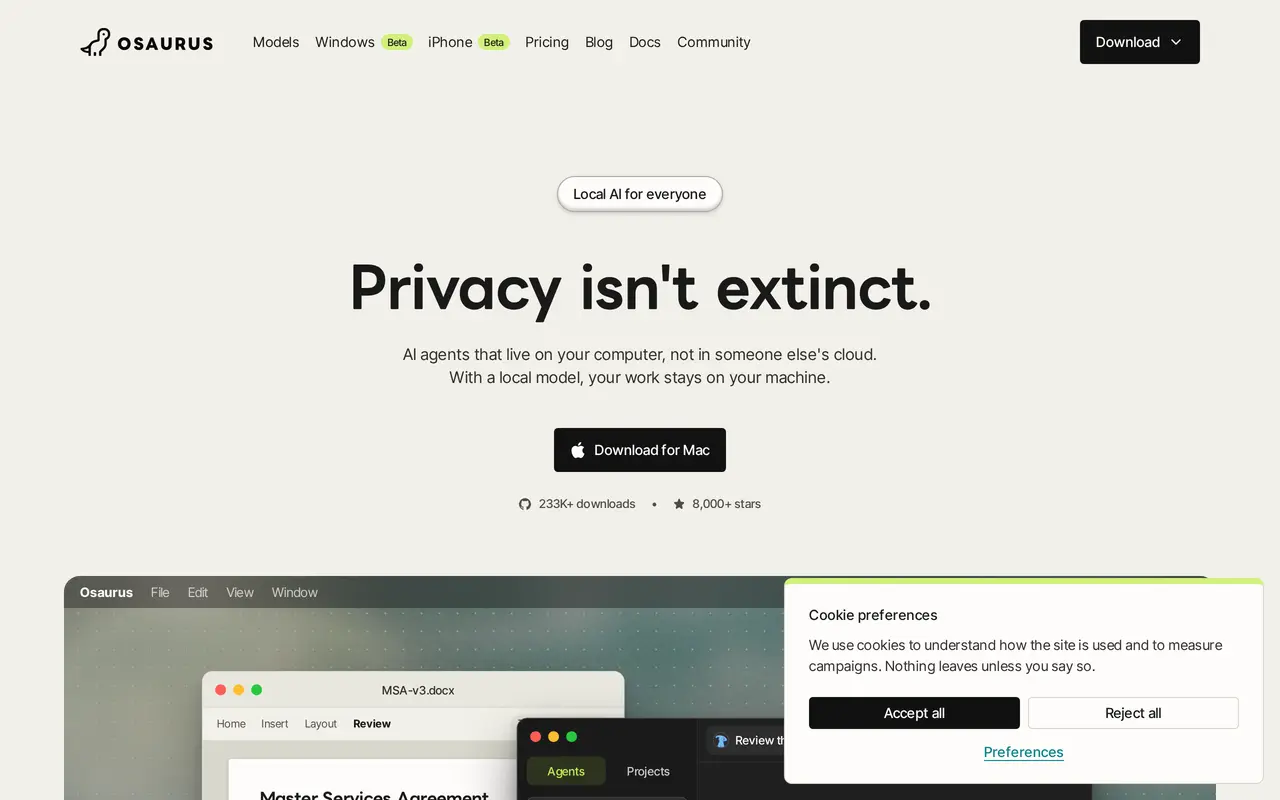
Osaurus is an open-source desktop app for running AI agents on your own computer. You can use local models offline or connect cloud models through your own API keys or prepaid credits. Agents work from folders of documents and references, retain conversation memory locally, and support tools, skills, and scheduled tasks.
File changes require approval, stay within the folder you selected, and can be undone. An Insights view records agent activity, including information sent outside your computer. An experimental Privacy Filter replaces names, emails, and account numbers with placeholders before sending messages to cloud models, then restores them in replies. Cloud requests can still include conversation history, memory, document excerpts, and tool results.
The individual app and local usage are free without an account. The Mac version requires Apple Silicon and macOS 15.5 or later; Windows is available in public beta. Paid Workspaces let teams share agents running on their own computers and use a shared cloud-credit pool.
What can Osaurus do?
Offline local agents
Run Raptor and other local models without an internet connection or local usage charges.
Folder-based context and memory
Give agents your documents and references, with conversation memory stored on your computer.
Approval-based file editing
Review changes before agents edit files, restrict edits to a chosen folder, and undo changes.
Privacy controls and activity logs
Inspect outgoing data in Insights and optionally mask personal details with an experimental Privacy Filter.
Tools and scheduled tasks
Extend agents with MCP tools and skills, and schedule recurring work.
Shared team agents
Workspaces share agents across team computers over a self-hosted encrypted network, with pooled cloud credits.
Who is Osaurus for?
- Privacy-conscious individuals
- Work with personal files and AI agents locally without sending requests to a cloud model.
- Small teams
- Share agents built around team knowledge, documents, and workflows.
- Developers
- Connect existing SDKs and MCP tools to a local agent environment.
How much is Osaurus?
Official pricingFree
Free
Workspaces
$20/mo
Enterprise
See website
Cloud credit top-ups
$5 one-time
Free plan: The MIT-licensed app, local models, agents, and updates are free, with no account or caps on local usage.
Frequently asked questions
Is Osaurus free?
The MIT-licensed app, local models, agents, and updates are free, with no account or caps on local use. Cloud models and team Workspaces are paid separately.
Does it work offline?
Yes, after loading Raptor or another local model. Web browsing, connected services, and cloud models require an internet connection.
Which computers does it support?
The Mac app requires Apple Silicon and macOS 15.5 or later. A Windows public beta is available through the Microsoft Store.
What data reaches a cloud provider?
Cloud providers receive your request and its accompanying context, which can include conversation history, memory, document excerpts, and tool results. Insights shows what left your computer.
How much does Workspaces cost?
The introductory price is $20 per workspace per month for up to five seats, unlimited shared agents, and $20 in monthly cloud credits. A 14-day trial requires a card and converts to a paid subscription unless canceled.
Do cloud credits expire?
Included monthly workspace credits do not roll over. Purchased top-ups of $5 to $500 have no additional fee and never expire.
Osaurus alternatives
Compare alternatives- 1
 ClineAn open-source coding agent for your editor, desktop, terminal, and applications.
- 2
 AutoGPTCoordinate AI specialists for research, content, sales, and recurring workflows.
- 3
 CursorAn AI coding editor and agent for building, testing, and reviewing software.
- 4
 JetBrainsAI-powered development tools and coding agents for developers and software teams.
- 5Gemini CLIAn open-source terminal agent for coding, codebase analysis, and workflow automation.
More AI Agents
See more
Claude
AI Assistants
An AI assistant for research, writing, coding, and tasks across your files and apps.
Notion
AI Agents
Organize team knowledge, search connected apps, and automate work with AI agents.

MiniMax
AI Models
AI models, developer APIs, and apps for language, video, speech, and music.

NoteGPT
AI Agents
An AI agent for research, summaries, documents, slides, and multimedia creation.

Pollo AI
AI Video Generators
Create and edit AI videos, images, and marketing assets with multiple models.

Elicit
AI Research Tools
Search scientific literature, extract evidence, and generate cited research reports.