
Speechify
Visit websiteRead text aloud, dictate writing, and ask questions about documents with AI.
Verified Nov 2, 2026
What is Speechify?
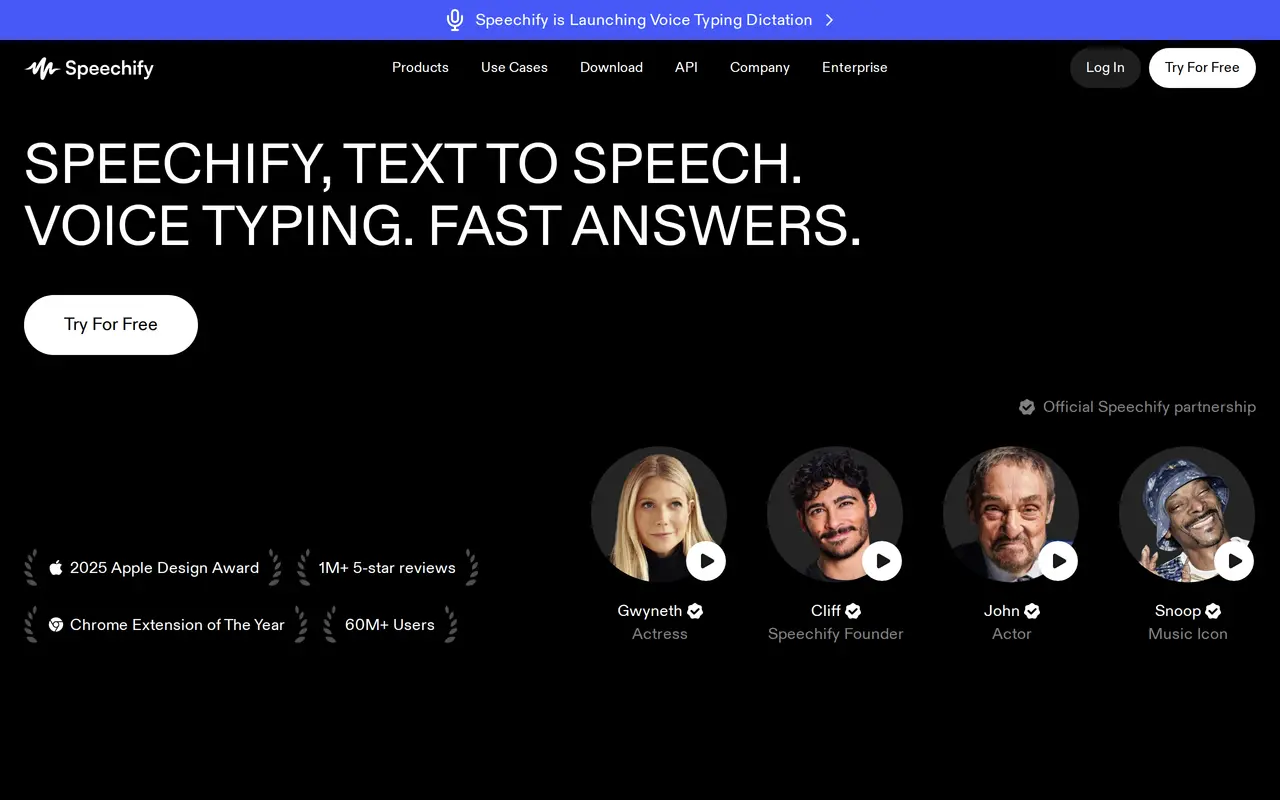
Speechify is a voice-based AI assistant for listening to written content, dictating text, and working with documents. It reads PDFs, books, web pages, and other files aloud, with text highlighting and adjustable playback speed. Users can import documents, paste text, add web links, or scan printed pages to turn them into audio.
Beyond reading aloud, Speechify can summarize material, answer questions about what you are reading, and turn documents or short descriptions into AI podcasts. Its voice typing converts speech into text while correcting grammar, punctuation, and filler words. Meeting tools generate summaries and let users ask questions about calls, while its document workspace supports voice-created notes and questions across files.
Speechify runs on the web, mobile devices, desktop apps, and a Chrome extension. The free plan provides basic text-to-speech with 10 voices and playback up to 1.5× speed. Premium adds more than 1,000 voices across over 60 languages, faster playback, scanning, AI summaries, and cloud-storage integrations. Developers can also access a separate text-to-speech API.
What can Speechify do?
Text-to-speech reader
Listen to documents, books, and web pages with adjustable speed and synchronized text highlighting.
Scan and listen
Use OCR to convert printed pages and images containing text into spoken audio.
Voice typing
Dictate text with automatic grammar and punctuation corrections and filler-word removal.
Document questions and summaries
Ask questions about reading material and get summaries, explanations, and key points.
AI podcast creation
Turn a document or short description into a podcast with adjustable style and depth.
AI meeting notes
Generate meeting summaries and ask questions about calls and conversations.
Who is Speechify for?
- Students
- Listen to course material and use summaries, quizzes, and podcasts to review subjects.
- Professionals
- Work through documents and emails by listening, dictating responses, and asking questions.
- People with reading difficulties
- Use spoken audio, highlighting, and adjustable playback to access written material.
- Creators
- Turn articles and ideas into podcasts and draft content through voice typing.
How much is Speechify?
Official pricingFree
Free
Premium
$29/mo
Free plan: Free text-to-speech includes 10 voices and playback speeds up to 1.5×.
Frequently asked questions
What does the free plan include?
The free plan includes basic text-to-speech, 10 voices, and listening speeds up to 1.5×.
How much does Premium cost?
Premium costs $29 per month when billed monthly, or $139 billed yearly.
Which file formats can Speechify read?
Speechify supports PDF, EPUB, DOCX, XLSX, and TXT files, along with web links, scanned pages, and typed or pasted text.
Can I listen offline?
Premium users can download converted audio for offline listening.
Does Speechify connect to cloud storage?
Premium includes integrations with Google Drive, Dropbox, and Microsoft OneDrive.
Is there a developer API?
Speechify offers a separate text-to-speech API with streaming, SSML, emotional controls, and speech marks.
Speechify alternatives
Compare alternatives- 1
 TTSReaderRead text, documents, ebooks and webpages aloud, or export them as audio.
- 2
 ElevenLabsGenerate AI speech, clone voices, create audio, and deploy conversational agents.
- 3
 Fish AudioGenerate expressive speech, clone voices, and build voice-enabled applications.
- 4NaturalReaderTurn documents, webpages, and scripts into AI speech for reading and voiceovers.
- 5
 VoicemakerTurn text into speech with a large library of AI voices in many languages.
More Text to Speech
See more
Clideo
AI Video Editors
Edit videos online with automatic subtitles, translation, and text-to-speech tools.

Murf AI
Text to Speech
Create AI voiceovers, dub videos, and build conversational voice agents.

Luvvoice
Text to Speech
Convert text and documents into AI speech in more than 70 languages.

Typecast
Text to Speech
Generate expressive AI voiceovers with emotion controls and voice cloning.

ForgeEcho
AI Product Photography
Create ecommerce product photos, ad scripts, and voiceovers in one AI workspace.