
Infinity by ProjectX
Visit websiteRun GPU-powered apps and let AI agents control them through a browser workspace.
Verified Nov 2, 2026
What is Infinity by ProjectX?
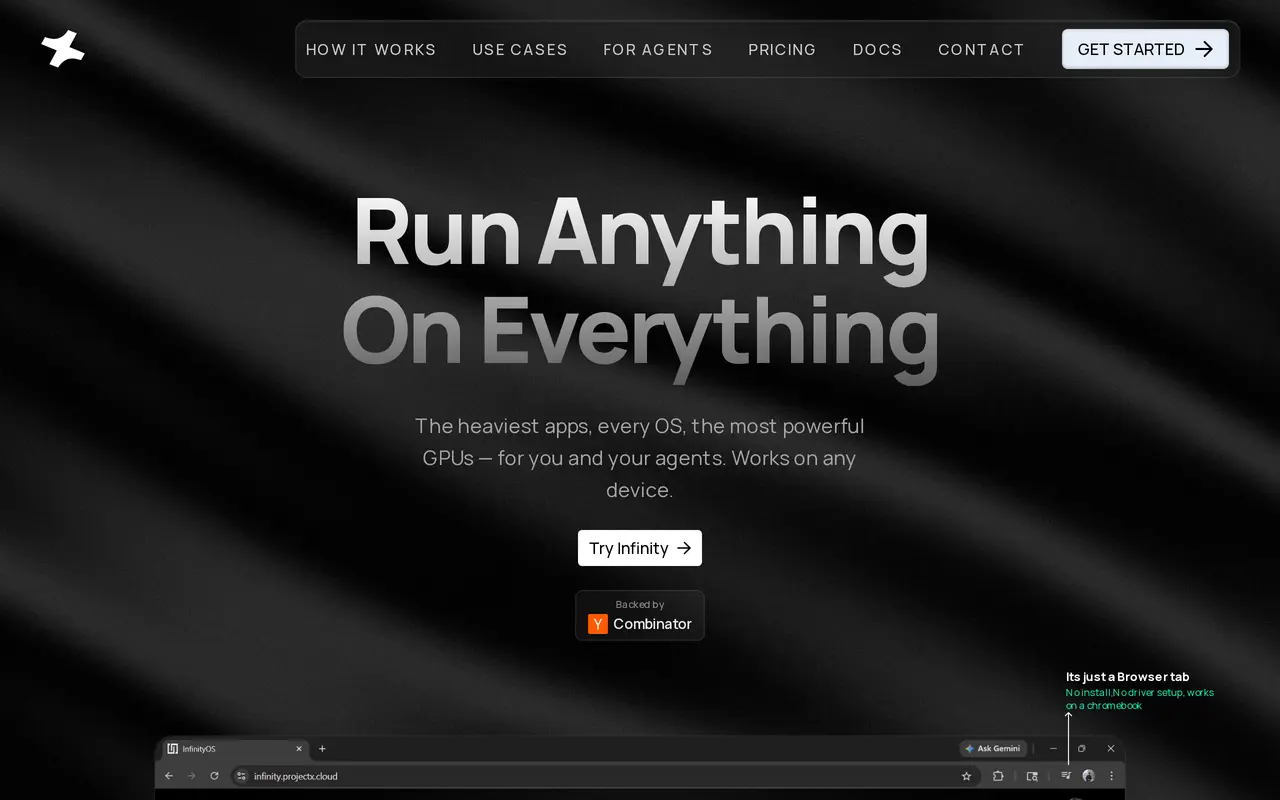
Infinity by ProjectX is a browser-based computing workspace for people and AI agents running demanding applications. Users choose an app, launch it with dedicated compute, and add other apps that run independently. Windows and Linux applications can share a workspace, with examples including Blender, VS Code, DaVinci Resolve, and Isaac Sim.
Its agent-facing chat interface lets AI agents launch environments, operate applications, and coordinate GPU workloads through conversation. This supports tasks such as opening Blender and rendering a particular frame, rather than limiting agents to text responses. Multiple applications can run in parallel, while per-app GPU telemetry shows resource usage. Users can also hand off a running workspace to a teammate by sharing a link.
Infinity targets robotics simulation, AI development, CAD, and visual production without requiring local installation or driver setup. Its published subscription plans and credit top-ups describe an upcoming pricing model, not currently available live-product pricing.
What can Infinity by ProjectX do?
Agent-controlled applications
AI agents use a chat interface to launch environments, run applications, and coordinate GPU workloads.
Independent app compute
Each application runs with its own compute resources so multiple workloads can operate in parallel.
Mixed operating systems
Use Windows and Linux applications together within the same browser workspace.
Live GPU telemetry
Monitor GPU usage for individual applications while they run.
Workspace handoff
Share a link so a teammate can pick up a running workspace where you left off.
Who is Infinity by ProjectX for?
- AI and ML developers
- Run GPU workloads and let agents coordinate applications and computing environments.
- Robotics developers
- Work with simulation applications such as Isaac Sim in a cloud workspace.
- 3D and VFX teams
- Run rendering, modeling, CAD, and video applications without local GPU setup.
- Educators and researchers
- Access demanding applications through a browser for teaching and academic work.
How much is Infinity by ProjectX?
Official pricingTrial
Free
Starter
$9.99/mo
Pro
$49.99/mo
Custom
See website
Boost top-up
$199.99 one-time
Scale top-up
$699.99 one-time
Free plan: The announced one-month trial includes 200 credits and 5GB of storage; this pricing model is not yet live.
Frequently asked questions
Does Infinity require a local installation?
Infinity runs in a browser tab without local application installation or driver setup, including on a Chromebook.
Can Windows and Linux apps run together?
Yes. Infinity supports Windows and Linux applications within the same workspace, with independent compute for each app.
Are the advertised plans currently available?
The published plans and credit details are marked as an upcoming pricing model and are not yet available in the live product. Current plans and prices must be checked inside the product.
What does the announced trial include?
The upcoming Trial plan includes one month of access, 200 credits, 5GB of storage, a single user, and community support.
How will credit top-ups work?
Under the upcoming pricing model, top-ups are one-time purchases that require an active subscription. Subscription and top-up credits have separate expiration rules, with the nearest-expiring credits used first.
Infinity by ProjectX alternatives
Compare alternatives- 1
 ComposioConnect AI assistants and agents to 1,500+ apps with authentication and access controls.
- 2
 MyClawDeploy and run always-on AI agents with managed cloud hosting.
- 3
 JetBrains AirRun coding agents, review their changes, and coordinate software development tasks.
- 4
 XHawkRun coordinated AI agents across engineering, product, and analytics workflows.
- 5
 TavilyWeb search and content extraction APIs for AI agents.
More AI Developer Tools
See more
Cursor
AI Code Assistants
An AI coding editor and agent for building, testing, and reviewing software.

JetBrains
AI Code Assistants
AI-powered development tools and coding agents for developers and software teams.

Cline
AI Code Assistants
An open-source coding agent for your editor, desktop, terminal, and applications.

CodeRabbit
AI Code Assistants
AI code reviews, pull request triage, change explanations, and security monitoring.

Devin Desktop
AI Code Assistants
Manage local and cloud coding agents, review changes, and write code in one IDE.

Open WebUI
AI Chatbots
A self-hosted AI interface for local and cloud models, conversations, and tools.