
Granola
Visit websiteTurn meeting conversations and rough notes into summaries, actions, and searchable memory.
Verified Nov 2, 2026
What is Granola?
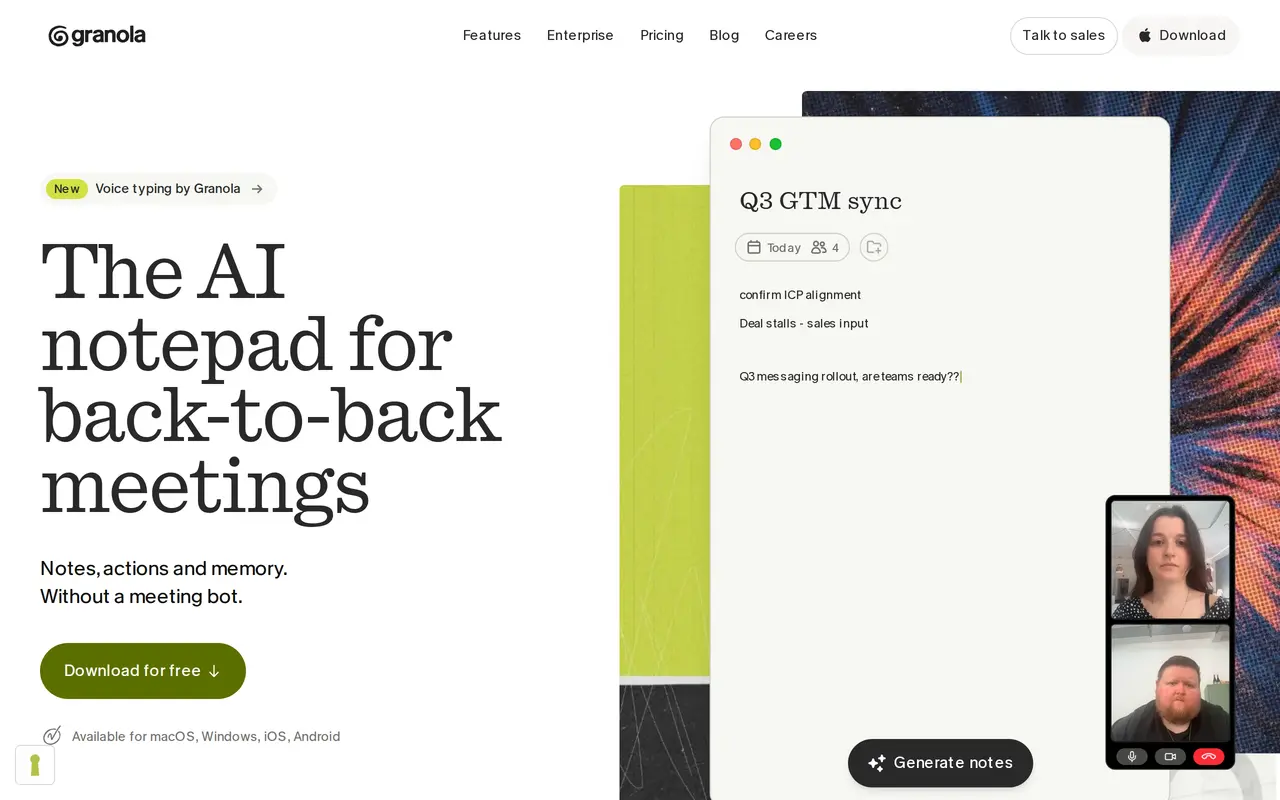
Granola is an AI notepad that combines the notes you write with meeting transcripts to produce structured summaries and action items. It captures device audio rather than sending a bot into the call, and works with meeting apps such as Zoom, Google Meet, and Microsoft Teams. Its mobile apps also support in-person conversations and meetings on the go.
During a meeting, you can write as much or as little as you want, then let Granola expand those notes using the conversation's context. Afterward, you can ask questions across meetings, find commitments, and share notes through collaborative folders. Paid plans add calendar-based pre-meeting briefs, follow-up emails, and integrations with tools including Notion, HubSpot, and Zapier. MCP connections let compatible AI assistants use your meeting notes, while API access is available on Business and Enterprise.
The free Basic plan includes unlimited note-taking with access to the last 30 days of meeting history. Paid plans retain unlimited history and add more integration and administration options. Notes are private by default, and audio is deleted after transcription. Granola uses anonymized data for its own model training unless you opt out; Enterprise workspaces have training disabled by default. Users should obtain participants' permission where required before transcribing conversations.
What can Granola do?
Bot-free meeting capture
Transcribes device audio without joining calls as a meeting bot.
AI-enhanced notes
Combines your rough notes with conversation context to create structured summaries and action items.
Cross-meeting chat
Answers questions across your meetings to help retrieve decisions, commitments, and past discussions.
Meeting preparation and follow-up
Paid plans provide pre-meeting briefs and help draft follow-up emails.
Shared folders and templates
Organizes notes for collaboration and supports customized note templates.
MCP and API access
Connects notes to compatible AI assistants through MCP, with API access on Business and Enterprise.
Who is Granola for?
- People with frequent meetings
- Capture conversations, review commitments, and prepare for subsequent meetings.
- Sales teams
- Keep customer meeting notes and use CRM integrations to support follow-up work.
- Product teams
- Track decisions and action items across planning sessions and team discussions.
- Enterprise teams
- Manage meeting notes with organization-wide security, retention, and sharing controls.
How much is Granola?
Official pricingBasic
Free
Business
$14/mo
Enterprise
$35/mo
Free plan: Basic includes unlimited meeting note-taking with 30 days of meeting history and MCP access to personal notes from the last 30 days.
Frequently asked questions
Can I use Granola for free?
Basic is free and includes AI meeting notes, shared folders, customized templates, and AI chat. Meeting history and MCP access to personal notes are limited to the last 30 days.
How much do the paid plans cost?
Business costs $14 per user per month, and Enterprise costs $35 per user per month. Both include unlimited meeting history; Enterprise adds organization-wide security and administration controls.
Which devices and meeting apps does it support?
Granola is available for macOS, Windows, iOS, and Android. It captures device audio and works with Zoom, Google Meet, Teams, and other meeting apps, as well as in-person conversations.
Does Granola use meeting data to train models?
Granola does not allow third-party model providers to train on your data. It uses anonymized data for its own training, with an individual opt-out in Settings; training is disabled by default for Enterprise users.
Can other AI tools access my notes?
Granola supports MCP connections for tools such as Claude and ChatGPT. Basic exposes personal notes from the last 30 days, while paid plans expand access; Business and Enterprise also include API access.
Do meeting participants need to know it is being used?
Granola recommends asking permission before transcribing others, and consent may be required depending on participants' locations. It includes a feature that sends an automated notification at the start of a meeting.
Granola alternatives
Compare alternatives- 1
 Fireflies.aiRecord, transcribe, summarize, and search meetings with AI.
- 2
 Otter.aiTranscribe meetings, search conversations, and automate summaries and follow-ups.
- 3
 BluedotRecord meetings without a bot, then turn them into transcripts, notes, and follow-ups.
- 4
 FathomAI notetaker that records, transcribes and summarizes meetings.
- 5
 Read AICapture meeting notes, track action items, and search across workplace conversations.
More AI Meeting Assistants
See more
Notta
AI Transcription
AI transcription that turns meetings and calls into notes, summaries and next steps.

ParakeetAI
AI Interview Assistants
Get live AI answer suggestions for interviews, meetings, and sales calls.
Superwhisper
AI Transcription
Turn speech into formatted text in any app, with offline and cloud AI models.