
Bluedot
Visit websiteRecord meetings without a bot, then turn them into transcripts, notes, and follow-ups.
Verified Nov 2, 2026
What is Bluedot?
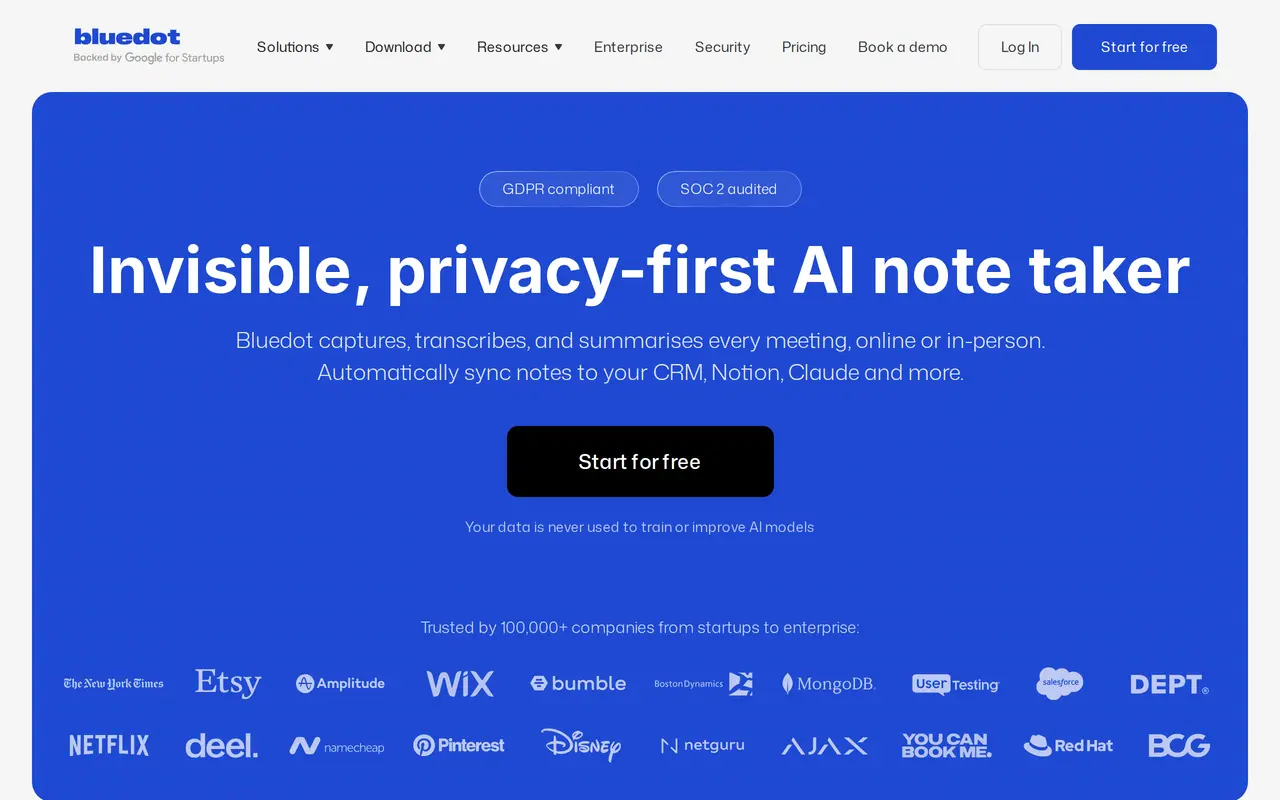
Bluedot is an AI meeting recorder and note taker for online calls and in-person conversations. It captures meetings through a Chrome extension, desktop apps, or mobile apps rather than sending a bot into the call. It works with platforms including Google Meet, Zoom, Microsoft Teams, and Slack, and produces transcripts and summaries in more than 100 languages.
Users can generate structured notes for sales calls, interviews, customer check-ins, and other meeting types. A built-in AI chat answers questions across multiple meetings, while searchable transcripts and sharing controls help teams reuse conversation history. Users can also upload existing audio or video files for transcription and summarization.
Bluedot connects meeting information to tools such as Notion, CRMs, and AI assistants through integrations, webhooks, and MCP. Its Free plan includes five meetings in total; paid plans add unlimited recording, with video capture and advanced workspace controls available on higher tiers. Bluedot states that customer data is not used to train AI models. Participants should still be informed about recording, and applicable consent requirements must be followed.
What can Bluedot do?
Bot-free meeting recording
Capture online calls and in-person conversations through browser, desktop, and mobile apps without a bot joining.
Multilingual transcripts and notes
Turn conversations into transcripts, structured summaries, and action items in more than 100 languages.
Cross-meeting AI chat
Ask questions across multiple meetings to retrieve details and find relevant insights.
Audio and video imports
Upload existing recordings, including MP3, MP4, and M4A files, for transcription and structured summaries.
Connected meeting workflows
Send meeting context to other tools using integrations, webhooks, and MCP, with access varying by plan.
Team access controls
Share searchable meeting records with colleagues and manage access, with advanced controls on Business.
Who is Bluedot for?
- Sales and customer success teams
- Capture customer conversations, produce follow-up notes, and sync meeting information to a CRM.
- Recruiters
- Record interviews, generate structured notes, and connect meeting information to an ATS.
- Founders and managers
- Keep searchable records of team discussions and retrieve decisions across meetings.
- Engineering teams
- Capture technical discussions and make meeting context available to colleagues and AI agents.
How much is Bluedot?
Official pricingFree
Free
Basic
$14/mo
Pro
$20/mo
Business
$32/mo
Flat rate
See website
Free plan: Five meetings in total, with continued access to view and share recordings afterward.
Frequently asked questions
Can I use Bluedot for free?
The Free plan includes five meetings over the lifetime of the account. After that, free members can still view and share recordings, but need a paid plan to continue recording.
Does Bluedot join calls as a meeting bot?
No. It captures meetings through its Chrome extension or apps and does not require calendar access or meeting-host permissions.
Which devices does Bluedot support?
Bluedot offers a Chrome extension, Mac and Windows desktop apps, and iOS and Android mobile apps. It also supports recording with Apple Watch.
Does every workspace member need a paid seat?
Only users who record meetings are charged. Each workspace requires its own upgrade, and additional paid users are billed proportionally for the remainder of the billing cycle.
What happens to recordings if I cancel?
Canceling a subscription removes access to recordings. You have one month to restore the subscription before the recordings are permanently deleted.
Is meeting data used to train AI models?
Bluedot states that customer data is never used to train or improve AI models.
Bluedot alternatives
Compare alternatives- 1
 Otter.aiTranscribe meetings, search conversations, and automate summaries and follow-ups.
- 2
 Fireflies.aiRecord, transcribe, summarize, and search meetings with AI.
- 3
 GranolaTurn meeting conversations and rough notes into summaries, actions, and searchable memory.
- 4
 FathomAI notetaker that records, transcribes and summarizes meetings.
- 5
 Read AICapture meeting notes, track action items, and search across workplace conversations.
More AI Meeting Assistants
See more
Notta
AI Transcription
AI transcription that turns meetings and calls into notes, summaries and next steps.

ParakeetAI
AI Interview Assistants
Get live AI answer suggestions for interviews, meetings, and sales calls.
Superwhisper
AI Transcription
Turn speech into formatted text in any app, with offline and cloud AI models.