Best Kimi alternatives
Short on time? Start with what matters most to you.
Top Kimi alternatives, reviewed
What each one does well, who it suits and what it costs.

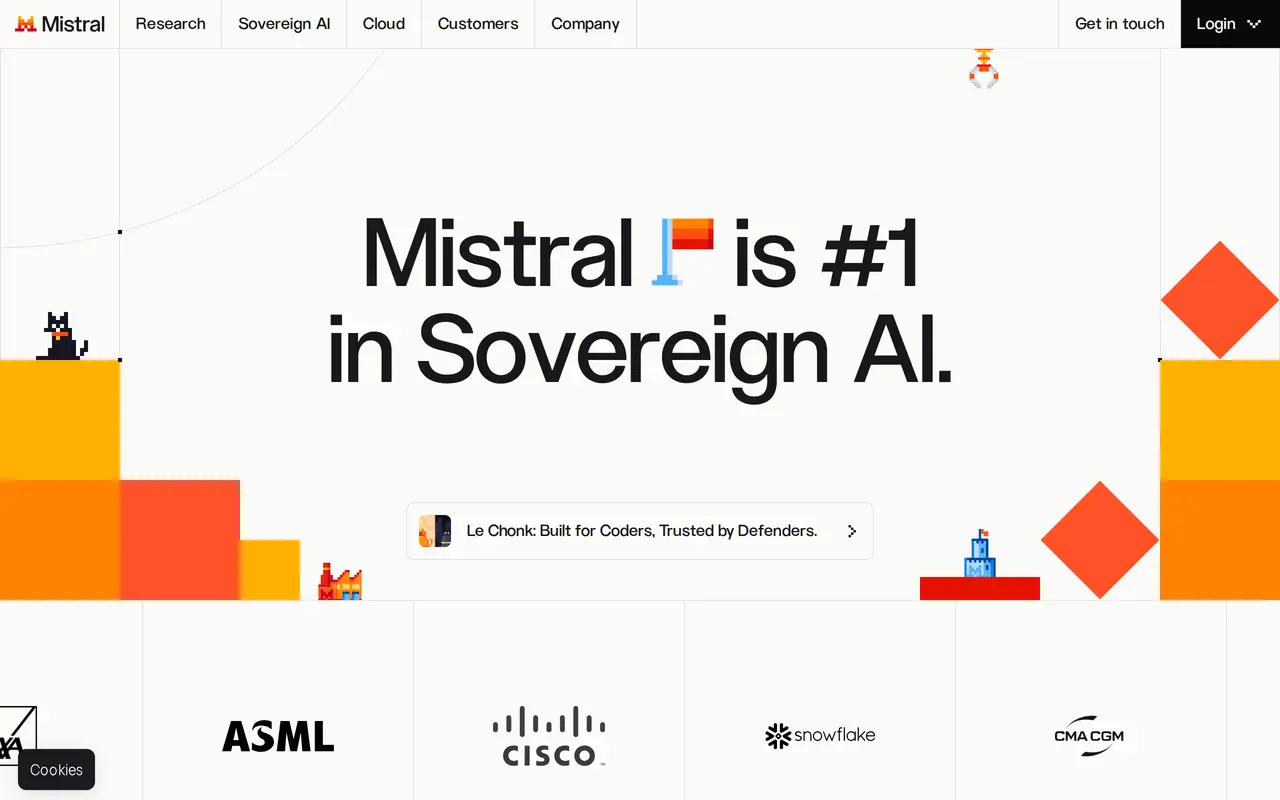
1. Viskey & Vida
FreemiumFrom $9.90/mo
Viskey & Vida is an AI work companion that combines chat, content generation, and project assistance with memory of your preferences and work context. It runs in a browser and offers desktop apps for macOS and Windows. You can ask it to research an industry, create slides, build a spreadsheet, or polish a résumé. The…
- Persistent work memory
- Research and browser tasks
- Document and visual generation
Best for Knowledge workers, Job seekers
Full review: Viskey & Vida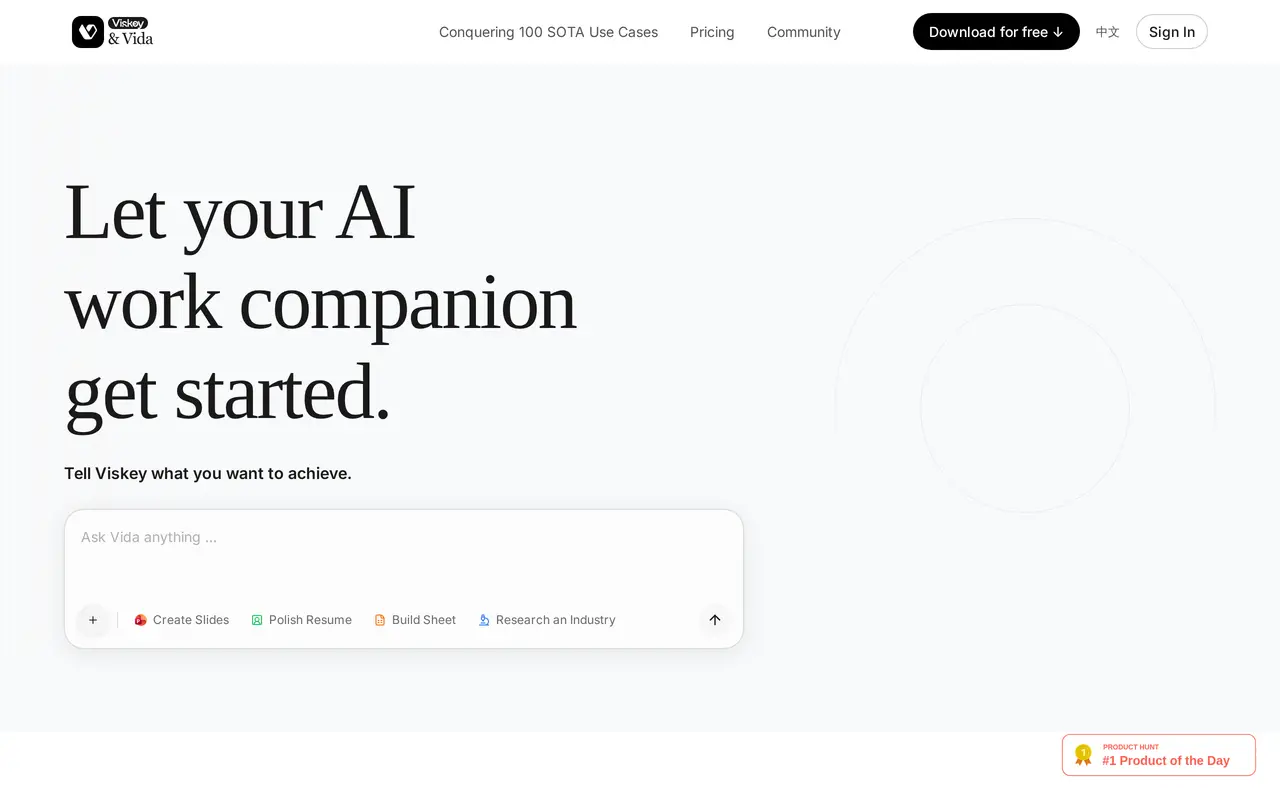

2. Claude
FreemiumFrom $20/mo
Claude is Anthropic’s AI assistant for answering questions and carrying out work with documents, spreadsheets, presentations, code, and connected apps. Users describe an outcome in plain language, give Claude access to relevant files or tools, and review the results. It can search the web, run code, create editable…
- Research and web search
- Editable files and Artifacts
- Scheduled and parallel tasks
Best for Business teams, Developers, Finance and legal professionals, Enterprise administrators
Full review: Claude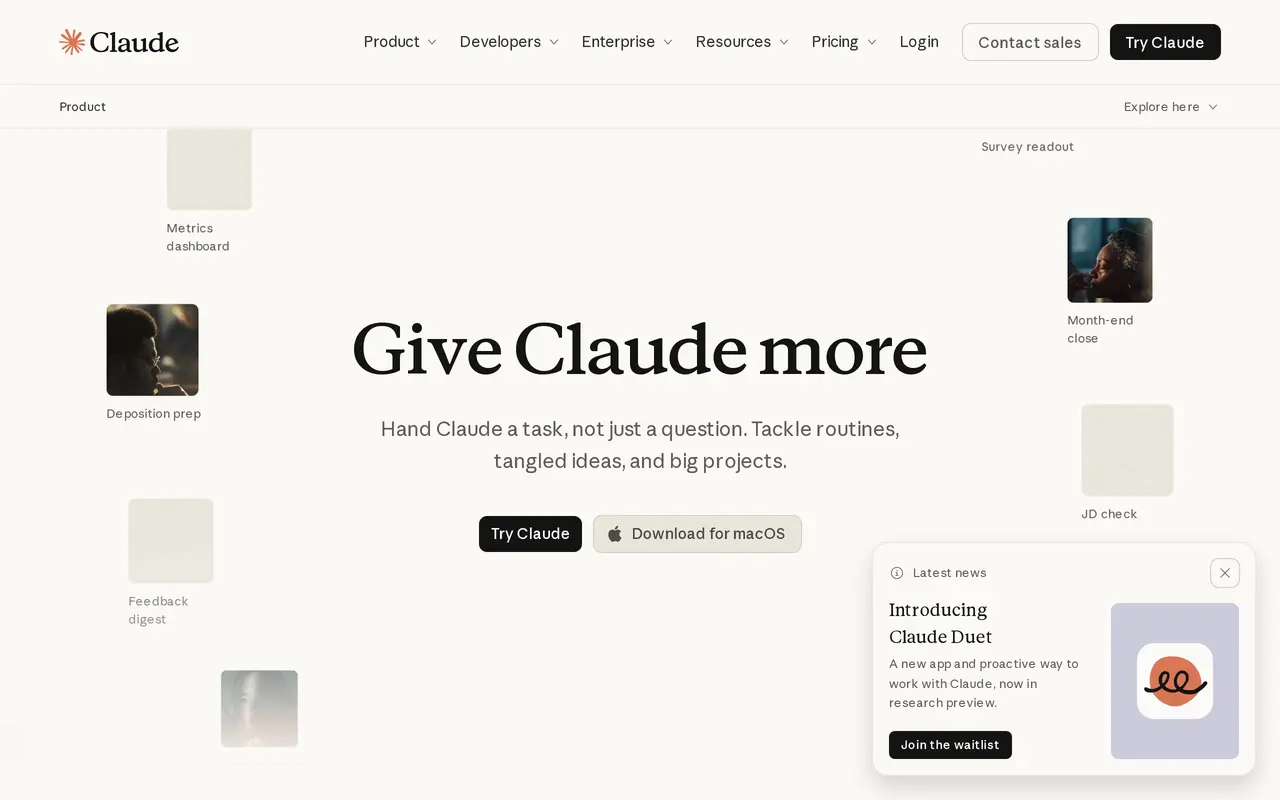

3. ChatGPT
Freemium
ChatGPT is an AI assistant that brings conversation, writing, coding, and image creation into one interface. Users can start a chat to ask questions, draft text, or get help completing work. It supports a range of tasks rather than focusing on a single type of output, making it useful for people who want to move…
- Conversational assistance
- Image creation
- File uploads
Best for Everyday users, Writers and content creators, People working with code
Full review: ChatGPT

4. Gemini
Gemini is Google’s generative AI assistant for writing, planning, brainstorming, and other conversational tasks. It provides a chat interface where you can start a conversation about what you want help with. Its starting options include summarizing, learning, and coding, alongside its broader writing and…
- Writing assistance
- Planning and brainstorming
- Summarizing, learning, and coding
Best for Everyday users, Learners, People working with code
Full review: Gemini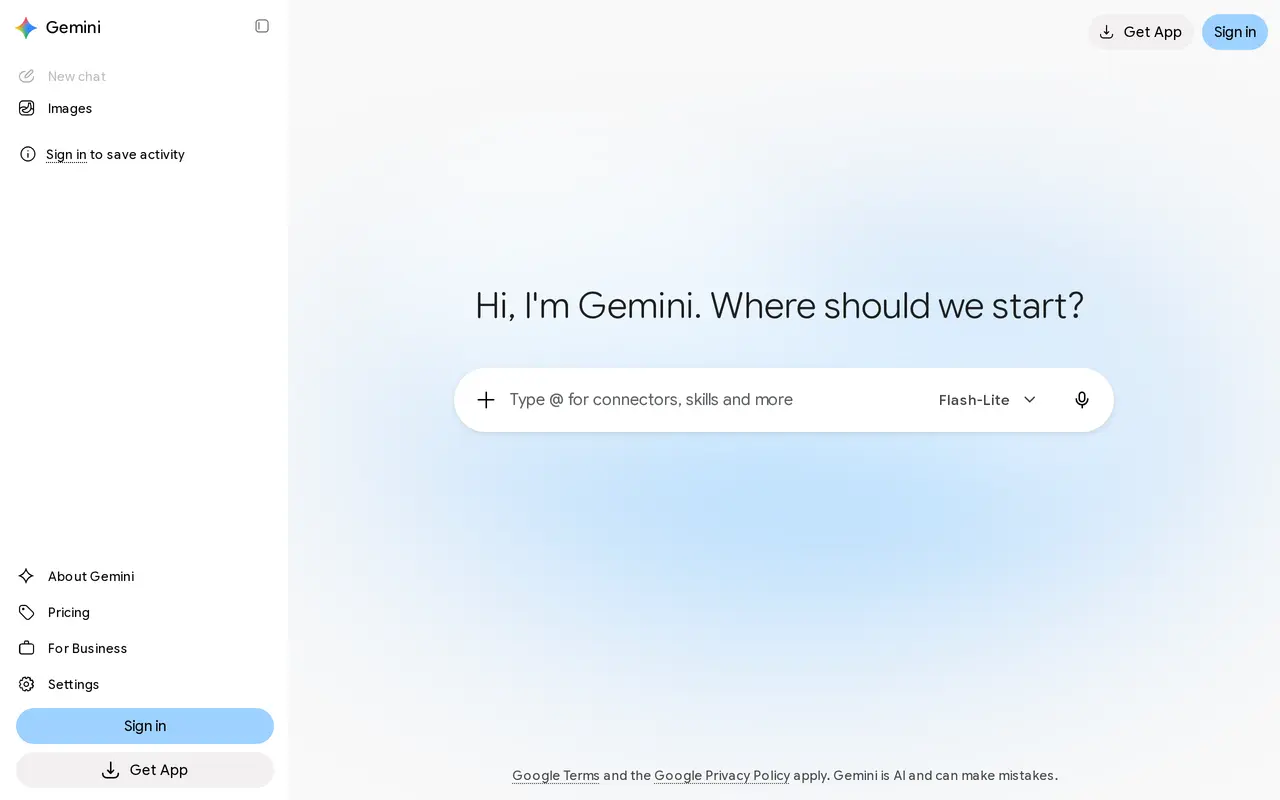

5. Microsoft Copilot
Freemium
Microsoft Copilot is an AI assistant for work, personal tasks, and school. Its chat interface lets you ask questions, explore ideas, think through projects, and summarize information within a conversation. It also supports content drafting and image generation, bringing several kinds of AI assistance into one…
- AI chat
- Work search
- Content and image creation
Best for Working professionals, Students, Personal users
Full review: Microsoft Copilot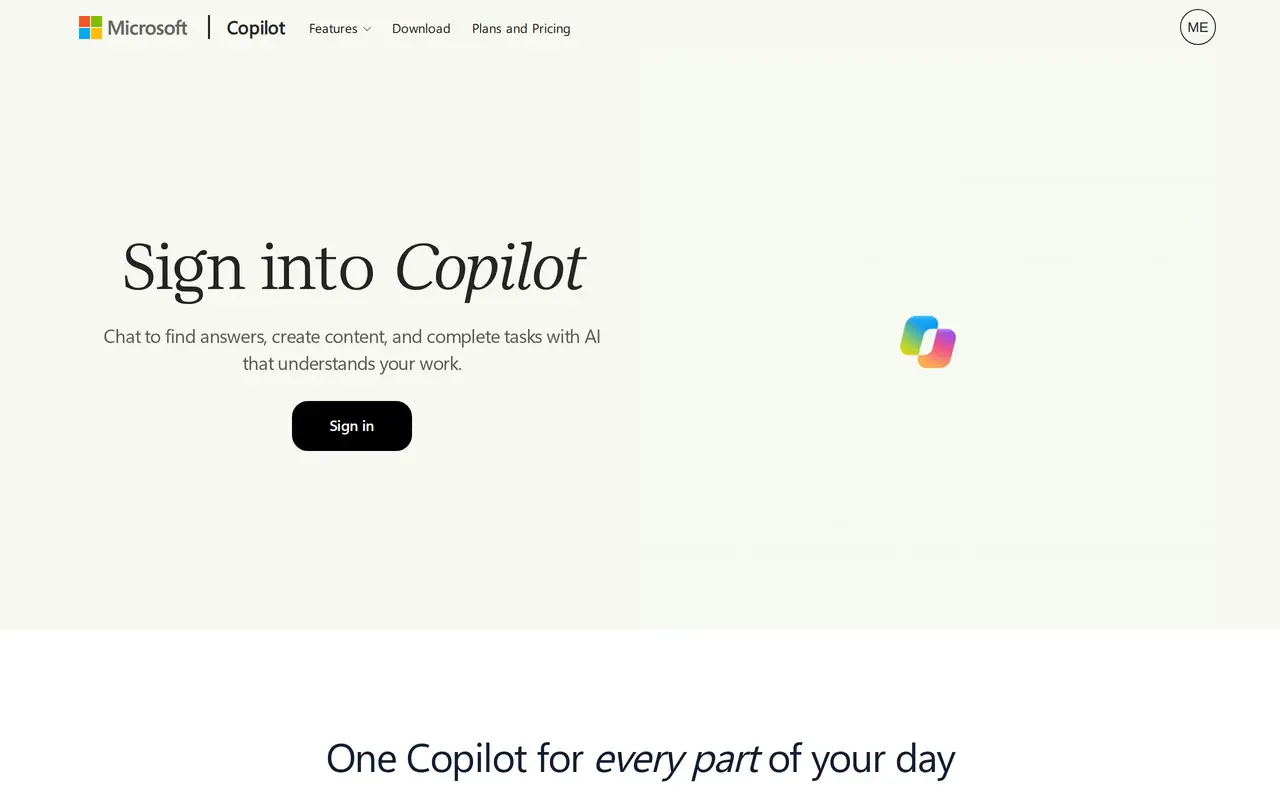

6. DeepSeek
Free
DeepSeek is a free AI assistant for iPhone and iPad, powered by DeepSeek’s flagship model. It provides a conversational interface for asking questions and getting help with problems and everyday tasks. Users interact with the assistant through chat, making it a general-purpose tool rather than an app dedicated to a…
- Conversational AI assistance
- DeepSeek flagship model
- Multilingual interface
Best for Everyday AI users
Full review: DeepSeek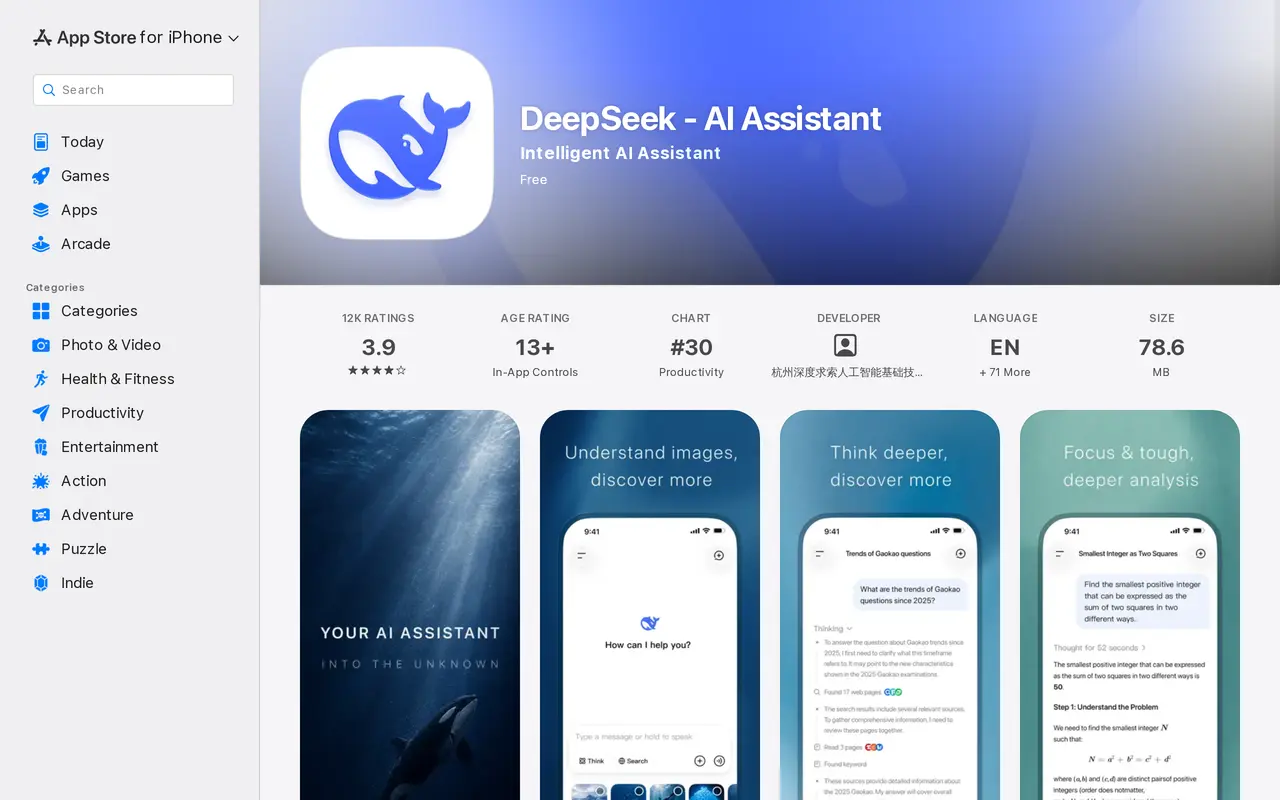

7. Grok
Grok is a general-purpose AI assistant that runs in the browser as a chat window. You type a question or request, or start with a slash command, and the assistant replies in an ongoing conversation, so follow-up questions and revisions stay in the same thread. Alongside conversation, it can generate images, help…
- Conversational chat
- Slash commands
- Image creation
Best for General users, X users, Developers
Full review: Grok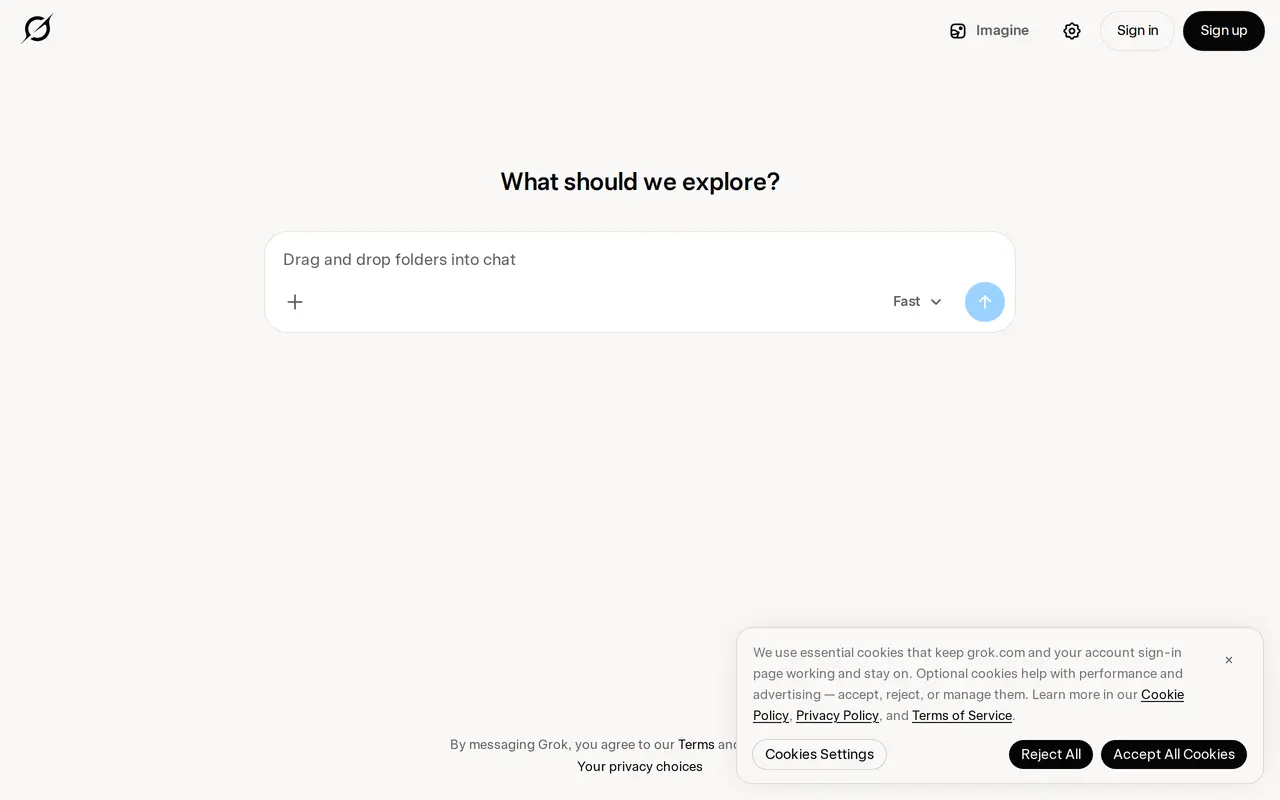

8. Monica
Freemium
Monica is an AI assistant that brings multiple models together for chat, writing, research, translation, and creative work. It runs on the web, through a Chrome extension, and in desktop and mobile apps. Users can ask questions, compare model responses, summarize documents, and generate images or videos within the…
- Multi-model chat
- Browser sidebar and toolbar
- Writing and email assistance
Best for Researchers and analysts, Marketing professionals, Entrepreneurs, Customer service professionals
Full review: Monica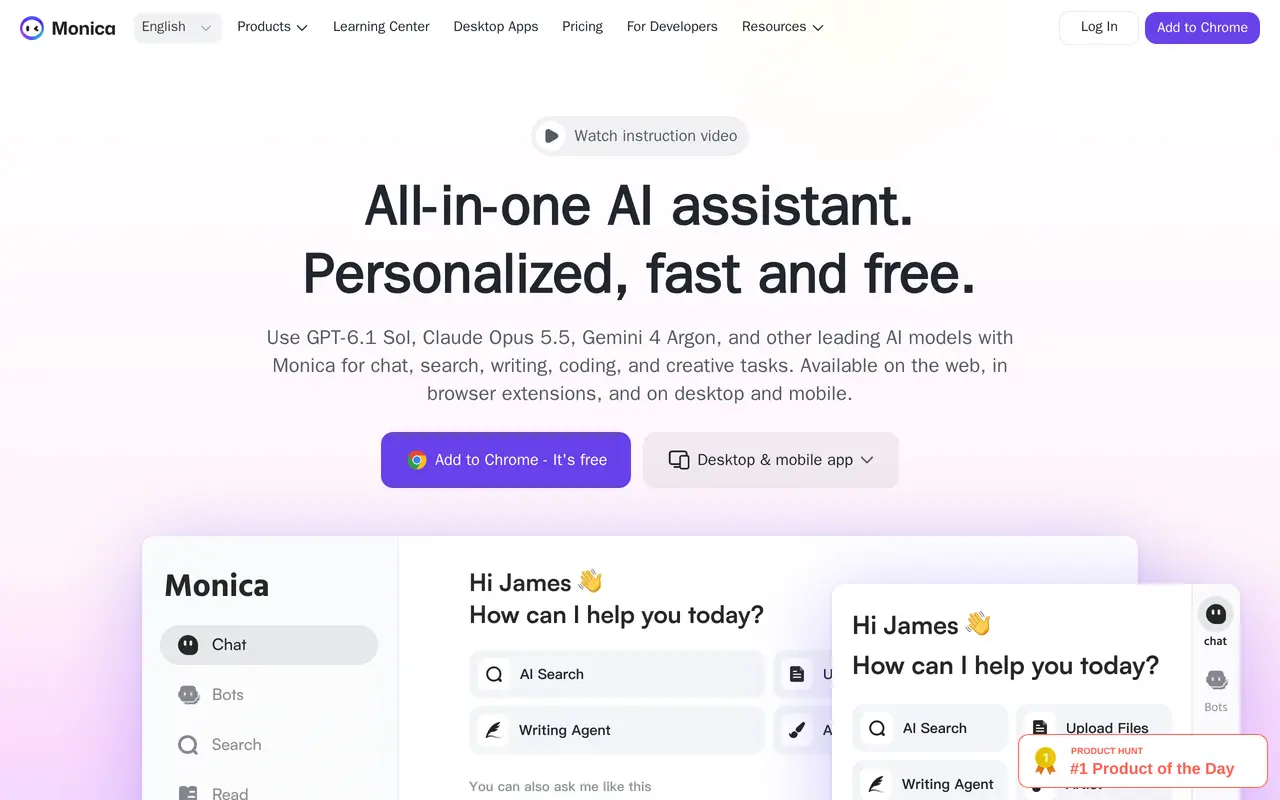

9. Speechify
FreemiumFrom $29/mo
Speechify is a voice-based AI assistant for listening to written content, dictating text, and working with documents. It reads PDFs, books, web pages, and other files aloud, with text highlighting and adjustable playback speed. Users can import documents, paste text, add web links, or scan printed pages to turn them…
- Text-to-speech reader
- Scan and listen
- Voice typing
Best for Students, Professionals, People with reading difficulties, Creators
Full review: Speechify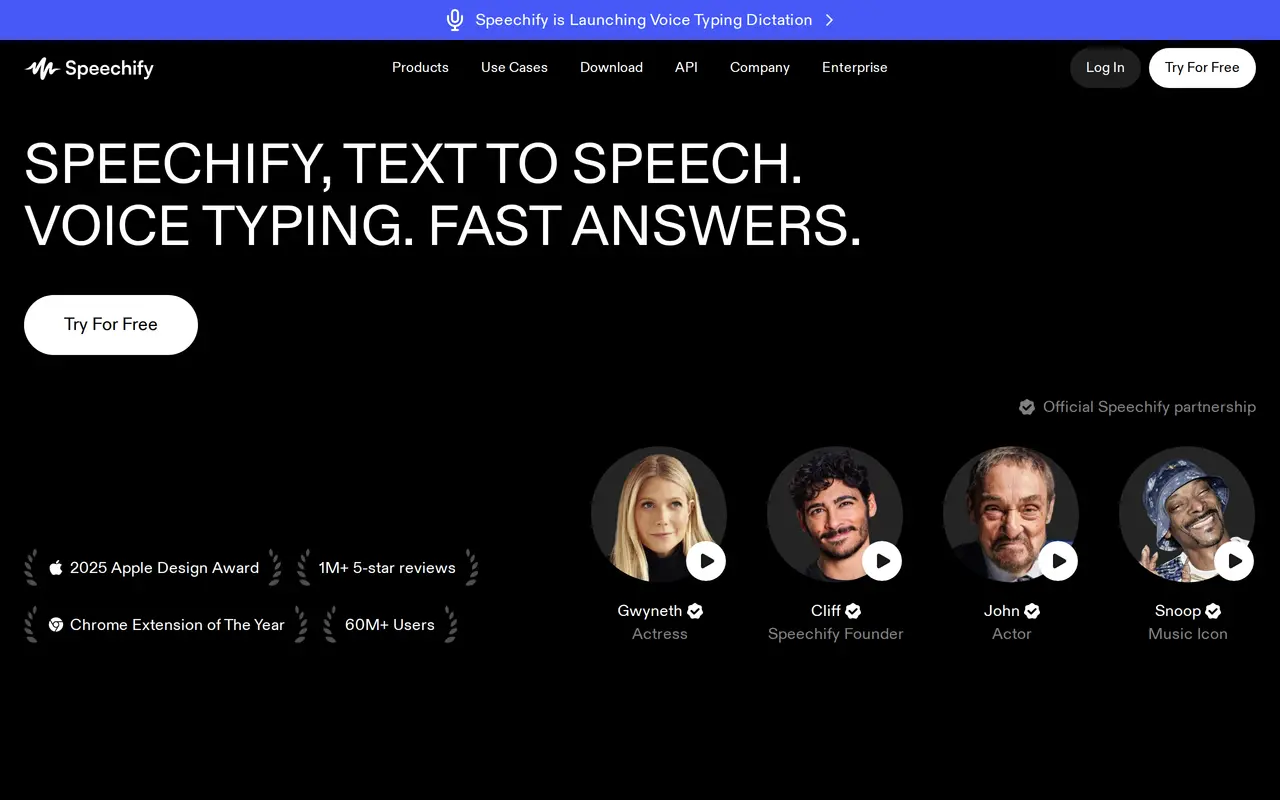

10. Mistral
FreemiumFrom $5.99/mo
Mistral provides AI models and tools for building applications, customizing models, and using AI for everyday work. Its model range covers general tasks and coding, document processing with OCR, and audio and speech with Voxtral. Organizations can run models on their own infrastructure, in a private cloud, or through…
- General and specialist models
- Model customization
- Agent and application development
Best for Developers, Enterprise AI teams, Individual professionals
Full review: Mistral