
GPTExcel
Visit websiteAnalyze spreadsheets and generate formulas, pivot tables, charts, and slide decks with AI.
Verified Nov 2, 2026
What is GPTExcel?
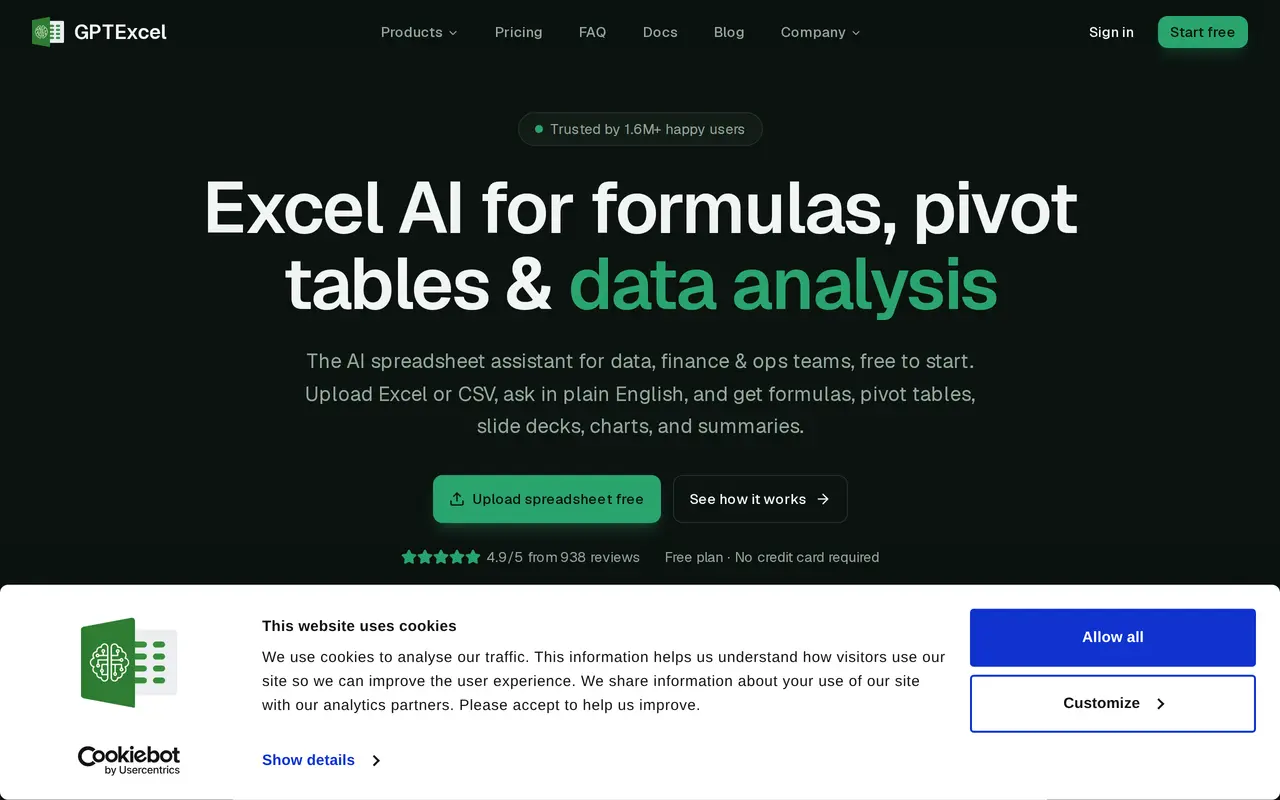
GPTExcel is a web-based AI spreadsheet assistant for analyzing data and building spreadsheet outputs through plain-English requests. Users upload Excel or CSV files, or a photo of a table, then ask questions or describe what they want to create. Results can include answers, formulas, charts, native Excel pivot tables, written summaries, and downloadable slide decks.
Its formula tools support Excel, Google Sheets, LibreOffice Calc, and Airtable. It also generates and explains SQL queries and regular expressions, and writes automation scripts in VBA, Apps Script, LibreOffice Basic, Airtable, and Python. For data preparation, it can remove duplicates, standardize values, and transform data. Presentations built from spreadsheets can be downloaded as PowerPoint or PDF files.
The free plan includes monthly credits and daily free tool runs, while paid plans increase credit allowances, file limits, and model choices. Paid credits refresh weekly and do not roll over, and heavier usage is paced over five-hour windows. Uploaded files are encrypted in storage and transit and are not used for model training.
What can GPTExcel do?
Spreadsheet chat and analysis
Ask questions about Excel and CSV files to find trends, anomalies, and key figures.
Formula generation
Generate and explain formulas for Excel, Google Sheets, LibreOffice Calc, and Airtable.
Pivot tables and charts
Build native Excel pivot tables, slicers, pivot charts, and other charts from plain-English requests.
Data cleaning
Remove duplicates, standardize values, and transform spreadsheet data.
Scripts, SQL, and regex
Generate automation scripts, SQL queries, and regular expressions from descriptions.
Slide decks and reports
Turn spreadsheet data into written summaries or presentations downloadable as PowerPoint or PDF files.
Who is GPTExcel for?
- Accountants and financial analysts
- Reconcile data, audit reports, build financial models, and analyze spreadsheet figures.
- Operations teams
- Track KPIs, prepare reports, and automate recurring spreadsheet work.
- Marketers
- Analyze campaign data and return on investment.
- Students
- Work through numerical assignments and generate spreadsheet formulas.
How much is GPTExcel?
Official pricingFree
Free
Pro
$9/mo
Pro Plus
$18/mo
Free plan: 50 credits per month, five free tool runs daily, and uploads up to 5 MB.
Frequently asked questions
Can I use GPTExcel for free?
The Free plan includes 50 credits per month and five free tool runs each day, with additional tool runs costing one credit each. No credit card is required to start.
How much do the paid plans cost?
Pro costs $9 per month and includes 700 credits per week. Pro Plus costs $18 per month and includes 2,330 credits per week, along with access to the Expert model.
What are the file upload limits?
Free supports files up to 5 MB and 10 files per chat. Pro allows 50 MB and 20 files per chat, while Pro Plus allows 100 MB and 30 files per chat.
Do unused paid credits roll over?
No. Paid credits refresh weekly without rollover, and heavier usage is paced over five-hour windows.
Can it create PowerPoint presentations?
Yes. GPTExcel can turn spreadsheet data into slide decks that can be downloaded as PowerPoint or PDF files.
How are uploaded spreadsheets protected?
Files use AES-256 encryption at rest and TLS in transit, and are not used for model training. Accounts and associated files can be deleted on request.
GPTExcel alternatives
Compare alternatives- 1
 PromptQLShared AI bots that work with teammates to maintain dashboards, documents and plans.
- 2
 CanvaCreate presentations, graphics, photos, and videos with AI-assisted design tools.
- 3
 GammaCreate presentations, documents, websites, and social visuals with AI.
- 4
 Presentations.AICreate branded slide decks from prompts, documents, URLs, and data.
- 5
 Claude DesignCreate and refine branded visuals, presentations, and interface mockups with Claude.