Best Mistral alternatives
Short on time? Start with what matters most to you.
Top Mistral alternatives, reviewed
What each one does well, who it suits and what it costs.

1. OpenAI
OpenAI develops AI models and offers access through ChatGPT and its API platform. ChatGPT provides a conversational interface for tasks such as drafting emails, explaining code, translating text, summarizing notes, and planning trips. Users can ask questions or describe a task, with applications spanning everyday…
- Conversational assistance
- Writing and text support
- Coding assistance
Best for Everyday users, Developers, Business teams, Educational institutions
Full review: OpenAI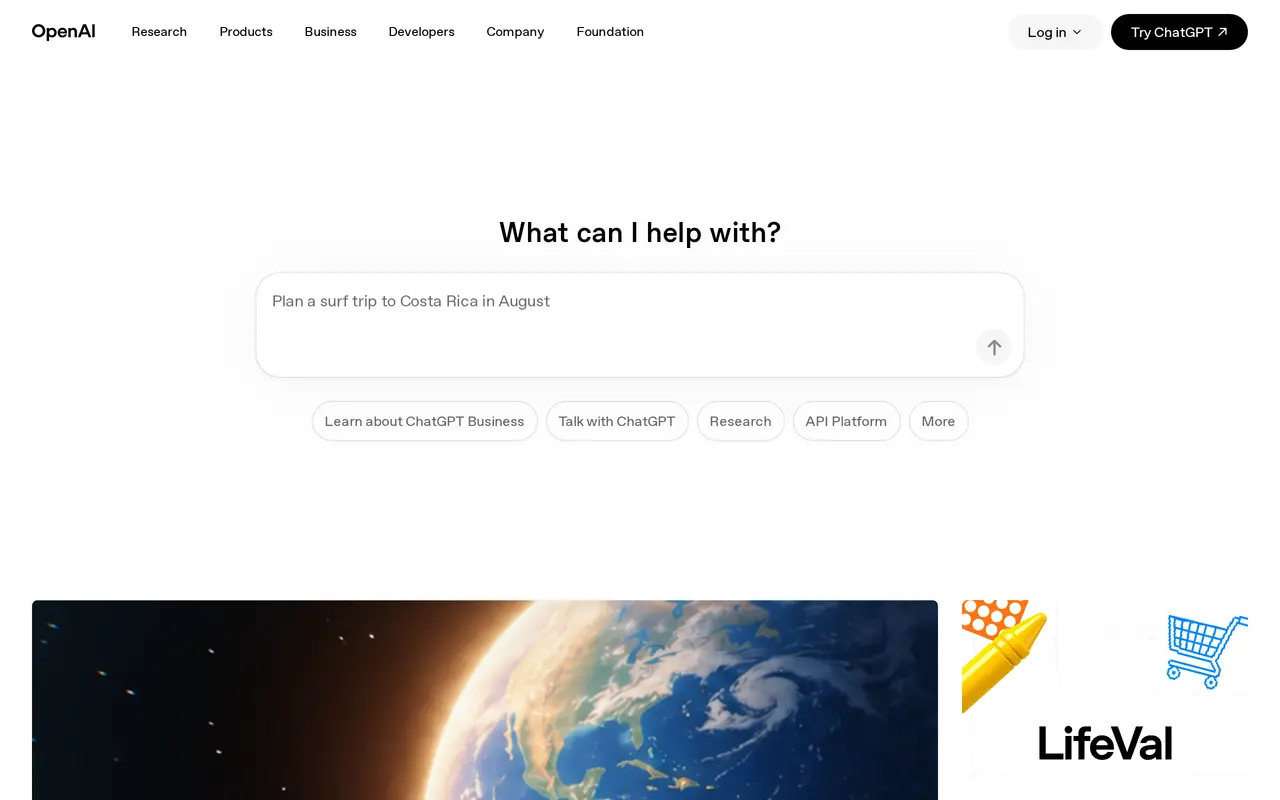

2. Stability AI
Stability AI develops generative AI models and production tools for images, audio, video, and 3D media. Its offerings serve creators, developers, and enterprise teams working on marketing assets, game worlds, music, and entertainment production. Image tools support both generation and editing, while Stable Audio…
- Image generation and editing
- Stable Audio
- Video and 3D models
Best for Marketing teams, Game developers, Entertainment creators, Developers and enterprise teams
Full review: Stability AI

3. MiniMax
MiniMax develops foundation models for language, video, speech, and music, and makes them available through developer APIs and AI applications. Its model lineup includes MiniMax M3.1 Flash, MiniMax H3, MiniMax Speech 2.8, and MiniMax Music 3.0. The platform serves individual users as well as developers and…
- Multimodal model lineup
- Developer API platform
- AI applications
Best for Developers, Enterprises, Individual users
Full review: MiniMax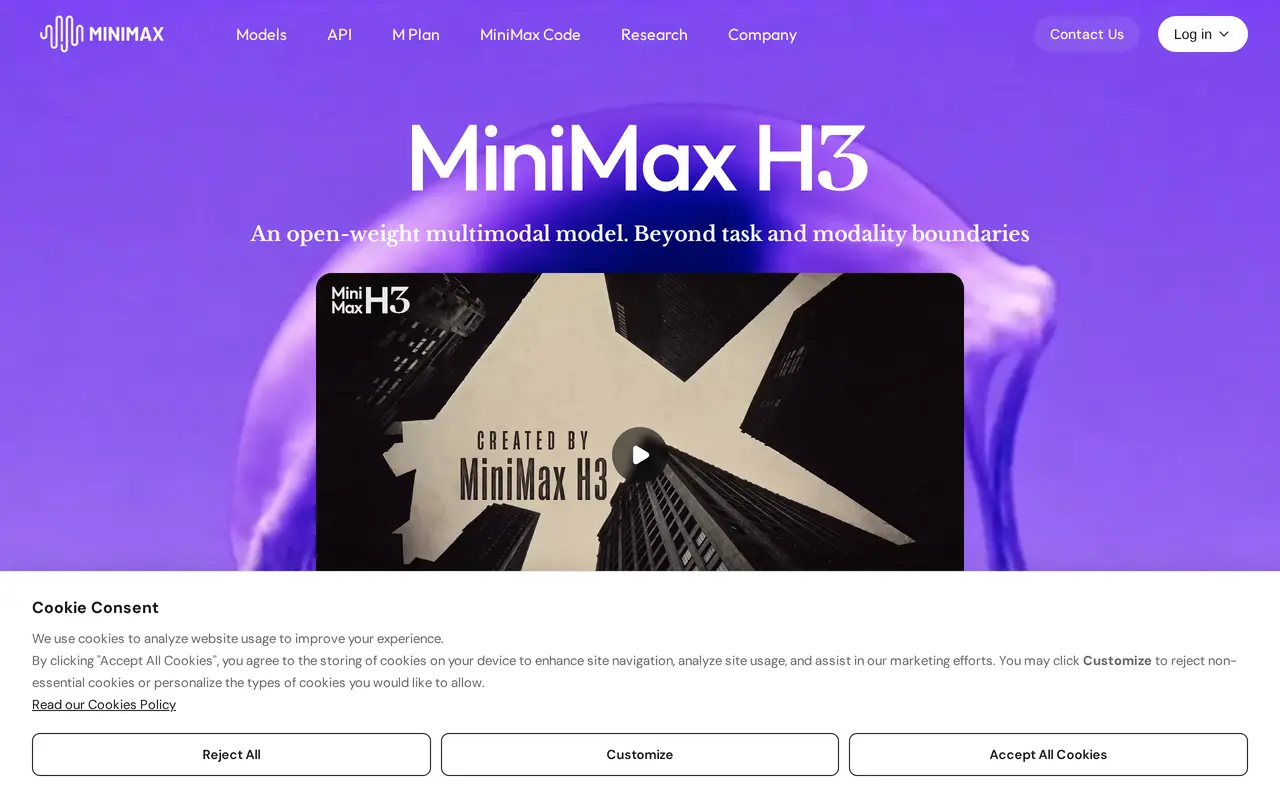

4. FLUX
Paid
FLUX is a family of generative AI models from Black Forest Labs for creating images, video, and audio. Users can experiment in a browser playground, integrate models through an API, or deploy available open-weight models on their own infrastructure. Its image models support text-to-image and image-to-image…
- Image generation and transformation
- Video with optional audio
- Browser playground
Best for Developers and product teams, Creative teams and agencies, Robotics teams
Full review: FLUX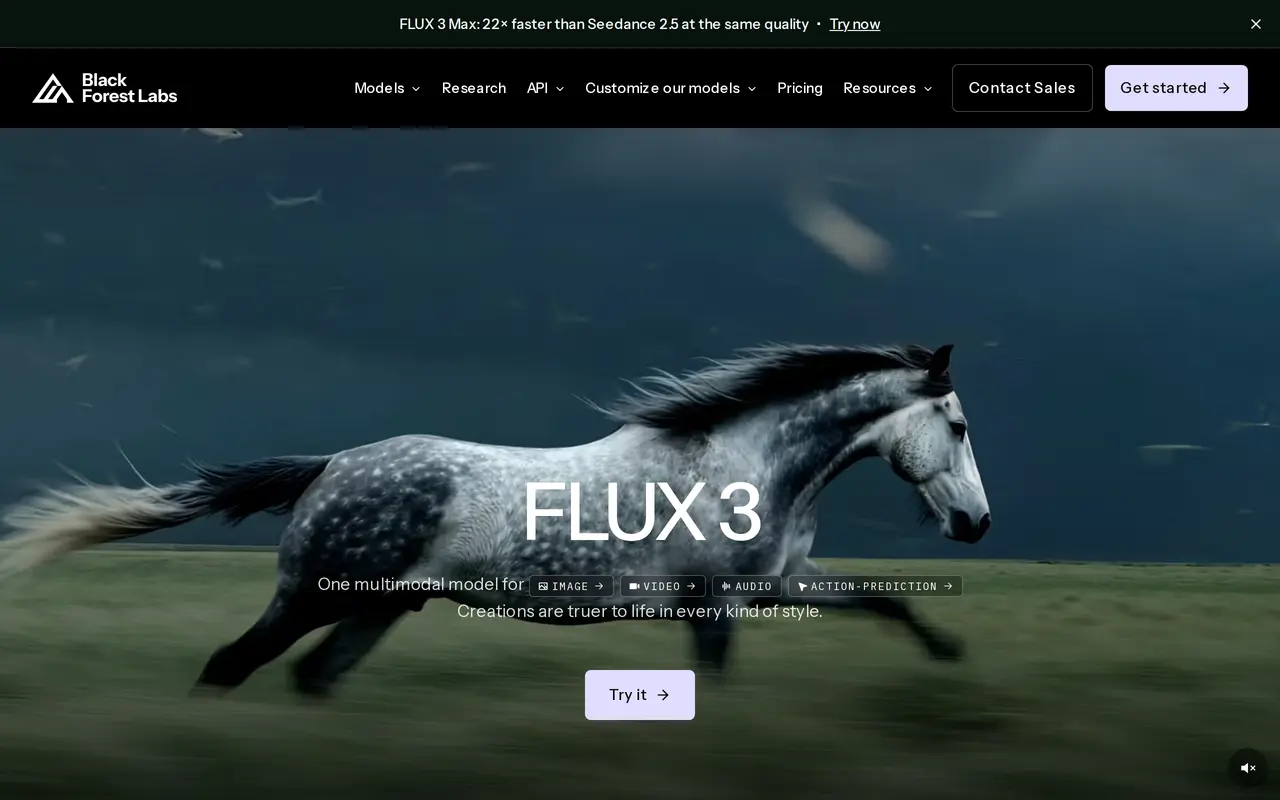
5. AutoGPT
Open sourceFrom $50/mo
AutoGPT brings together AI specialists called Experts to handle content, research, sales, and operational tasks. Its coordinating assistant, Otto, takes a plain-English brief, assigns work to relevant Experts, and reports progress. Users can also talk directly with a specialist or create one around their own working…
- Coordinated AI specialists
- Scheduled routines
- Visual workflow builder
Best for Content and marketing teams, Sales professionals, Operations professionals, Developers and self-hosters
Full review: AutoGPT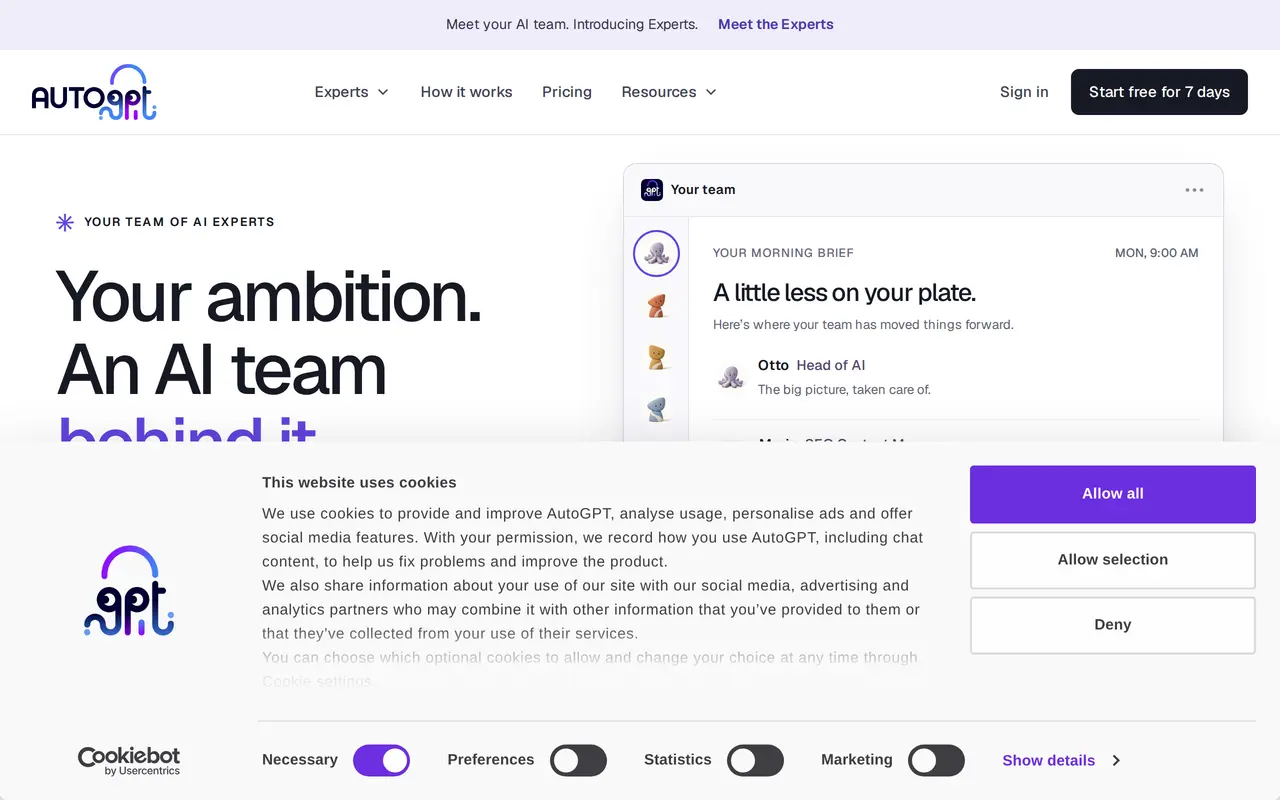

6. Claude
FreemiumFrom $20/mo
Claude is Anthropic’s AI assistant for answering questions and carrying out work with documents, spreadsheets, presentations, code, and connected apps. Users describe an outcome in plain language, give Claude access to relevant files or tools, and review the results. It can search the web, run code, create editable…
- Research and web search
- Editable files and Artifacts
- Scheduled and parallel tasks
Best for Business teams, Developers, Finance and legal professionals, Enterprise administrators
Full review: Claude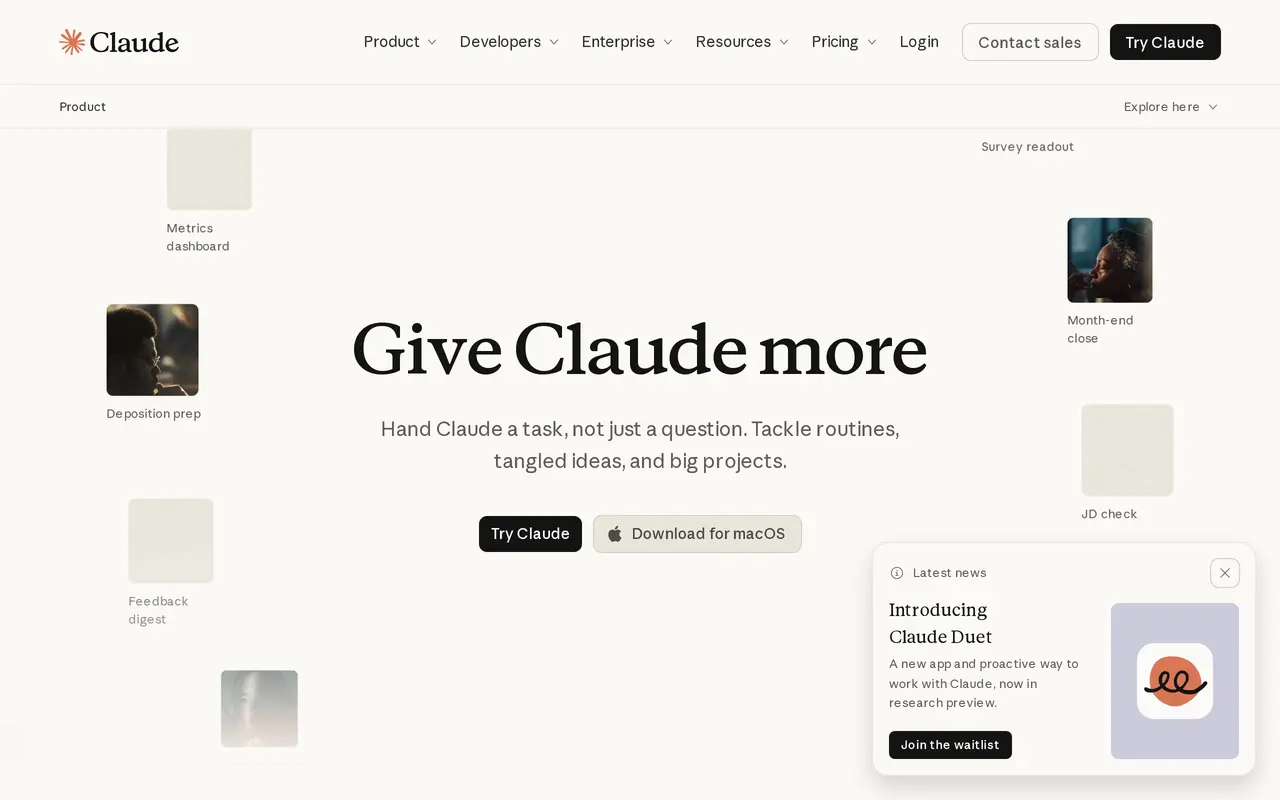
7. Gemini
Gemini is Google’s generative AI assistant for writing, planning, brainstorming, and other conversational tasks. It provides a chat interface where you can start a conversation about what you want help with. Its starting options include summarizing, learning, and coding, alongside its broader writing and…
- Writing assistance
- Planning and brainstorming
- Summarizing, learning, and coding
Best for Everyday users, Learners, People working with code
Full review: Gemini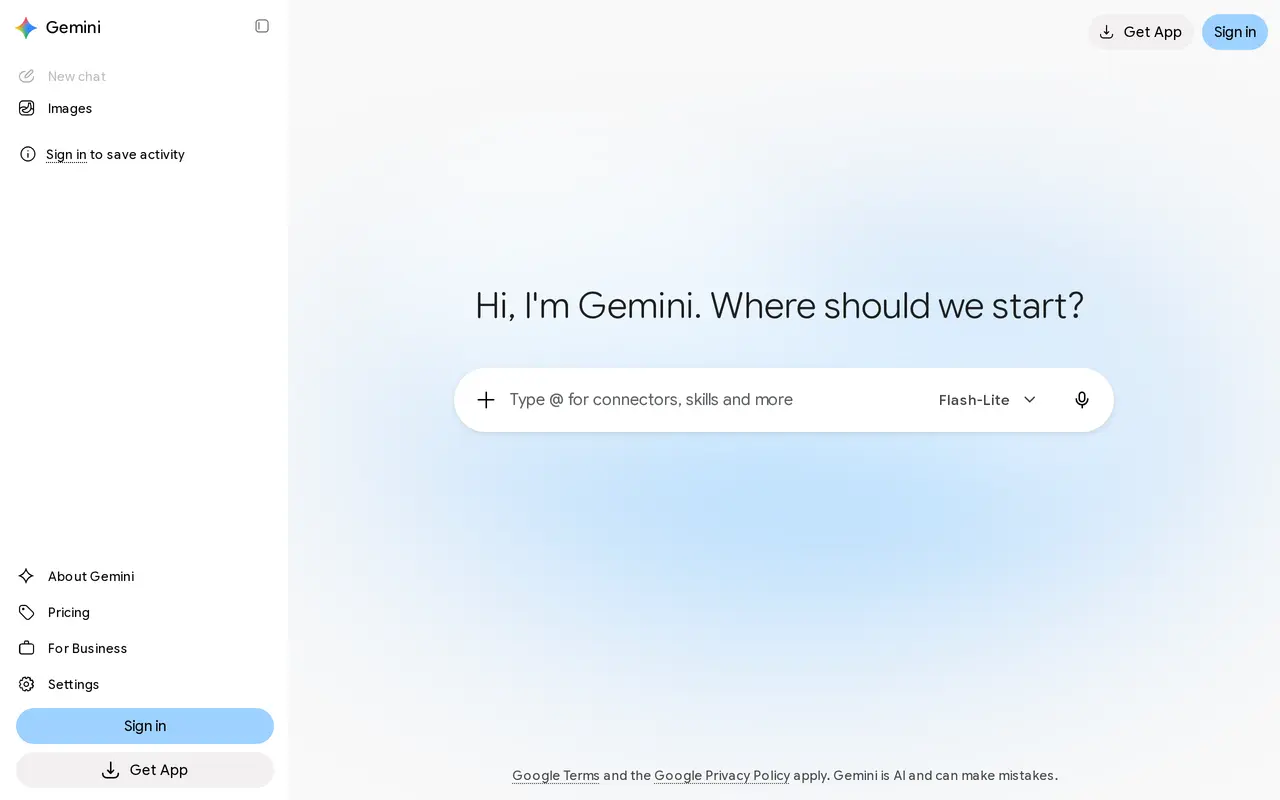

8. Grok
Grok is a general-purpose AI assistant that runs in the browser as a chat window. You type a question or request, or start with a slash command, and the assistant replies in an ongoing conversation, so follow-up questions and revisions stay in the same thread. Alongside conversation, it can generate images, help…
- Conversational chat
- Slash commands
- Image creation
Best for General users, X users, Developers
Full review: Grok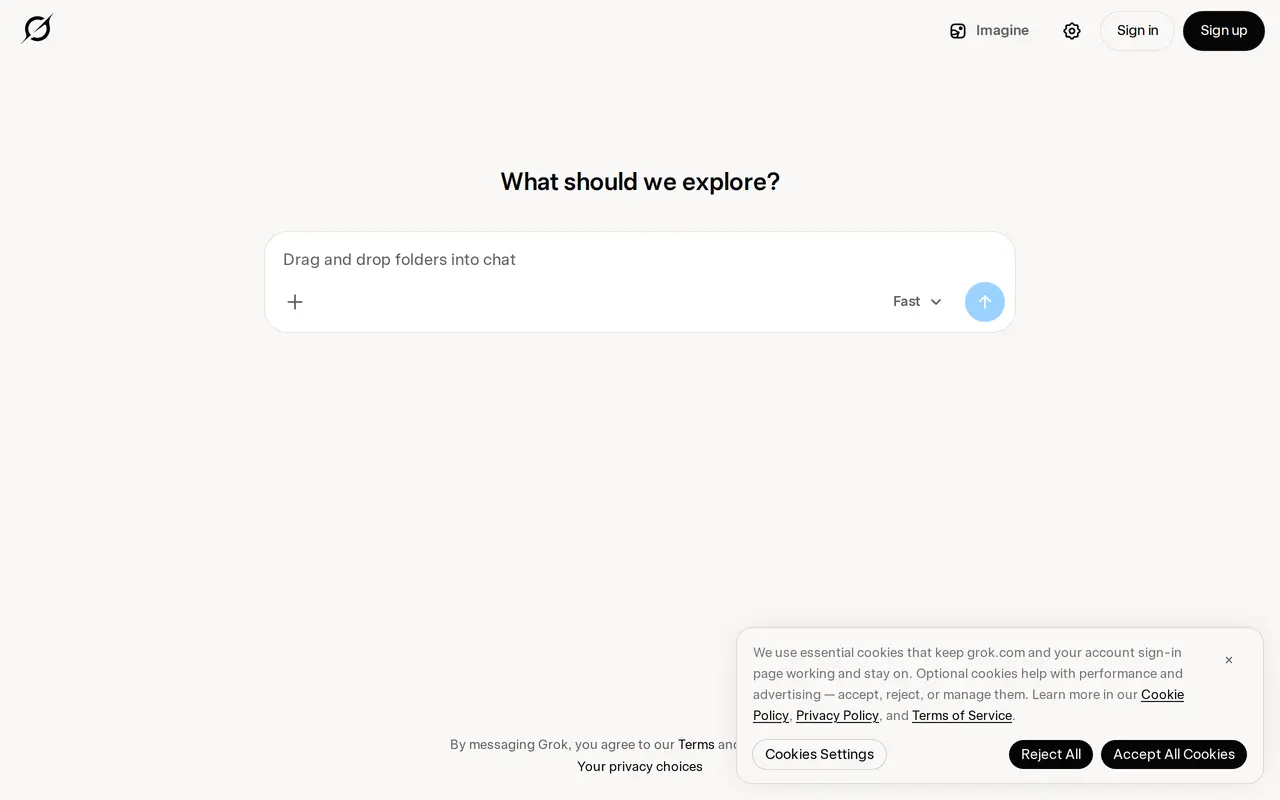

9. Microsoft Copilot
Freemium
Microsoft Copilot is an AI assistant for work, personal tasks, and school. Its chat interface lets you ask questions, explore ideas, think through projects, and summarize information within a conversation. It also supports content drafting and image generation, bringing several kinds of AI assistance into one…
- AI chat
- Work search
- Content and image creation
Best for Working professionals, Students, Personal users
Full review: Microsoft Copilot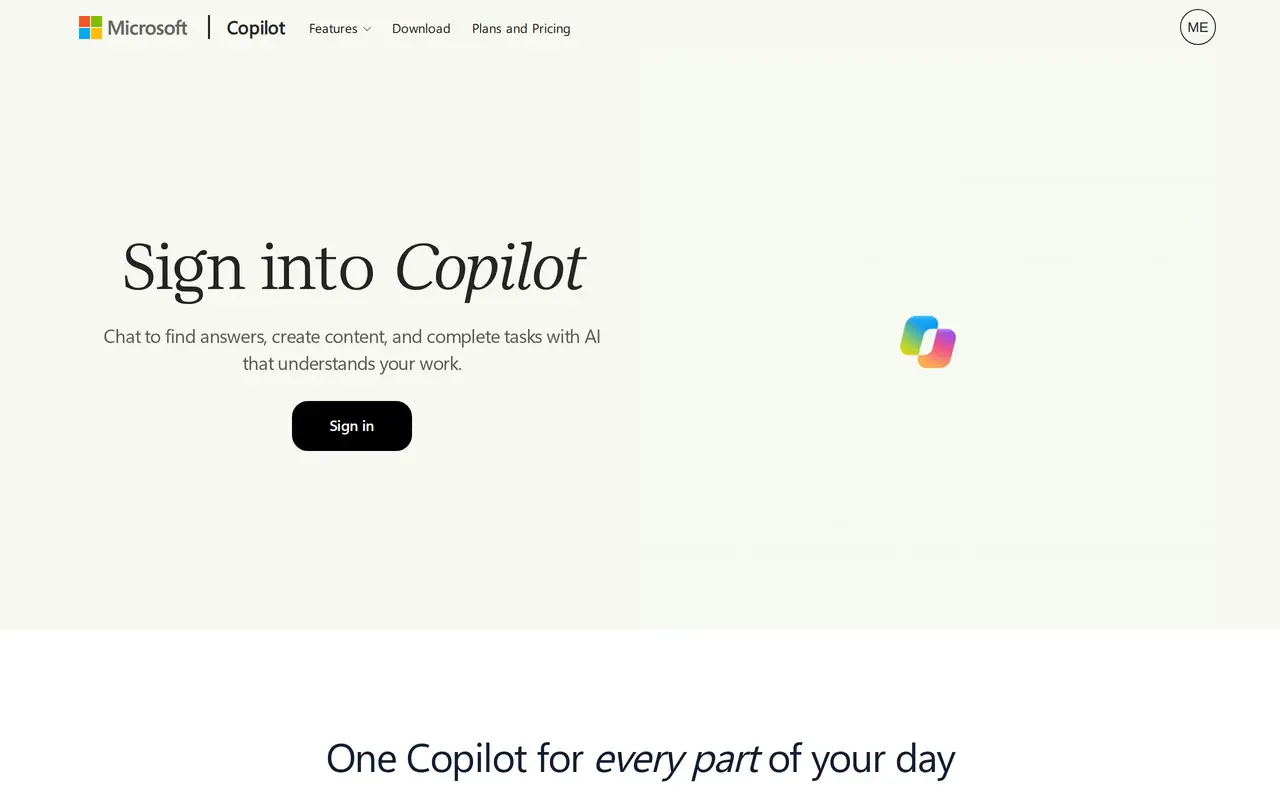

10. Monica
Freemium
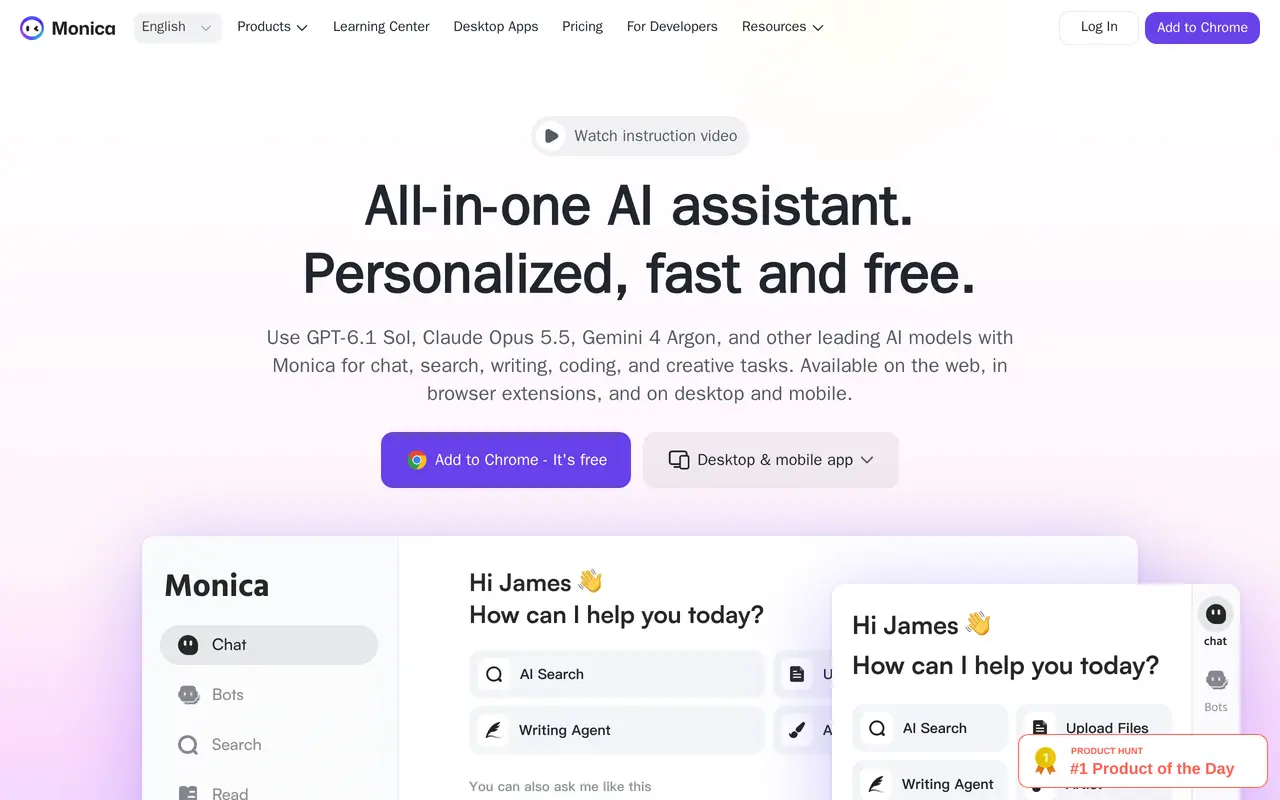
Monica is an AI assistant that brings multiple models together for chat, writing, research, translation, and creative work. It runs on the web, through a Chrome extension, and in desktop and mobile apps. Users can ask questions, compare model responses, summarize documents, and generate images or videos within the…
- Multi-model chat
- Browser sidebar and toolbar
- Writing and email assistance
Best for Researchers and analysts, Marketing professionals, Entrepreneurs, Customer service professionals
Full review: Monica