Best ChatHub alternatives
Short on time? Start with what matters most to you.
Top ChatHub alternatives, reviewed
What each one does well, who it suits and what it costs.

1. DeepAI
Freemium
DeepAI combines AI image, video and music generation with photo editing and chat in a browser-based platform. Users can start from a prompt to create visual or audio content, modify photos, or ask questions. Its editing tools include background removal, colorization, super resolution and image replacement. Free…
- Image generation and editing
- Video generation
- Music generation
Best for Hobbyists, Artists and creators, Developers
Full review: DeepAI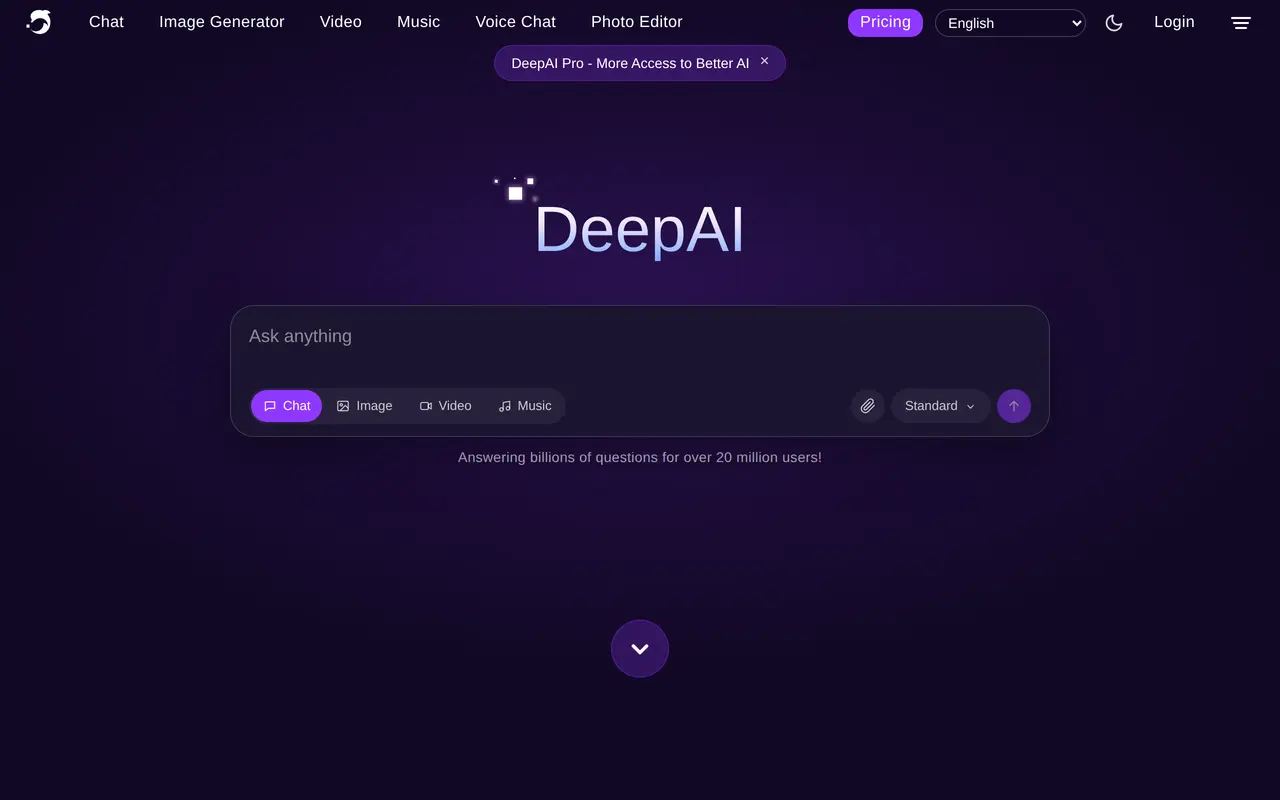

2. ChatGPT
Freemium
ChatGPT is an AI assistant that brings conversation, writing, coding, and image creation into one interface. Users can start a chat to ask questions, draft text, or get help completing work. It supports a range of tasks rather than focusing on a single type of output, making it useful for people who want to move…
- Conversational assistance
- Image creation
- File uploads
Best for Everyday users, Writers and content creators, People working with code
Full review: ChatGPT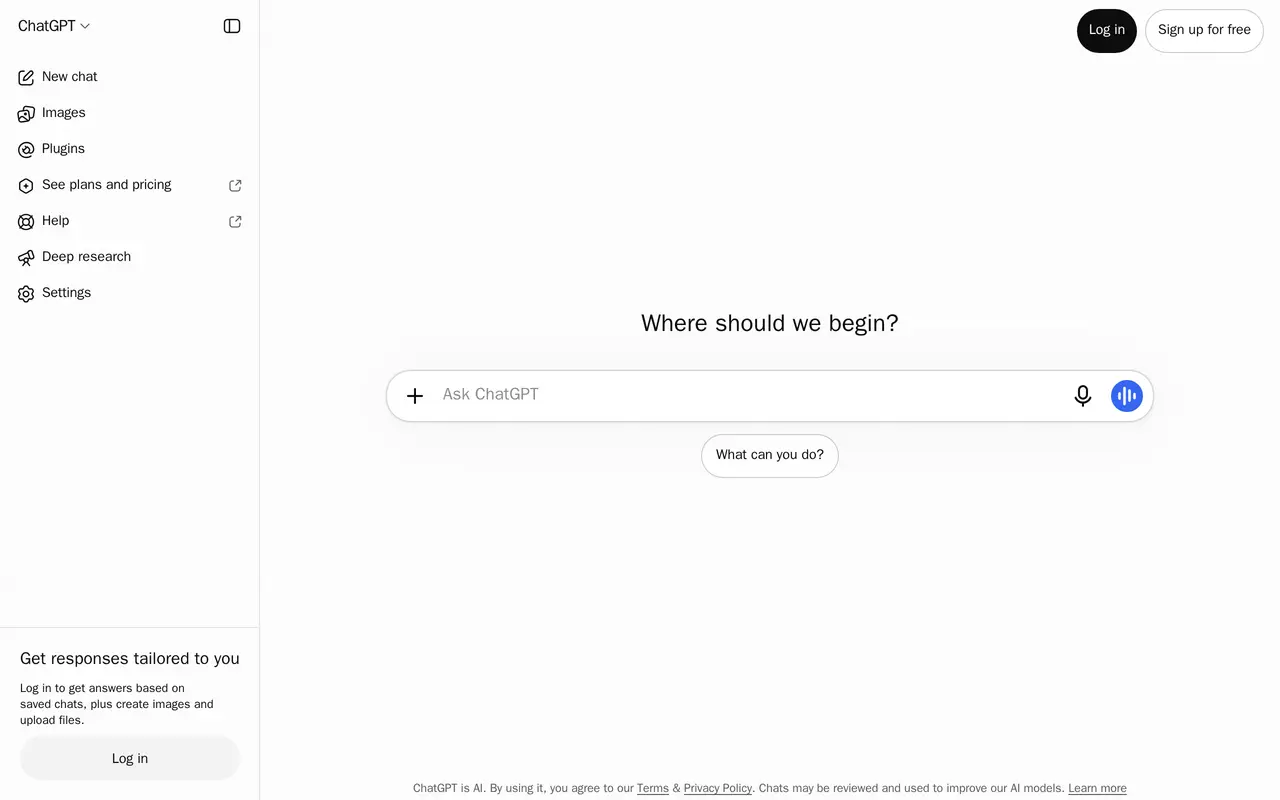

3. Chatbot App
FreemiumFrom $29.99/mo
Chatbot App is a web-based AI assistant that brings multiple third-party language models into one chat interface. Users can ask questions, draft text, summarize material, and analyze images. It connects to model providers through APIs rather than developing or owning the models itself. The app supports conversations…
- Multi-model chat
- File-based conversations
- Web search and research
Best for Everyday AI users, Document-heavy workers, Multi-model users
Full review: Chatbot App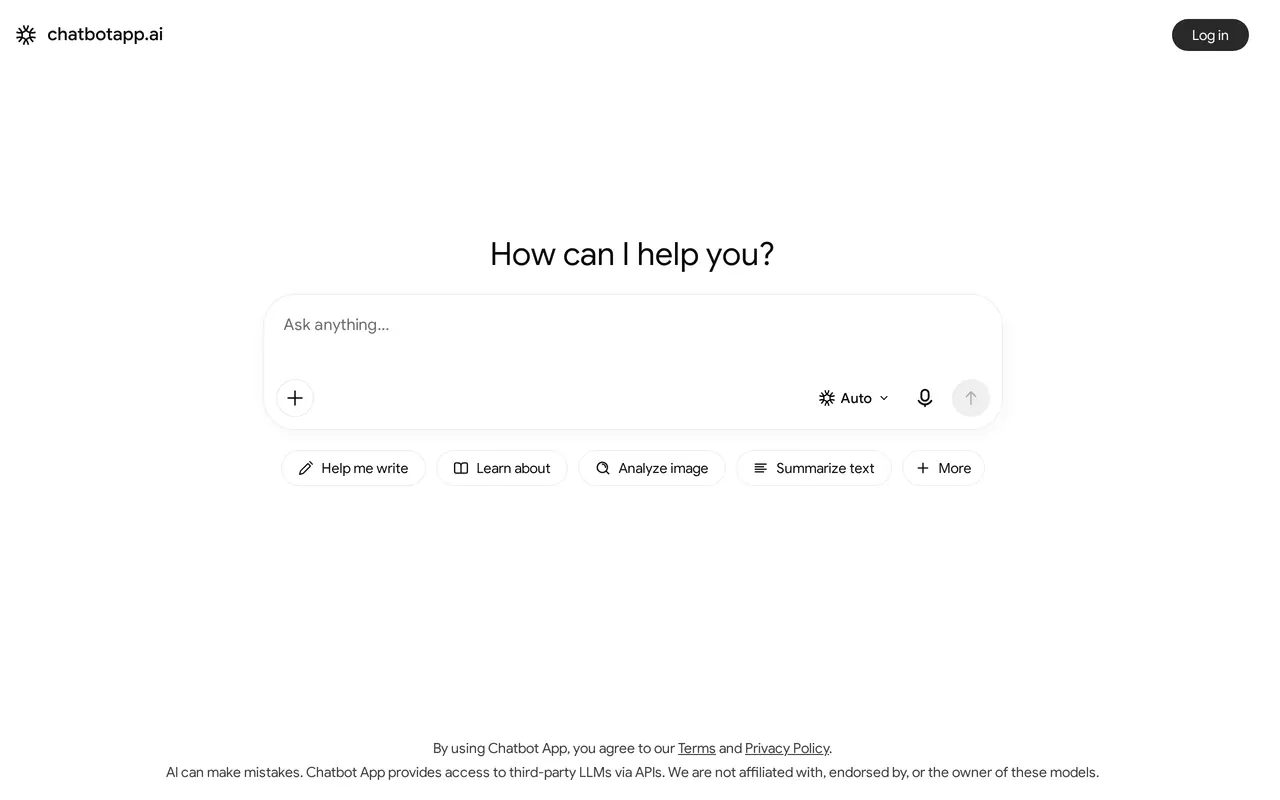

4. Lorka AI
PaidFrom $29.99/mo
Lorka AI is a subscription-based workspace that combines multiple AI chat models with writing, research, and creative tools. Users can work with models from providers including OpenAI, Anthropic, Google, and DeepSeek without moving between separate chat applications. It supports tasks such as drafting emails…
- Multi-model chat
- AI web search
- PDF conversations
Best for Students and researchers, Writers and marketers, Developers and data analysts, Entrepreneurs
Full review: Lorka AI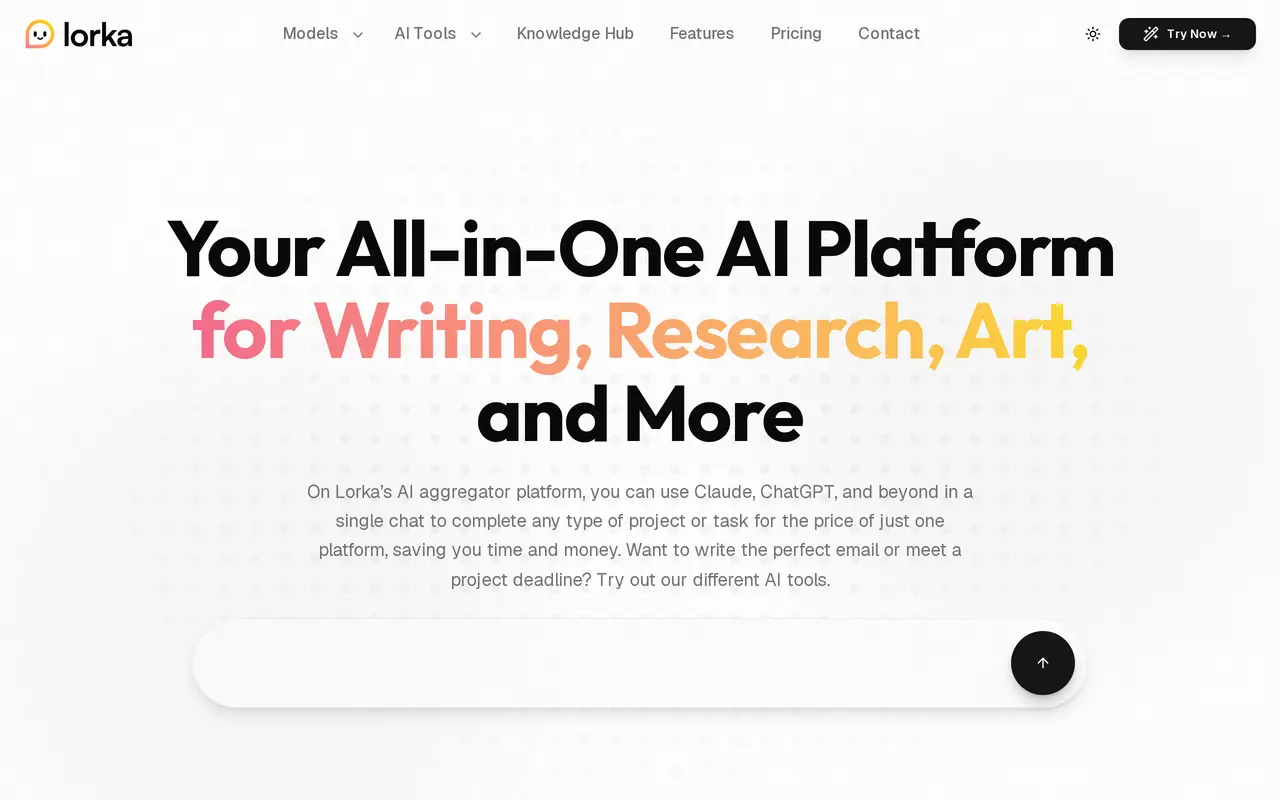
5. NinjaChat
Contact for pricing
NinjaChat brings AI chat, web research, image creation, and video generation into a single workspace. Users can choose from more than 50 models, including models from OpenAI, Anthropic, Google, and DeepSeek. Its comparison feature sends one question to three models so users can review different answers and continue…
- Multi-model chat and comparison
- Research with citations
- Projects with shared files
Best for Multi-model AI users, Content creators, Developers
Full review: NinjaChat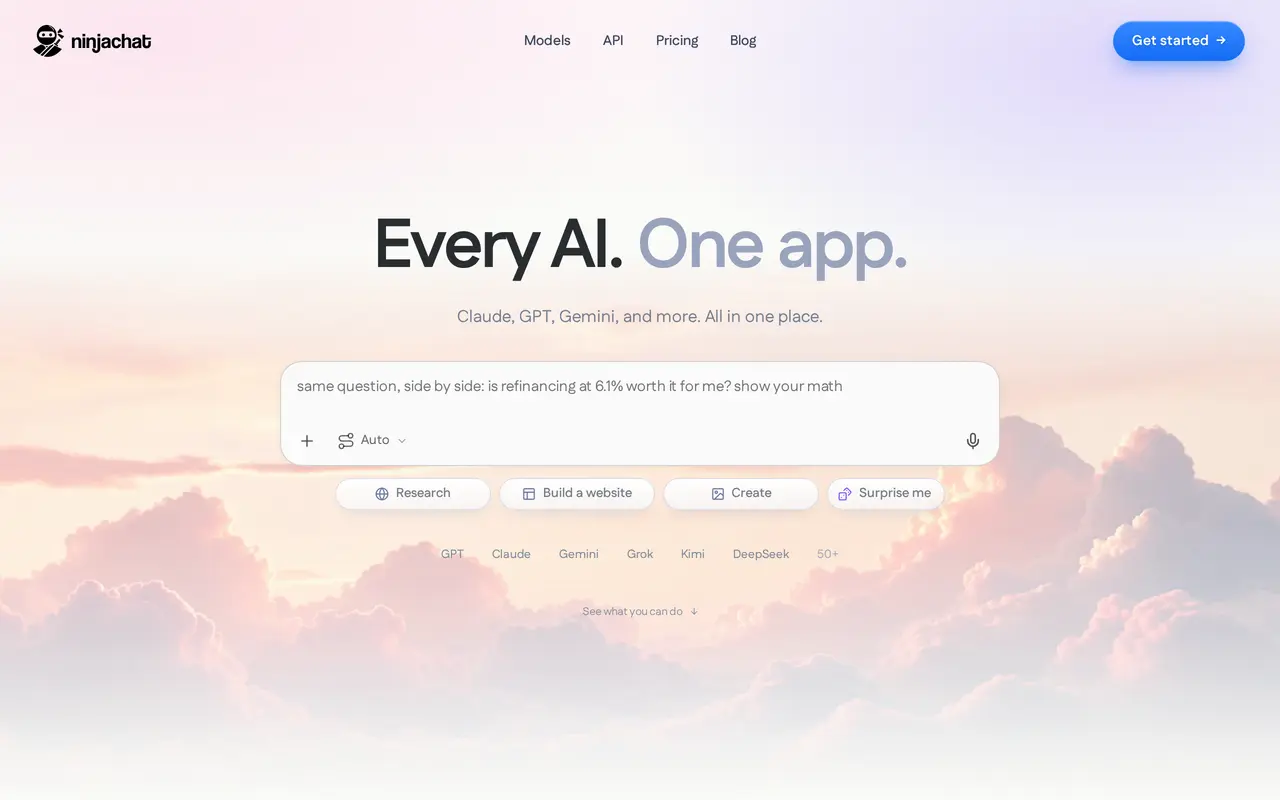

6. Qwen
Qwen is a web-based AI platform for everyday users and developers, bringing access to Qwen’s open-source and proprietary models into one interface. It combines a conversational assistant with tools for working across text, images, documents, voice, and video. Users can ask questions in chat or use its…
- Qwen model chat
- Image and video understanding
- Image generation and editing
Best for Everyday users, Developers
Full review: Qwen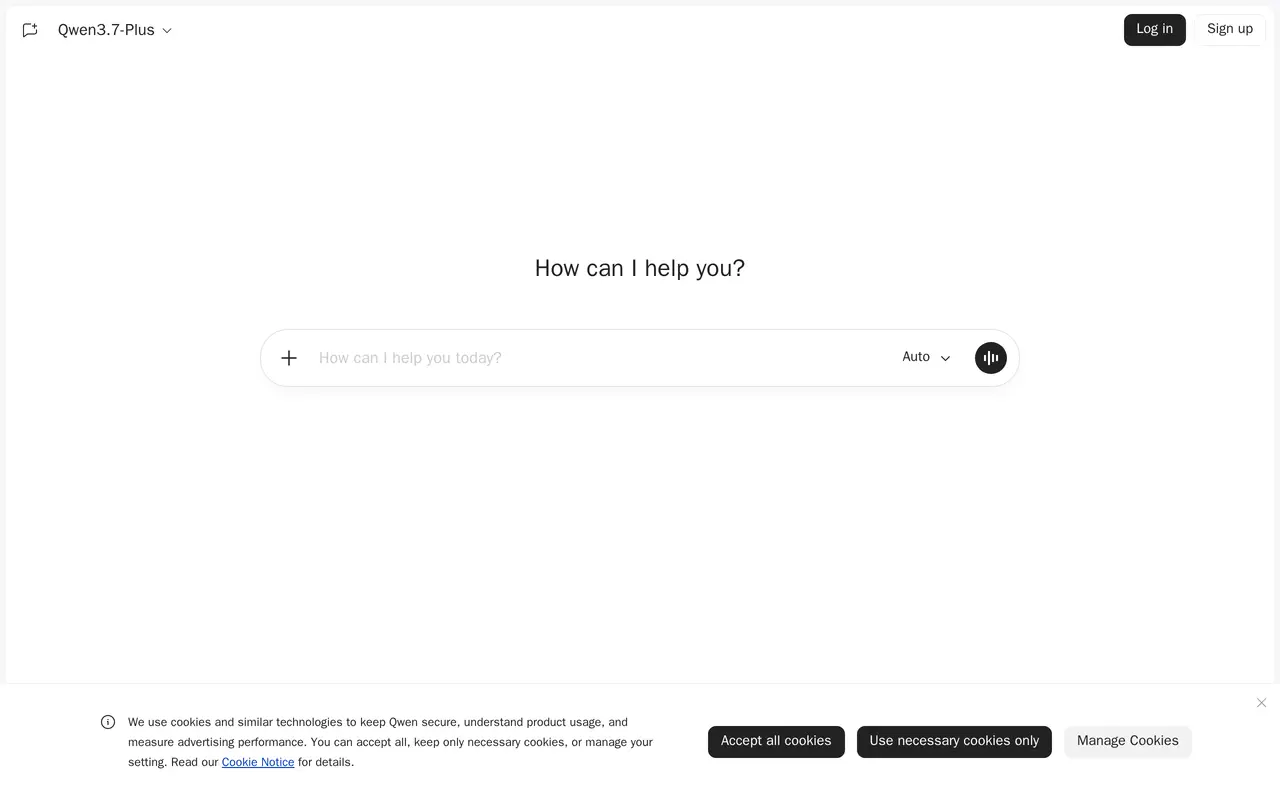

7. Use AI
Freemium
Use AI is a workspace for chatting with third-party AI models, researching topics, and creating content. It runs on the web, iOS, and Android. Users can start with Use AI Instant for everyday conversations, while paid plans add premium models and the ability to switch models within a chat. The workspace includes web…
- Multiple AI models
- Web research
- Content creation
Best for Multi-model AI users, Researchers, Knowledge workers
Full review: Use AI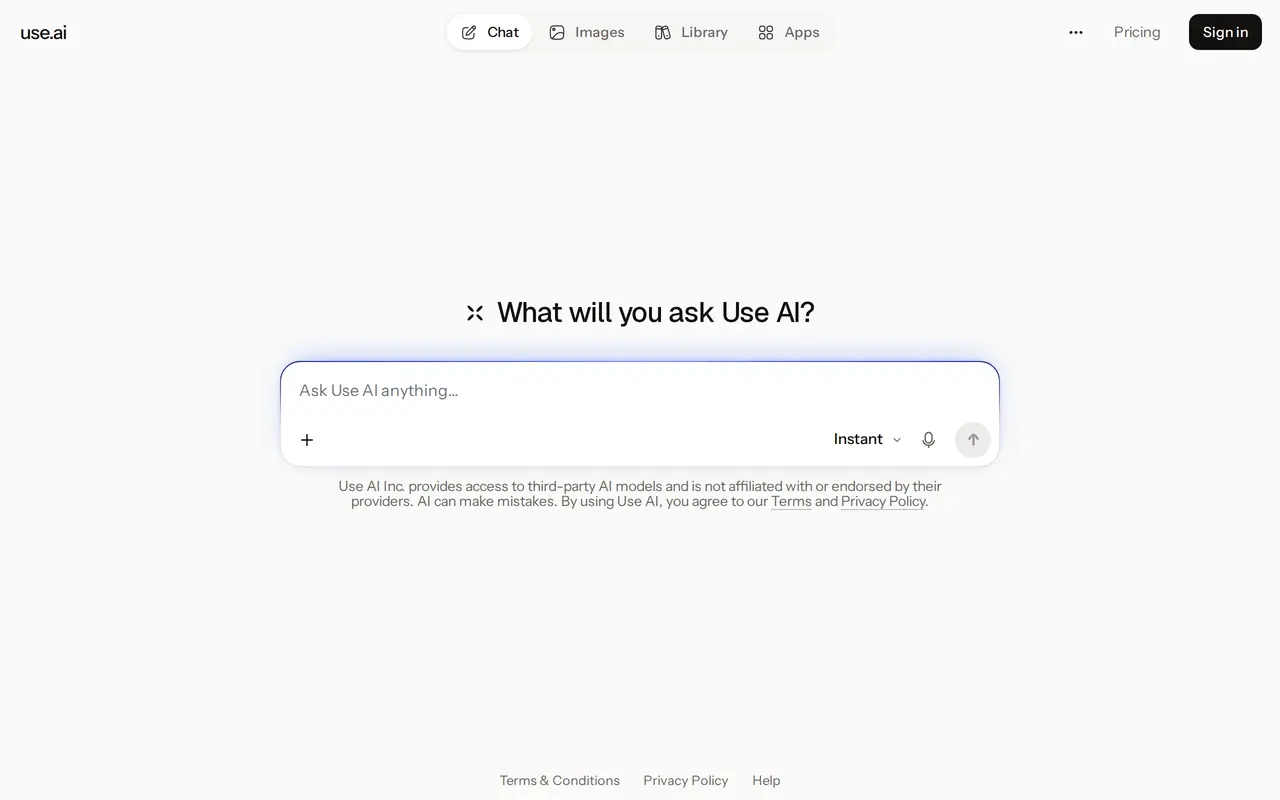

8. Microsoft Copilot
Freemium
Microsoft Copilot is an AI assistant for work, personal tasks, and school. Its chat interface lets you ask questions, explore ideas, think through projects, and summarize information within a conversation. It also supports content drafting and image generation, bringing several kinds of AI assistance into one…
- AI chat
- Work search
- Content and image creation
Best for Working professionals, Students, Personal users
Full review: Microsoft Copilot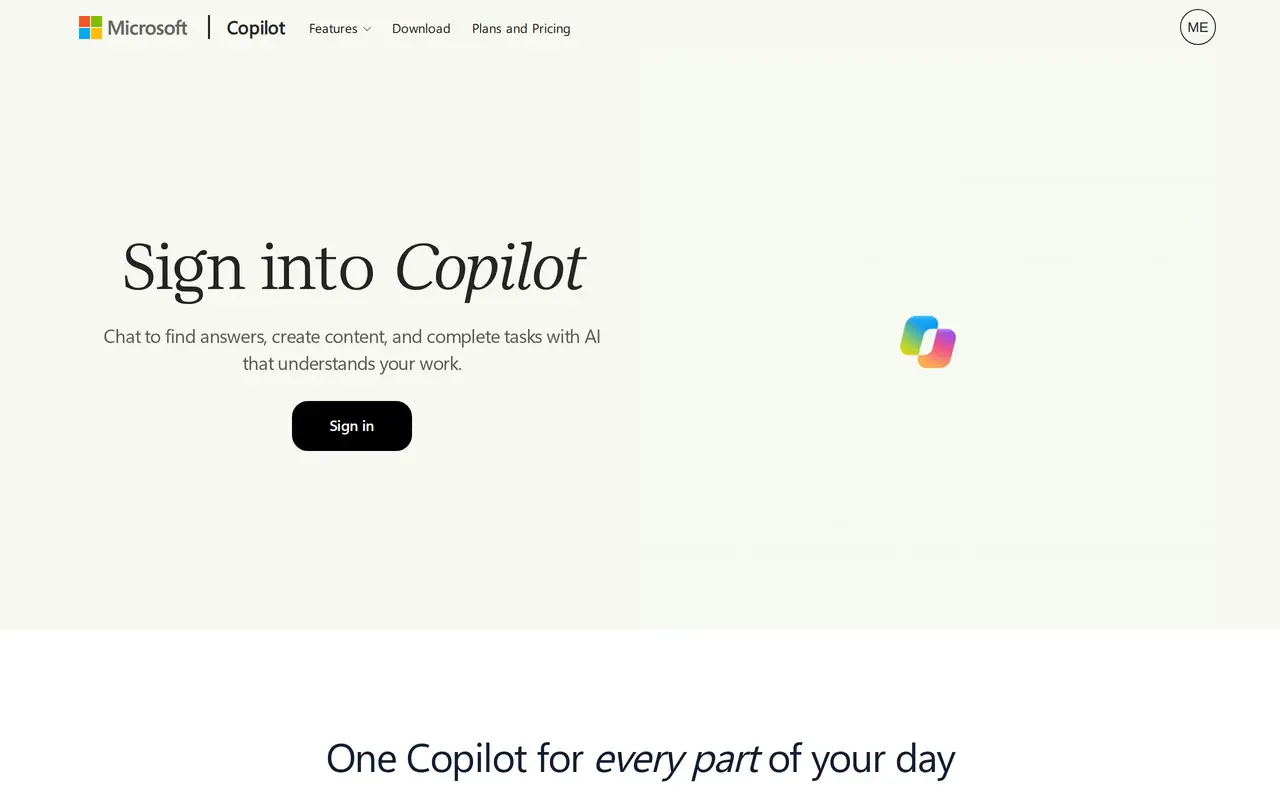

9. Grok
Grok is a general-purpose AI assistant that runs in the browser as a chat window. You type a question or request, or start with a slash command, and the assistant replies in an ongoing conversation, so follow-up questions and revisions stay in the same thread. Alongside conversation, it can generate images, help…
- Conversational chat
- Slash commands
- Image creation
Best for General users, X users, Developers
Full review: Grok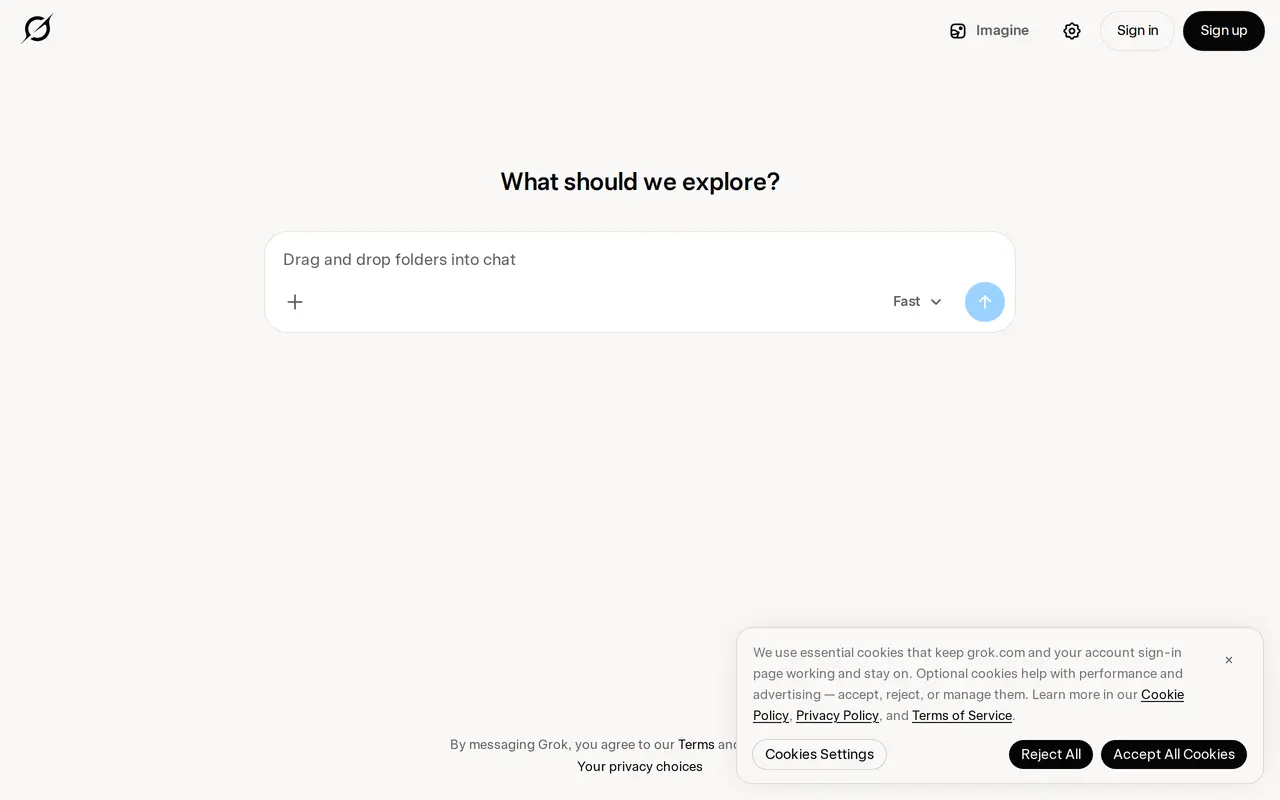

10. OpenAI
OpenAI develops AI models and offers access through ChatGPT and its API platform. ChatGPT provides a conversational interface for tasks such as drafting emails, explaining code, translating text, summarizing notes, and planning trips. Users can ask questions or describe a task, with applications spanning everyday…
- Conversational assistance
- Writing and text support
- Coding assistance
Best for Everyday users, Developers, Business teams, Educational institutions
Full review: OpenAI