
TTSReader
Visit websiteRead text, documents, ebooks and webpages aloud, or export them as audio.
Verified Nov 2, 2026
What is TTSReader?
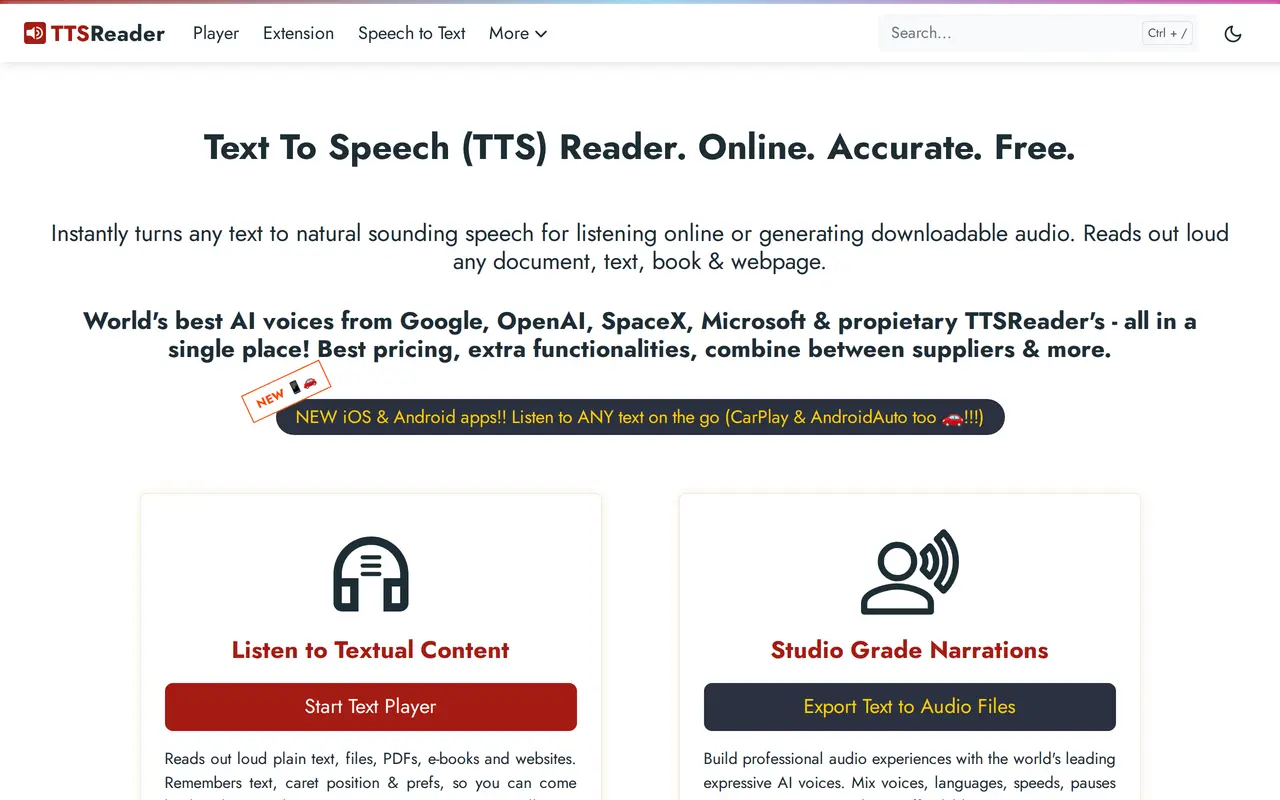
TTSReader converts written content into speech for listening, proofreading and creating narrated audio. Users can paste text, import documents such as PDF and DOCX files, upload EPUB ebooks, or enter a webpage URL. It offers free system voices alongside premium AI voices from providers including Google, Microsoft and OpenAI, with options for different languages, accents and reading speeds.
The player highlights text as it reads and remembers the content, playback position and preferences between sessions. Users can edit text during playback, combine multiple voices and languages in one narration, and export speech as MP3 files for offline listening or sharing. A Chrome extension reads webpages without requiring users to leave them, and mobile apps support listening on the go.
Free use is restricted to personal listening and testing, with unlimited non-premium voices and a limited premium-voice allowance. Business use and publishing generated audio require a paid plan, while API access and automation use prepaid credits. Premium subscriptions are licensed to one user and include a monthly premium-voice character allowance.
What can TTSReader do?
Document and webpage reading
Read pasted text, PDFs, DOCX documents, EPUB ebooks and webpage content aloud.
Multilingual AI voices
Choose voices from several providers and adjust language, accent and reading speed.
Resume listening
Keep your text, playback position and preferences so you can continue listening later.
Read-along highlighting
Follow the current sentence with highlighting and automatic scrolling while listening.
Multi-voice narration
Combine voices, languages, speeds and pauses within a single audio narration.
MP3 export
Export synthesized speech as downloadable audio for offline listening, sharing or permitted publishing.
Who is TTSReader for?
- Students and educators
- Listen to learning materials, follow highlighted text and create narrated resources.
- Writers and editors
- Proofread drafts by listening to them while making edits.
- Narration creators
- Generate voiceovers and audiobook audio with adjustable voices and playback settings.
- Readers with accessibility needs
- Access written material through speech and read-along highlighting.
How much is TTSReader?
Official pricingFree Plan
Free
Premium Plan
$10.99/mo
Pay-as-you-go — 200k chars
$10 one-time
Pay-as-you-go — 1M chars
$32 one-time
Pay-as-you-go — 10M chars
$300 one-time
Free plan: Personal use includes unlimited non-premium voices and 5,000 total premium-voice characters.
Frequently asked questions
What can I use for free?
The free plan includes unlimited non-premium voices and 5,000 total characters with premium AI voices. It is limited to personal use and testing, and generated audio cannot be published or sold.
How much does Premium cost?
Premium costs $10.99 monthly or $99 per year, equivalent to $8.25 per month billed yearly. It includes one user license, unlimited non-premium voices and one million premium-voice characters per month.
Can I publish or sell generated audio?
Publishing, selling audio and business use require a paid plan. Publishing audio generated with premium voices is allowed under the paid plans, subject to the applicable terms.
Can I use TTSReader through an API?
API access and automation are supported through the Pay-as-you-go plan. Credits are charged according to the number of characters generated.
Do prepaid credits expire?
Credits expire after one year. Each new purchase extends the expiry of remaining credits to one year from that purchase.
Does a web subscription cover the mobile apps?
Legacy mobile apps have their own separate plans and are not included in the web subscription.
TTSReader alternatives
Compare alternatives- 1
 SpeechifyRead text aloud, dictate writing, and ask questions about documents with AI.
- 2NaturalReaderTurn documents, webpages, and scripts into AI speech for reading and voiceovers.
- 3
 LuvvoiceConvert text and documents into AI speech in more than 70 languages.
- 4
 Fish AudioGenerate expressive speech, clone voices, and build voice-enabled applications.
- 5
 TypecastGenerate expressive AI voiceovers with emotion controls and voice cloning.
More Text to Speech
See more
ElevenLabs
Text to Speech
Generate AI speech, clone voices, create audio, and deploy conversational agents.

Clideo
AI Video Editors
Edit videos online with automatic subtitles, translation, and text-to-speech tools.

Murf AI
Text to Speech
Create AI voiceovers, dub videos, and build conversational voice agents.

Voicemaker
Text to Speech
Turn text into speech with a large library of AI voices in many languages.

ForgeEcho
AI Product Photography
Create ecommerce product photos, ad scripts, and voiceovers in one AI workspace.