
Tripo
Visit websiteGenerate textured 3D models from text, photos, and sketches.
Verified Nov 2, 2026
What is Tripo?
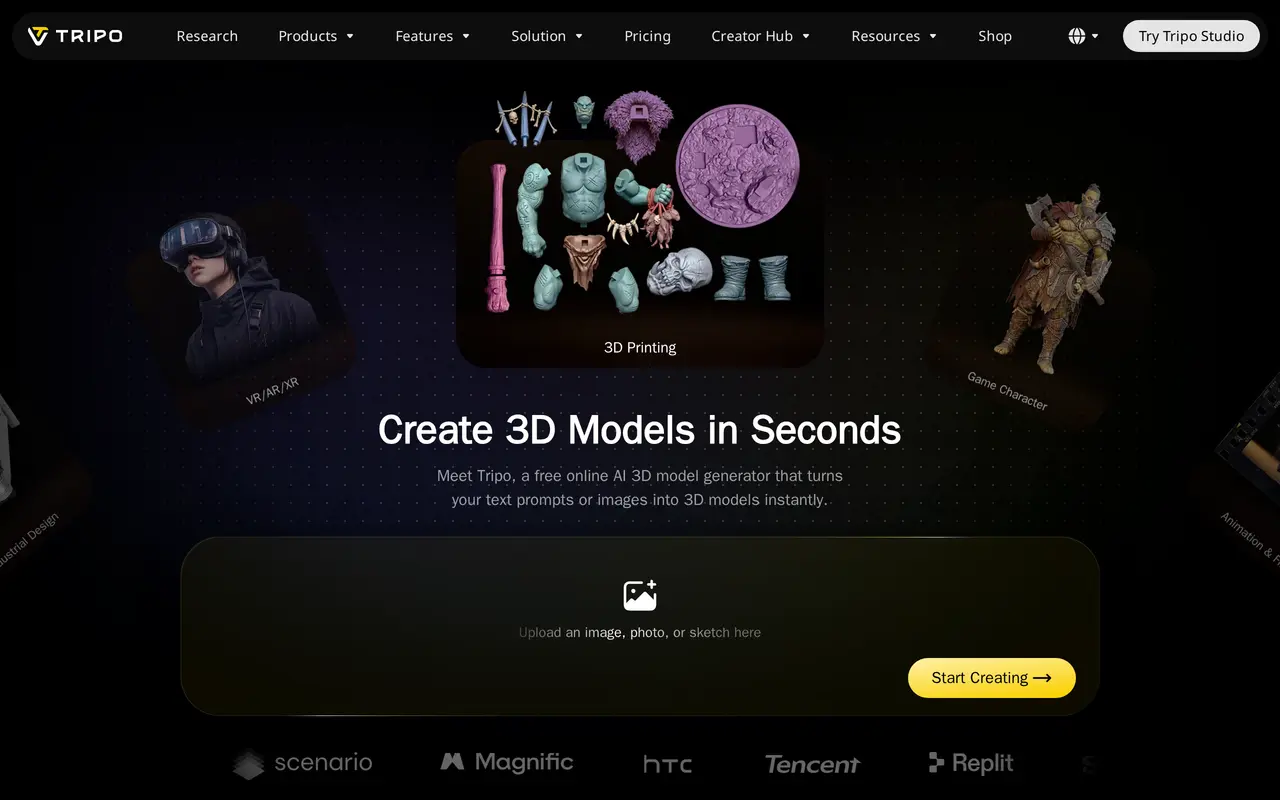
Tripo is an online AI tool that turns text descriptions, photos, and sketches into textured 3D models. It supports asset creation for games, animation, 3D printing, product visualization, and immersive environments. Users enter a prompt or upload an image, then generate and export a model for use in other software.
Two generation options serve different workflows. High Detail Model supports geometry with up to two million polygons for detailed assets, while Smart Mesh produces quad meshes ranging from 500 to 25,000 polygons. Additional tools include remeshing, model segmentation, automatic character rigging, and texture generation with PBR maps at resolutions up to 8K.
For game workflows, Tripo exports GLB, FBX, OBJ, and USD files for engines such as Unity and Unreal. Its 3D-printing tools can split larger models into parts sized for a printer’s build area and export STL, 3MF, or OBJ files. Tripo also offers an API and a command-line tool for programmatic workflows.
What can Tripo do?
Text and image to 3D
Generate textured 3D models from written prompts, photos, or sketches.
Detail and polygon controls
Choose detailed geometry up to two million polygons or quad meshes from 500 to 25,000 polygons.
AI texturing
Create PBR texture maps up to 8K or base-color textures for stylized assets.
Automatic rigging
Add skeletons to humanoid characters and creatures for animation workflows.
Segmentation for 3D printing
Split models into parts sized for a print bed and export STL, 3MF, or OBJ files.
Game asset exports
Export GLB, FBX, OBJ, and USD files for use in game engines and other 3D software.
Who is Tripo for?
- Game developers
- Create characters, props, and other assets with adjustable polygon counts for game engines.
- Animation and VFX artists
- Turn concepts into detailed models and rig characters for animation.
- 3D printing makers
- Generate printable models and divide larger objects into parts that fit a print bed.
- Product designers and retailers
- Build concept models and textured product assets from sketches or photographs.
Frequently asked questions
What inputs does Tripo accept?
Tripo generates 3D models from text descriptions and uploaded images, including photos and sketches.
Which export formats does Tripo support?
Supported formats include GLB, FBX, OBJ, and USD for 3D asset workflows, plus STL and 3MF for 3D printing.
Can Tripo rig models for animation?
Yes. Its automatic rigging tools add skeletons to humanoid characters and creatures.
Does Tripo offer programmatic access?
Tripo offers an API and a command-line tool.