
ThetaWave AI
Visit websiteTurn lectures and course materials into notes, flashcards, quizzes, and mindmaps.
Verified Nov 2, 2026
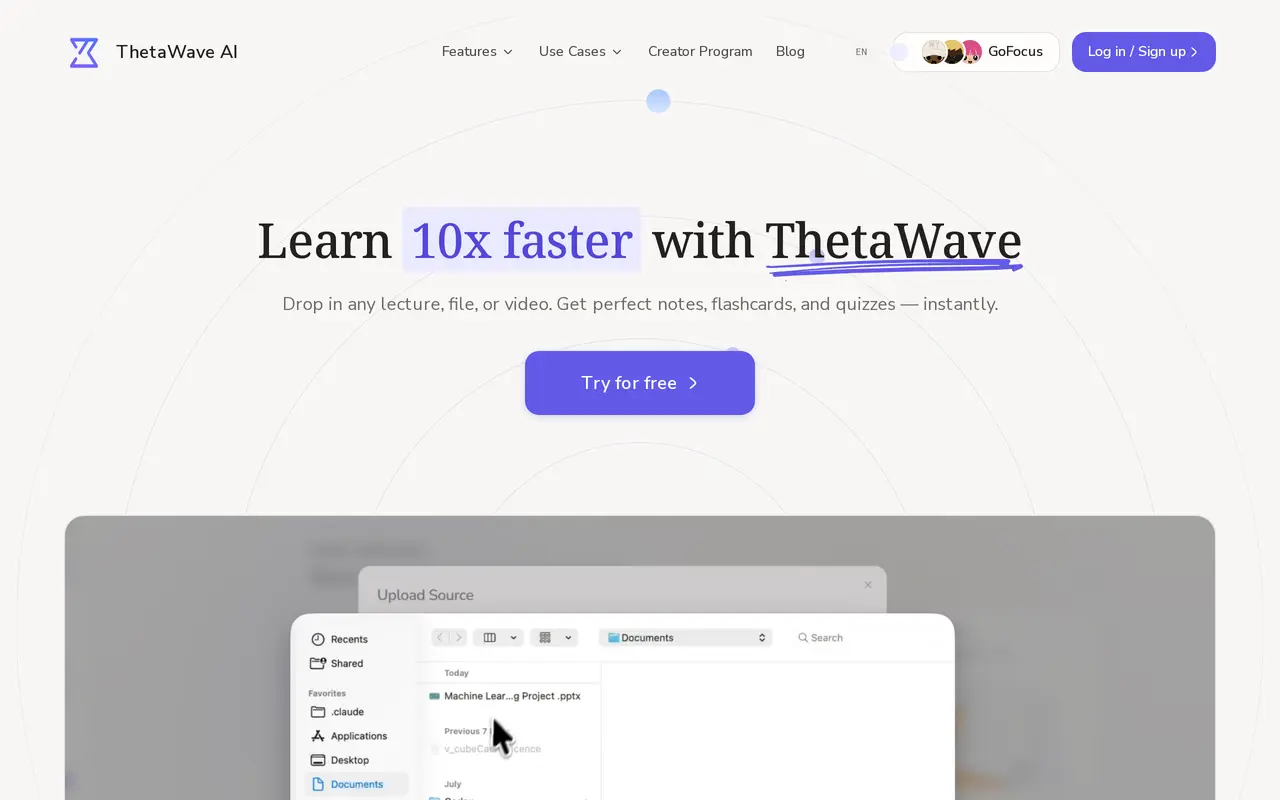
What is ThetaWave AI?
ThetaWave is an AI note-taking and study tool for college students. It turns live lectures, uploaded documents, and videos into structured notes, then uses those materials to create study aids. Students can capture lecture content in real time or upload PDF, Word, and text files to work from existing course material.
Notes can include tables, formulas, and charts, with adjustable detail levels for a brief overview or a more thorough review. This lets students organize lecture content and reading material in a format they can return to when studying.
Beyond notes, ThetaWave generates flashcards, visual mindmaps, and practice quizzes aimed at topics its AI identifies as likely to appear on tests. A course assistant also answers questions using the student's materials, connecting explanations and revision activities to the content they are studying.
What can ThetaWave AI do?
Live lecture notes
Capture lecture content in real time and turn it into structured notes.
Document conversion
Convert PDF, Word, and text files into organized study notes.
Adjustable note detail
Choose between brief overviews and detailed notes with formatted tables, formulas, and charts.
Quizzes and flashcards
Generate flashcards and practice quizzes focused on topics the AI identifies as potential test material.
Course assistant
Ask questions and receive answers based on your course materials.
Mindmap generation
Turn dense course topics into visual maps for review.
Who is ThetaWave AI for?
- College students
- Organize lectures and readings into notes and study aids for coursework and exam preparation.
Frequently asked questions
Which file types can I upload?
ThetaWave accepts PDF, Word, and text files to generate study notes.
Can I choose how detailed my notes are?
Yes. You can choose a quick overview or more detailed notes.
Can I ask questions about my course materials?
Yes. The AI course assistant uses your materials to answer course-related questions.
ThetaWave AI alternatives
Compare alternatives- 1
 ThetaWiseAI tutoring, video lessons, and practice tools for STEM students.
- 2
 Gemini NotebookResearch your sources and turn them into summaries, study aids, audio, and slides.
- 3
 ScholarcySummarize academic papers into interactive flashcards and organize your research.
- 4
 JustDoneAI tools for drafting, rewriting, checking originality, and studying.
- 5
 SlidesgoPresentation template library with AI tools that generate slides from a prompt.
More AI Study Tools
See more
ConceptDiagram
AI Graphic Design
Generate labeled concept maps, flowcharts, mind maps, and science diagrams from text.