
PlugThis
Visit websiteBuild Chrome extensions from plain-English descriptions and download the source code.
Verified Nov 2, 2026
What is PlugThis?
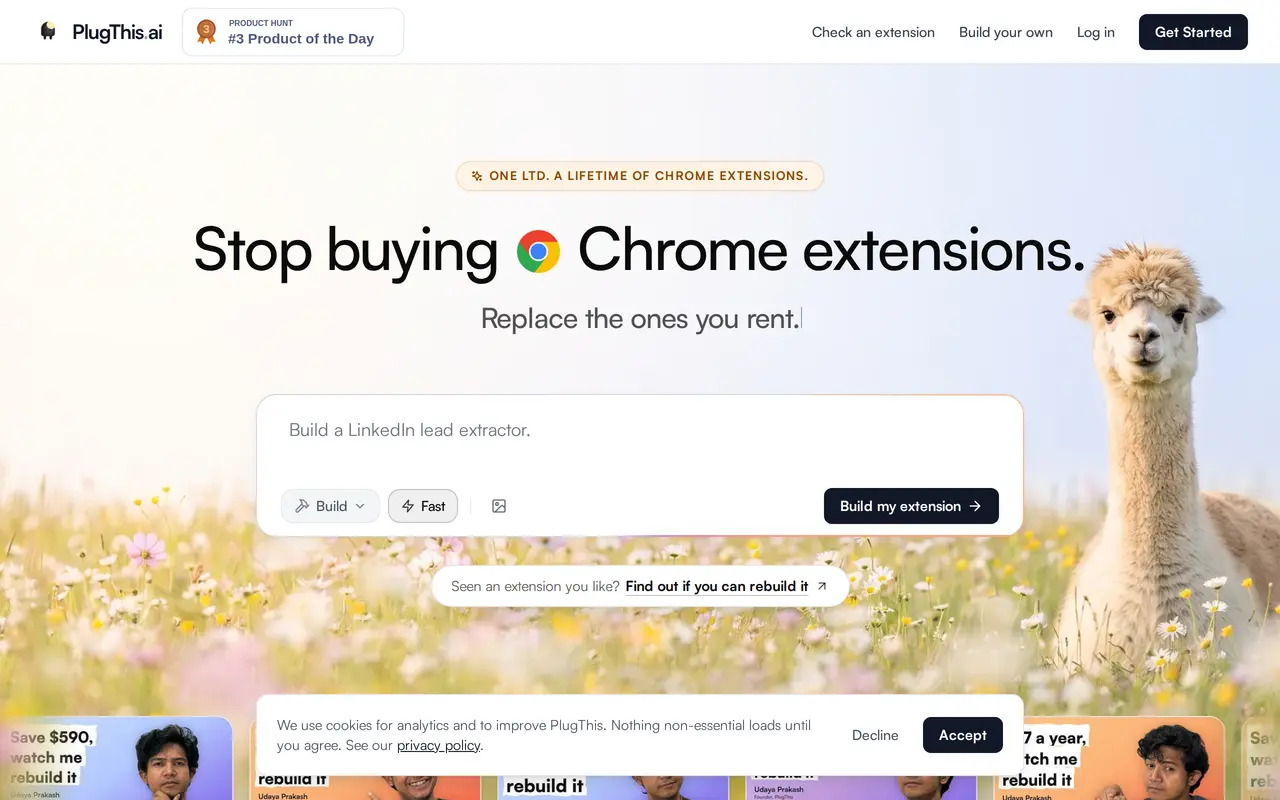
PlugThis is an AI builder focused on Chrome extensions. Users describe what an extension should do, which websites it should run on, and what information it should remember. The tool generates a Manifest V3 package, including the manifest, popup interface, content scripts, and background service worker. Chat-based edits let users refine the extension without writing the code themselves.
The generated folder can be downloaded and loaded into Chrome, or prepared for publication in the Chrome Web Store. Users own the source code and can modify, share, or sell their extensions. For extensions that need accounts, databases, or server-side logic, PlugThis generates backend code connected to the user's Supabase account. AI features inside an extension use the user's own API key from providers such as OpenAI, Gemini, or Groq.
Subscriptions cover one or three extensions, with build and editing chats subject to a fair-use cap. Downloading and using completed extensions does not incur a separate PlugThis charge, and existing extensions remain usable after cancellation. Publishing requires a Chrome Developer account and a store listing; backend and AI functionality require the relevant external accounts.
What can PlugThis do?
Prompt-based extension building
Describe an extension in plain English, then use chat to build and refine its behavior.
Manifest V3 code generation
Generates the manifest, popup, content scripts, background worker, permissions, and extension packaging.
Supabase backend support
Connect a Supabase account to add authentication, databases, and server-side logic to an extension.
Bring-your-own-key AI
Use your own OpenAI, Gemini, or Groq API key to power AI features within generated extensions.
Downloadable source code
Keep and modify the generated code, install it in Chrome, or publish and sell the extension.
Who is PlugThis for?
- Nontechnical builders
- Create custom Chrome extensions through descriptions and chat-based edits rather than manual coding.
- Founders
- Build and publish browser-based products with downloadable code and optional backend functionality.
- Chrome users
- Create personal browser utilities such as tab managers, focus blockers, summarizers, and autofill tools.
How much is PlugThis?
Official pricingStarter
$9.99/mo
Builder
$29.99/mo
Frequently asked questions
How much does PlugThis cost?
Starter costs $9.99 per month for one extension. Builder costs $29.99 per month for three extensions, full-stack support, and priority support.
Are build and editing chats unlimited?
Both plans include chats without a per-chat charge, subject to a monthly fair-use cap. PlugThis emails users before they approach that cap.
Can I sell or publish the extensions I build?
Yes. You own the generated code and can publish, sell, modify, or share it. Chrome Web Store publication requires a Chrome Developer account, which has a $5 one-time Google fee, and a store listing.
What happens if I cancel?
You can cancel through account settings. Extensions already downloaded remain on your machine and continue working after cancellation.
Do AI features require my own API key?
Yes. AI functionality inside generated extensions uses your own OpenAI, Gemini, or Groq API key, with provider usage billed separately rather than through PlugThis.
Is there a refund guarantee?
If the generated code does not work, you can email PlugThis within seven days for a full refund. You keep what you built.
PlugThis alternatives
Compare alternatives- 1
 FastshotBuild and publish native iOS and Android apps from plain-language descriptions.
- 2
 NewlyBuild native iOS and Android apps from plain-language prompts.
- 3
 WronBuild mobile apps and websites with AI, research app niches, and explore ad ideas.
- 4
 DifyBuild and deploy AI agents, workflows, and knowledge pipelines in a visual workspace.
- 5
 GlideBuild business apps and AI agents from spreadsheets, files, or prompts.
More AI App Builders
See more
Figma
AI Graphic Design
Design interfaces, build apps and websites, and collaborate with AI in a shared workspace.

Replit
AI App Builders
Build, edit, and publish apps and websites using natural-language instructions.

Bolt
AI App Builders
Build and publish apps, websites, and prototypes by chatting with AI.

Converge.AI
AI App Builders
AI agents for building apps and creating marketing images, designs, and videos.

10Web
AI Website Builders
Build and host websites, online stores, and web apps from prompts, links, or files.

OnSpace.AI
AI App Builders
Build mobile and web apps with AI, managed backends, and built-in payments.