
Framer
Visit websiteBuild and publish websites with AI agents and an editable visual canvas.
Verified Nov 2, 2026
What is Framer?
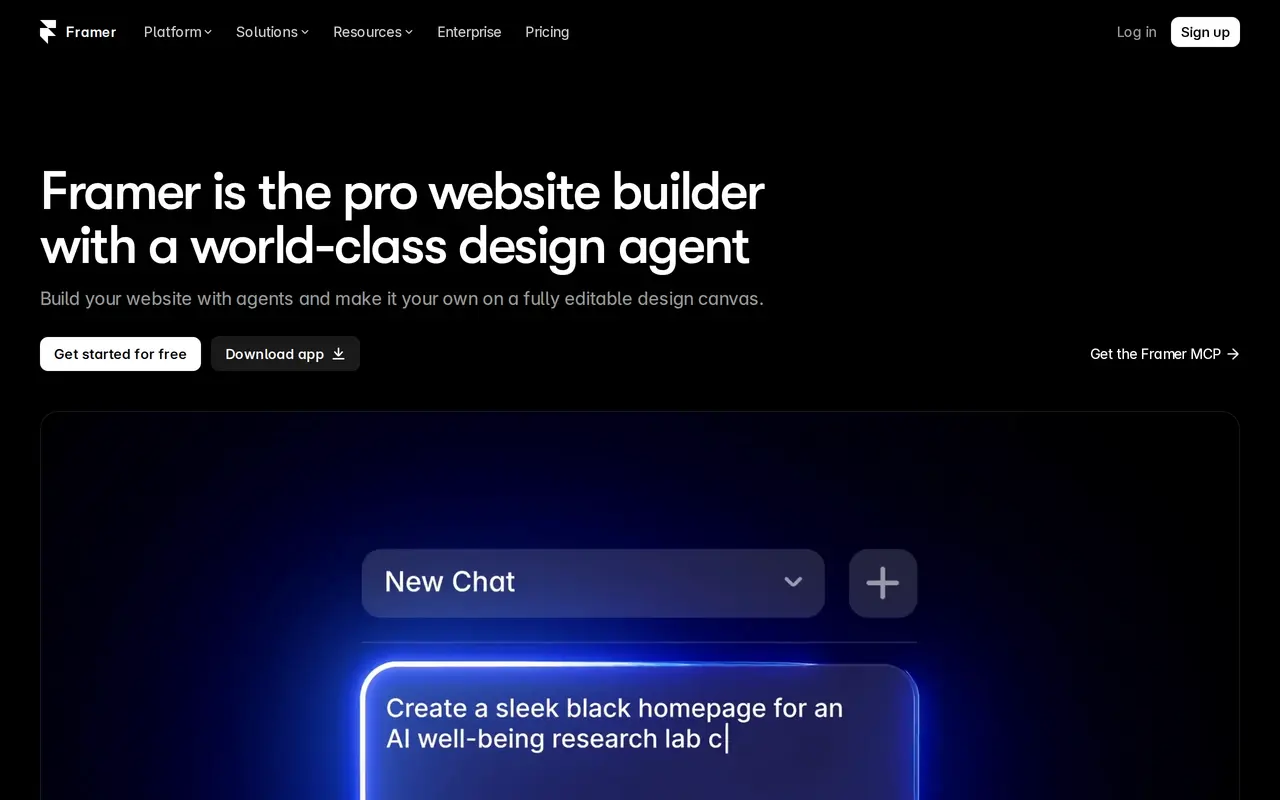
Framer is a website builder that combines AI design agents with a visual editing canvas. You describe the site or changes you want, and agents create layouts, sections, components, and custom interactions directly in your project. Generated work stays editable, so you can adjust typography, responsive breakpoints, effects, and content before publishing.
Its agents also work with the built-in CMS, helping set up collections, organize content, and keep it connected to the design. An MCP server lets compatible assistants, including Claude, Codex, and Cursor, update copy, import CMS content, and make site changes that you can review on the canvas.
Framer includes hosting, analytics, SEO tools, localization, and collaboration features. It supports portfolios, landing pages, company sites, and blogs, with staging and branching available on Pro. The free plan includes a Framer domain and 500 introductory AI credits; connecting your own domain requires a paid plan. Paid plans include monthly AI credits shared across the workspace.
What can Framer do?
AI design agent
Generate and refine layouts, sections, and components directly on an editable website canvas.
CMS agent
Set up, organize, and update CMS content while keeping it connected to your site's design.
Custom code generation
Use agents to create custom effects and interactions and place them on your site.
MCP connection
Connect compatible AI assistants to edit copy, import CMS content, and change your site before reviewing and publishing.
Integrated publishing
Publish websites with built-in hosting, CMS, analytics, and search optimization tools.
Team collaboration
Invite designers, content editors, and viewers, with staging and branching available on Pro.
Who is Framer for?
- Designers and freelancers
- Create portfolios and client websites with AI-assisted layouts and detailed visual editing.
- Agencies and studios
- Build and maintain client sites with shared design, content editing, and publishing workflows.
- Startup and marketing teams
- Launch company sites, landing pages, and blogs with integrated content management and analytics.
How much is Framer?
Official pricingFree
Free
Basic
$120/yr
Pro
$360/yr
Enterprise
See website
Free plan: Free sites include a Framer domain, 1 GB bandwidth, and 500 introductory AI credits for workspaces without a subscription.
Frequently asked questions
Can I use Framer for free?
The Free plan includes a Framer domain, 1 GB of bandwidth, and 500 introductory AI credits for workspaces without an active subscription. It is intended for non-commercial use; a custom domain requires a paid plan.
How much do paid plans cost?
With yearly billing, Basic costs $10 per month, billed yearly at $120, and Pro costs $30 per month, billed yearly at $360. Enterprise has custom pricing.
How do AI credits work?
Credits power agents, localization, and other AI features and are shared across the workspace and its editors. Basic includes 1,000 credits per month and Pro includes 3,000, with additional credits available.
Can I connect an external AI assistant?
Framer's MCP server connects compatible tools such as Claude, Codex, and Cursor. They can update copy, import CMS content, and make changes that you review on the canvas before publishing; MCP access is free during preview.
Are additional collaborators free?
Viewers are free. On Basic and Pro, additional editors cost $20 per editor per month, while content editors cost $10 per editor per month.
Framer alternatives
Compare alternatives- 1
 RelumeBuild marketing websites from briefs, notes or URLs, then publish or export them.
- 2
 AtomsBuild and launch full-stack apps with AI agents, without writing code.
- 3
 CaffeineBuild and update apps and websites by describing what you need in plain language.
- 4
 WronBuild mobile apps and websites with AI, research app niches, and explore ad ideas.
- 5
 DenovoAI agents build business websites, create launch materials, and run marketing tasks.
More AI Website Builders
See more
Figma
AI Graphic Design
Design interfaces, build apps and websites, and collaborate with AI in a shared workspace.

Gamma
AI Presentation Makers
Create presentations, documents, websites, and social visuals with AI.

Replit
AI App Builders
Build, edit, and publish apps and websites using natural-language instructions.

Bolt
AI App Builders
Build and publish apps, websites, and prototypes by chatting with AI.

Durable
AI Website Builders
Build a business website with AI and manage leads, bookings, and marketing.

LOGO.com
AI Logo Generators
Create and customize AI-generated logos, brand assets, and a matching website.